
Smart Product Information & Packaging
Help customers access the right information at the right time with smart QR codes designed for products. Modern customers expect more than basic packaging and printed instructions. They want quick access to product details, user guides, videos, support information and additional resources without needing to search websites or contact support. QRitNow allows businesses to create dynamic product QR codes that connect customers directly to relevant information with a simple scan. Whether you're selling retail products, food items, electronics, manufacturing equipment or consumer goods, product QR codes create a better customer experience while reducing support effort and keeping information current.
Create smarter product experiences with QR codes.Create Product QR Codes
What can I use it for
Give customers instant access to product information
Instead of forcing customers to search for information, everything they need is available through one scan. A product QR code can provide customers with immediate access to:
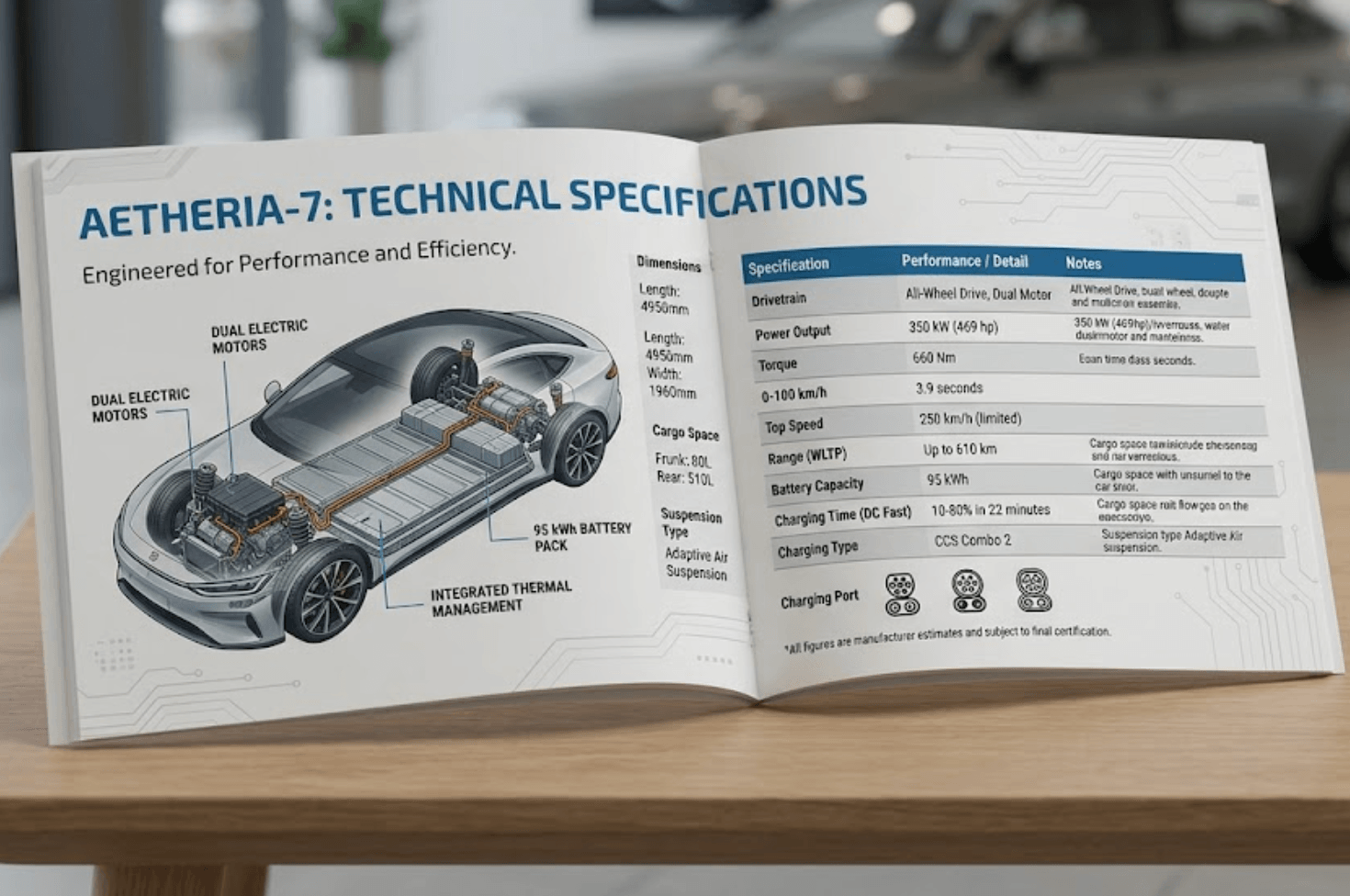
Product specifications
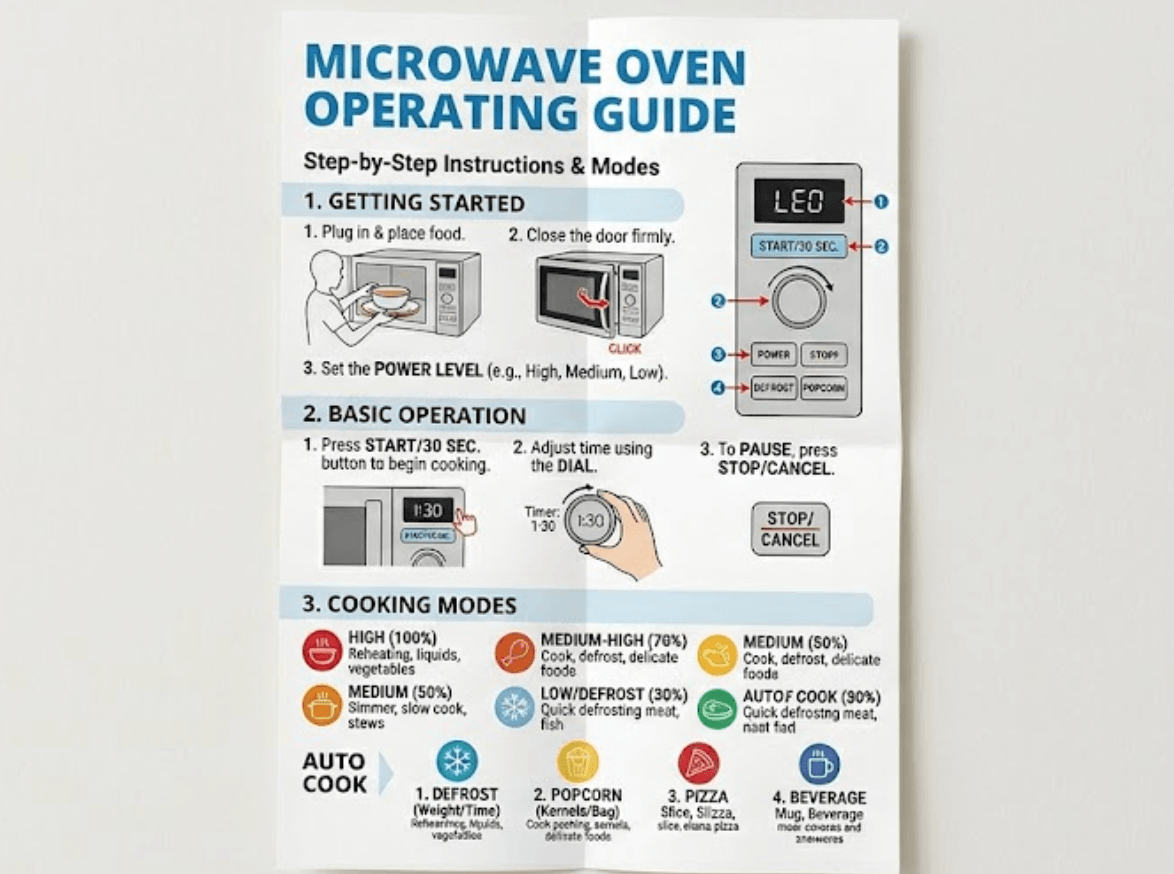
Instructions and guides

Videos
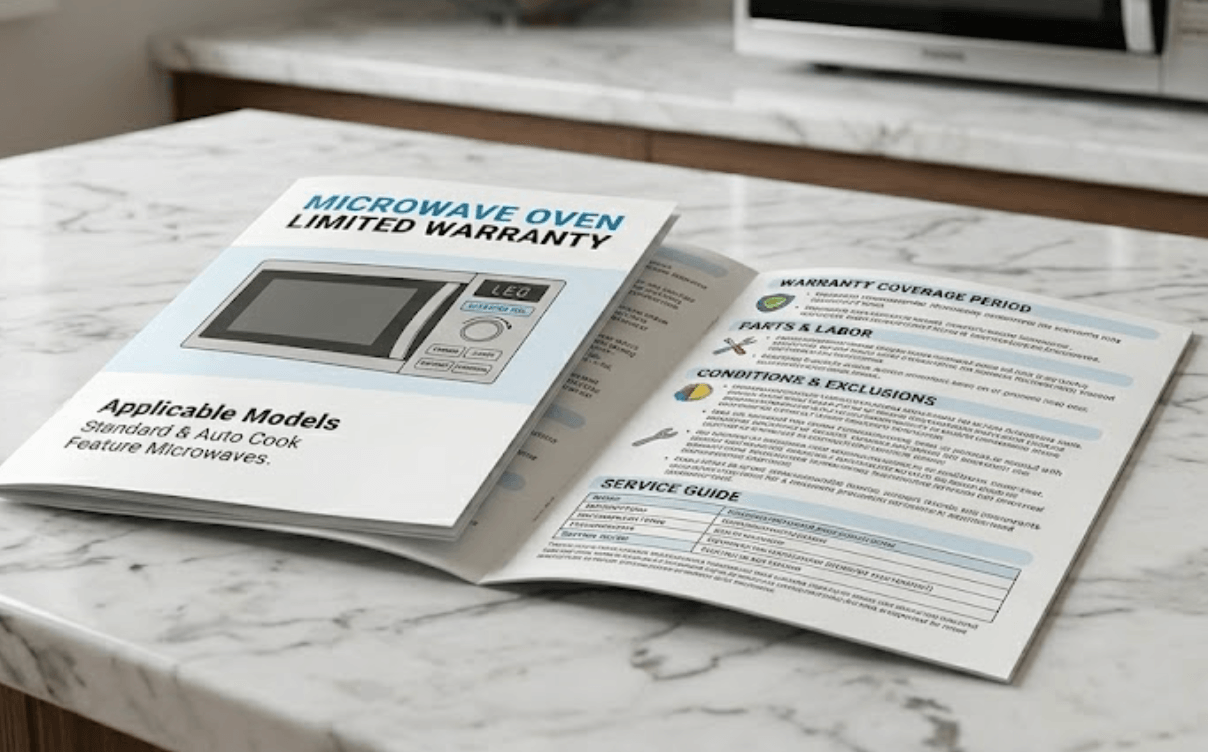
Warranty information
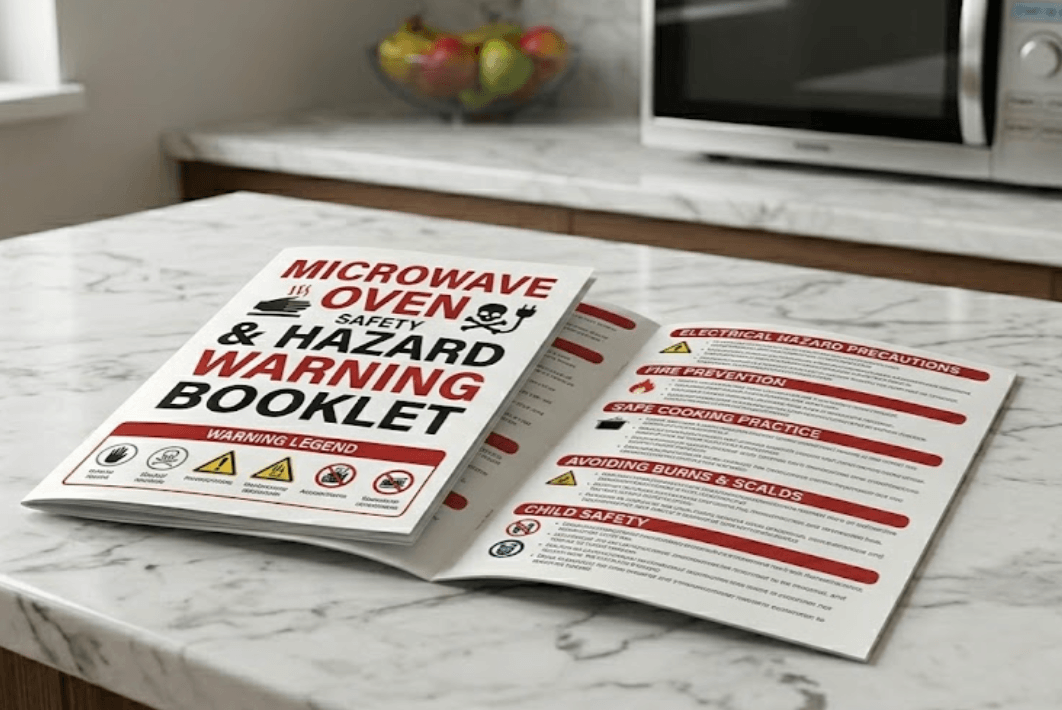
Safety documentation
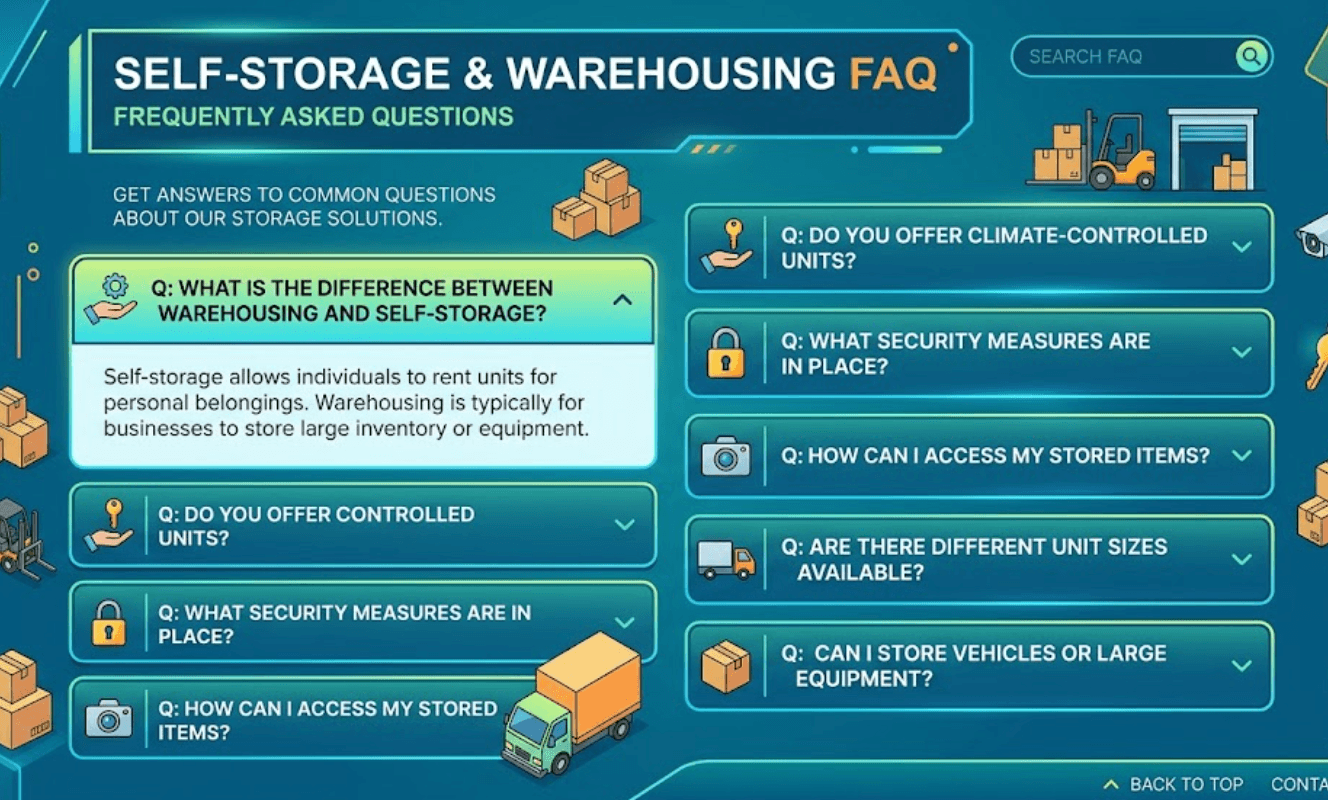
Frequently asked questions
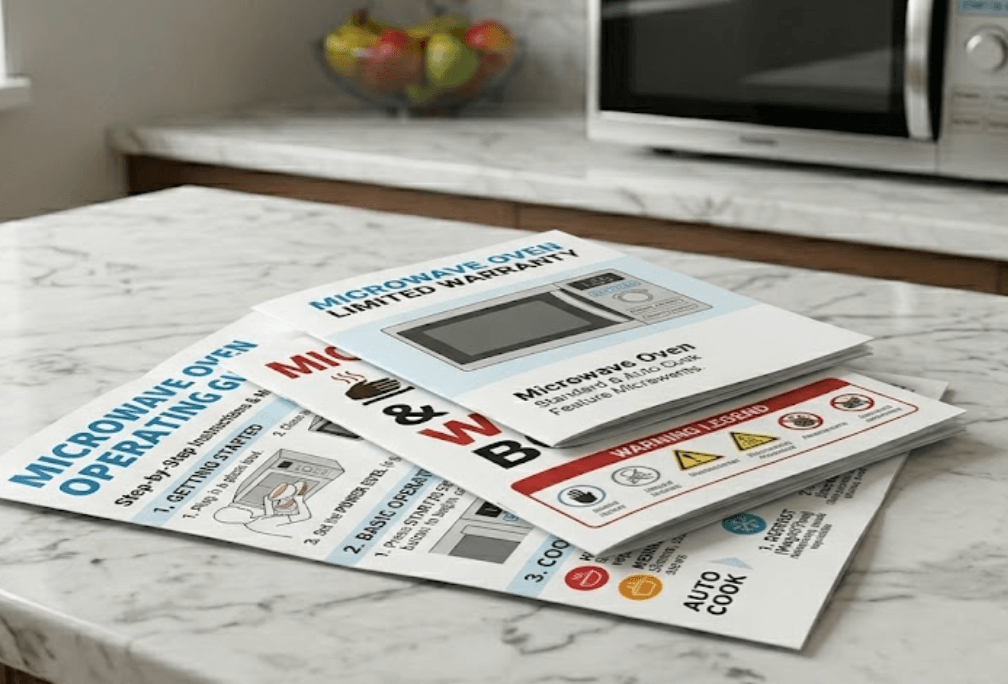
Support resources
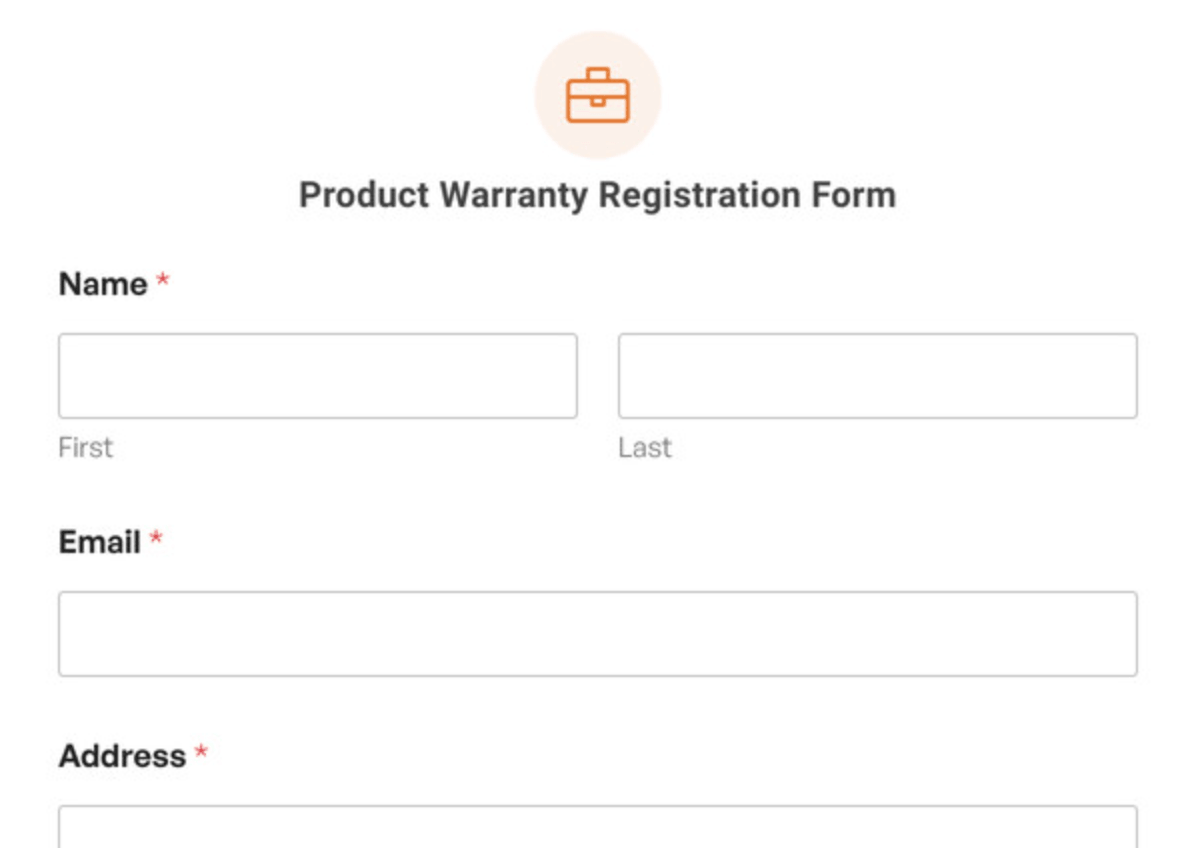
Product registration
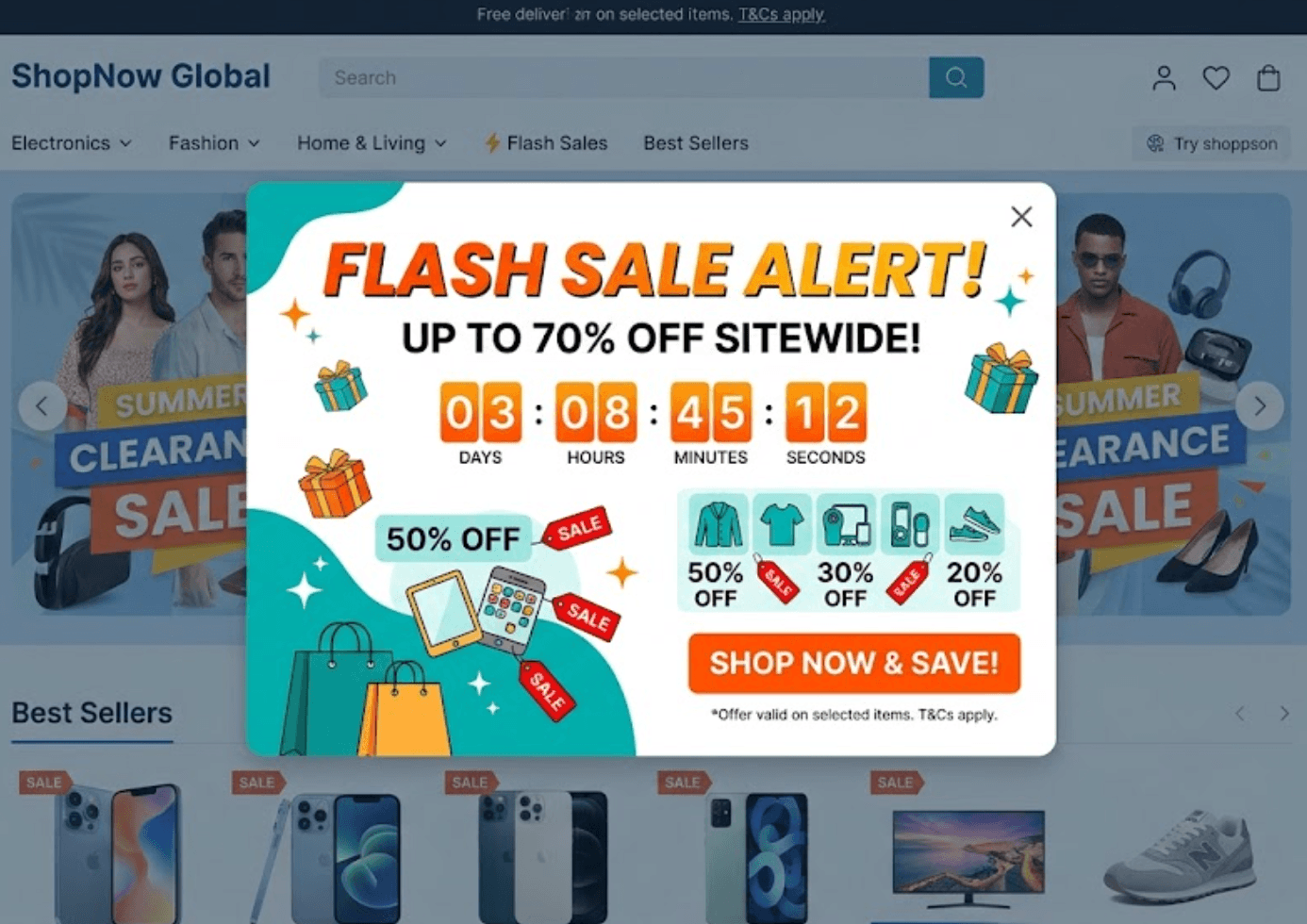
Promotions
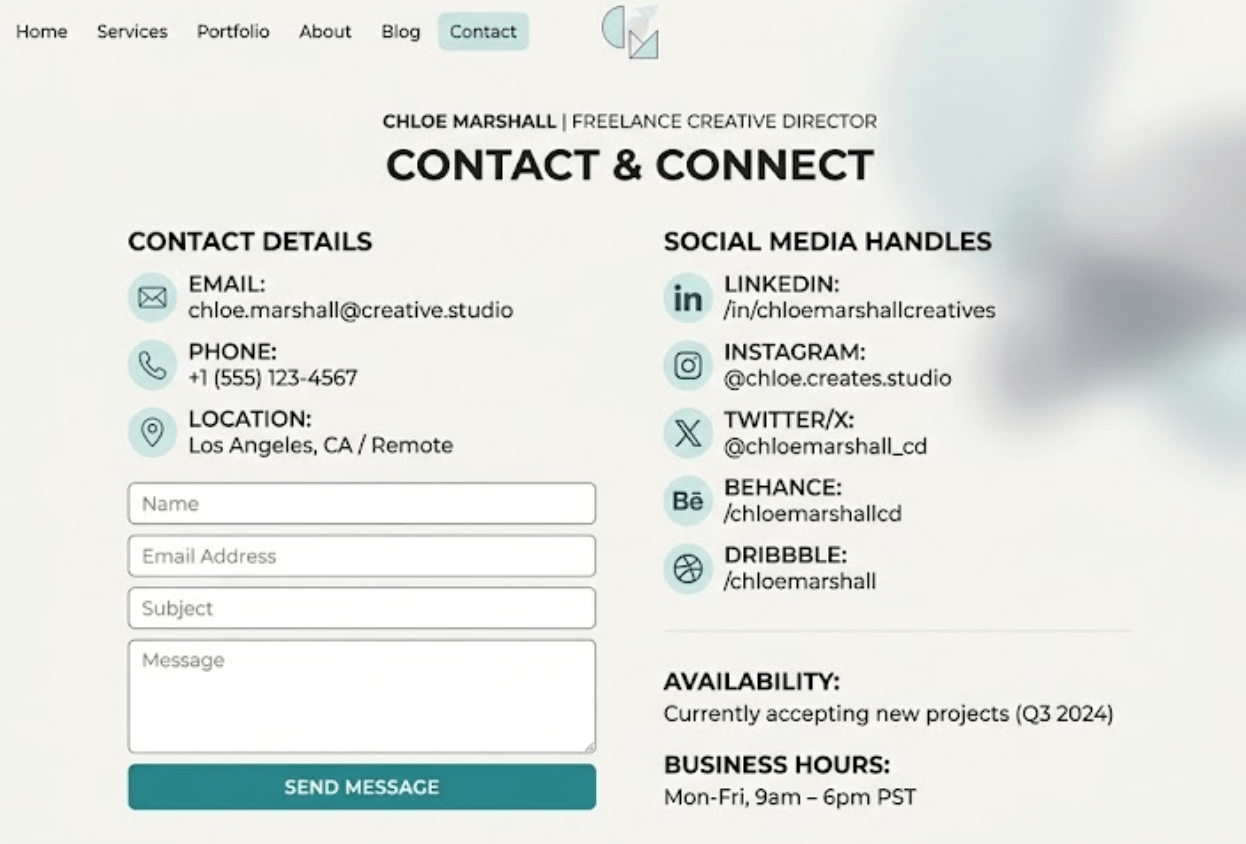
Contact details
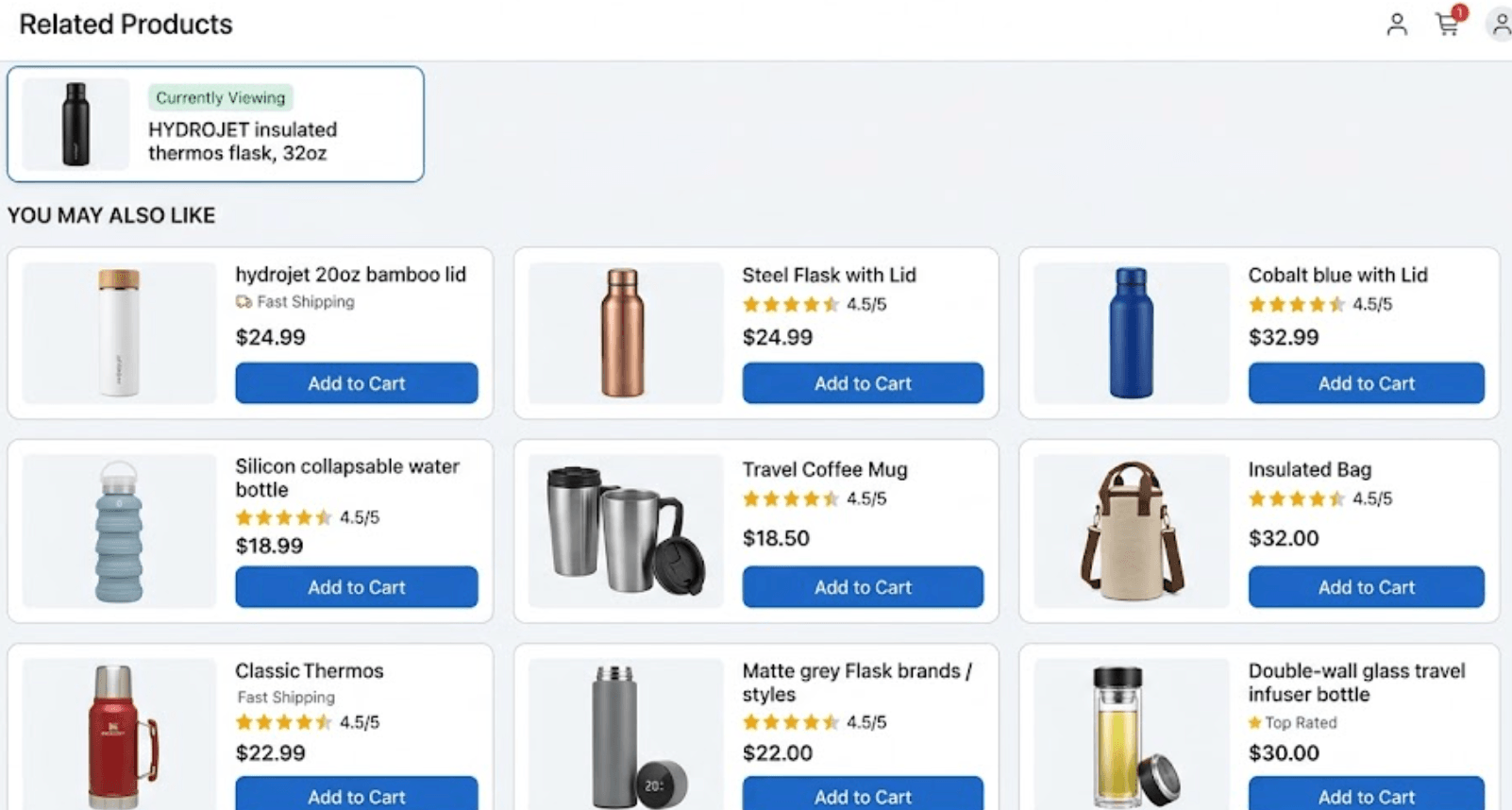
Related products
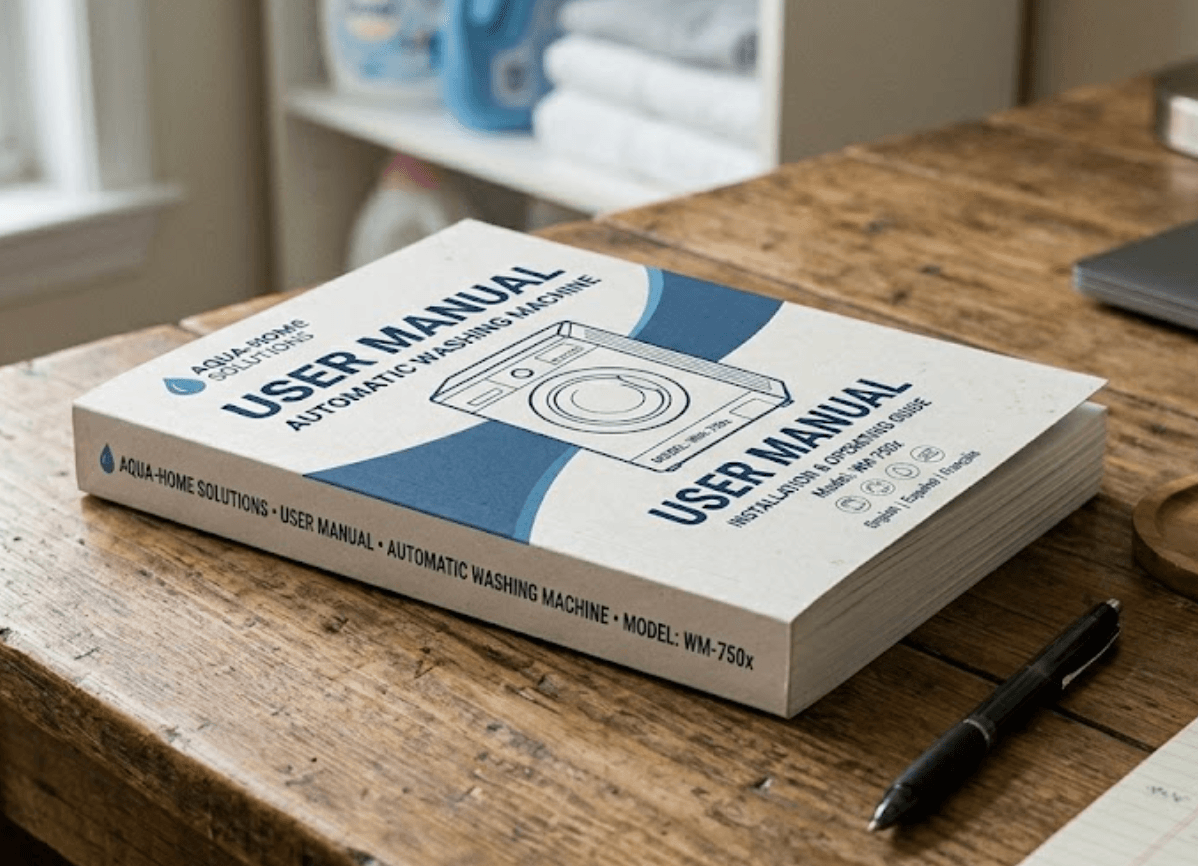
User manuals
Benefits
Why businesses use product QR codes

Customers appreciate quick and easy access to information. Rather than reading lengthy printed instructions or searching websites, customers can instantly access relevant product details on their phone. This reduces frustration and improves overall customer satisfaction.
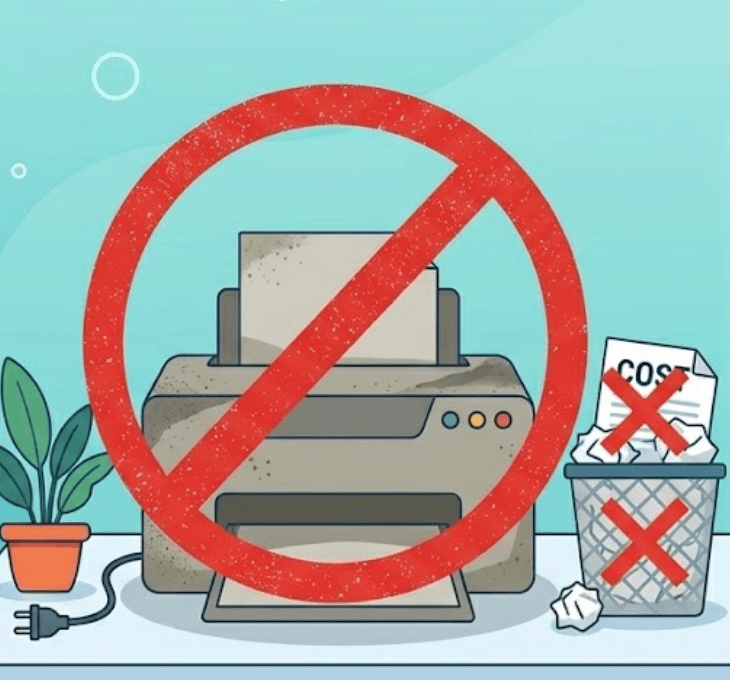
Packaging often requires printed materials such as:
- User guides
- Instruction booklets
- Warranty information
- Safety sheets
- Product specifications
Updating these documents can become expensive and time consuming. QR codes allow information to remain digital and easily updated without changing packaging.

Product information changes. Instructions improve, documentation is revised and promotions change. Dynamic QR codes allow updates to occur behind the scenes while keeping the same printed QR code active. You can update:
- User manuals
- Videos
- Product details
- Warranty information
- Promotions
- Support information
without replacing labels or packaging.

Customers often contact support simply because they cannot quickly find information. Product QR codes can answer common questions before support becomes necessary. Provide customers with:
- Setup instructions
- Troubleshooting steps
- Frequently asked questions
- Video tutorials
- Contact options
This can reduce support workload and improve customer satisfaction.

QR analytics provide insight into how customers interact with products. Track information such as:
- Scan activity
- Popular products
- Usage trends
- Customer engagement
- Campaign performance
Better information helps improve future product and marketing decisions.
Use cases
Product QR code examples
Provide:
- Product details
- User instructions
- Promotions
- Related products
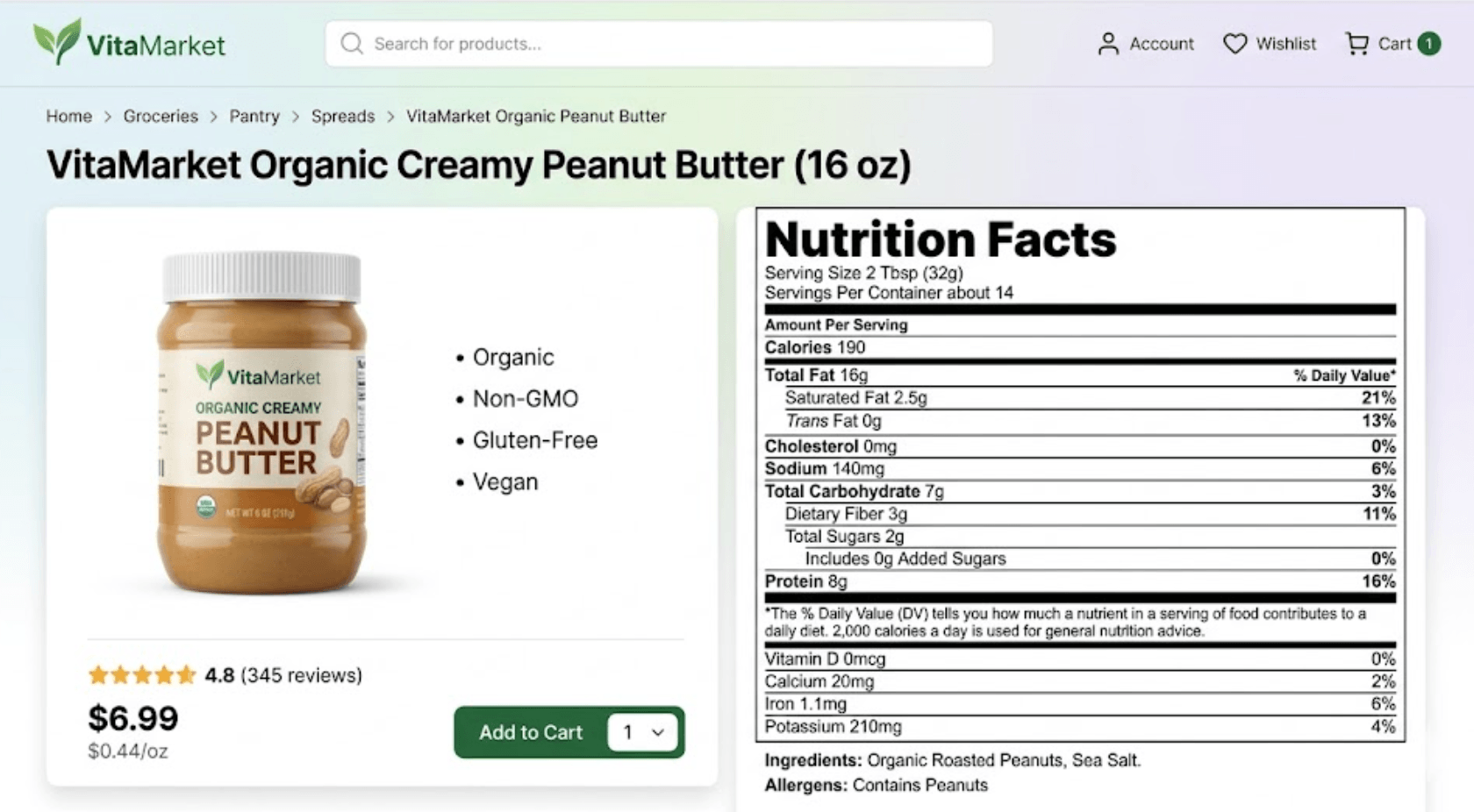
Provide:
- Ingredient information
- Nutrition details
- Allergens
- Recipes
- Promotions
Provide:
- Setup guides
- Video tutorials
- Troubleshooting
- Warranty information
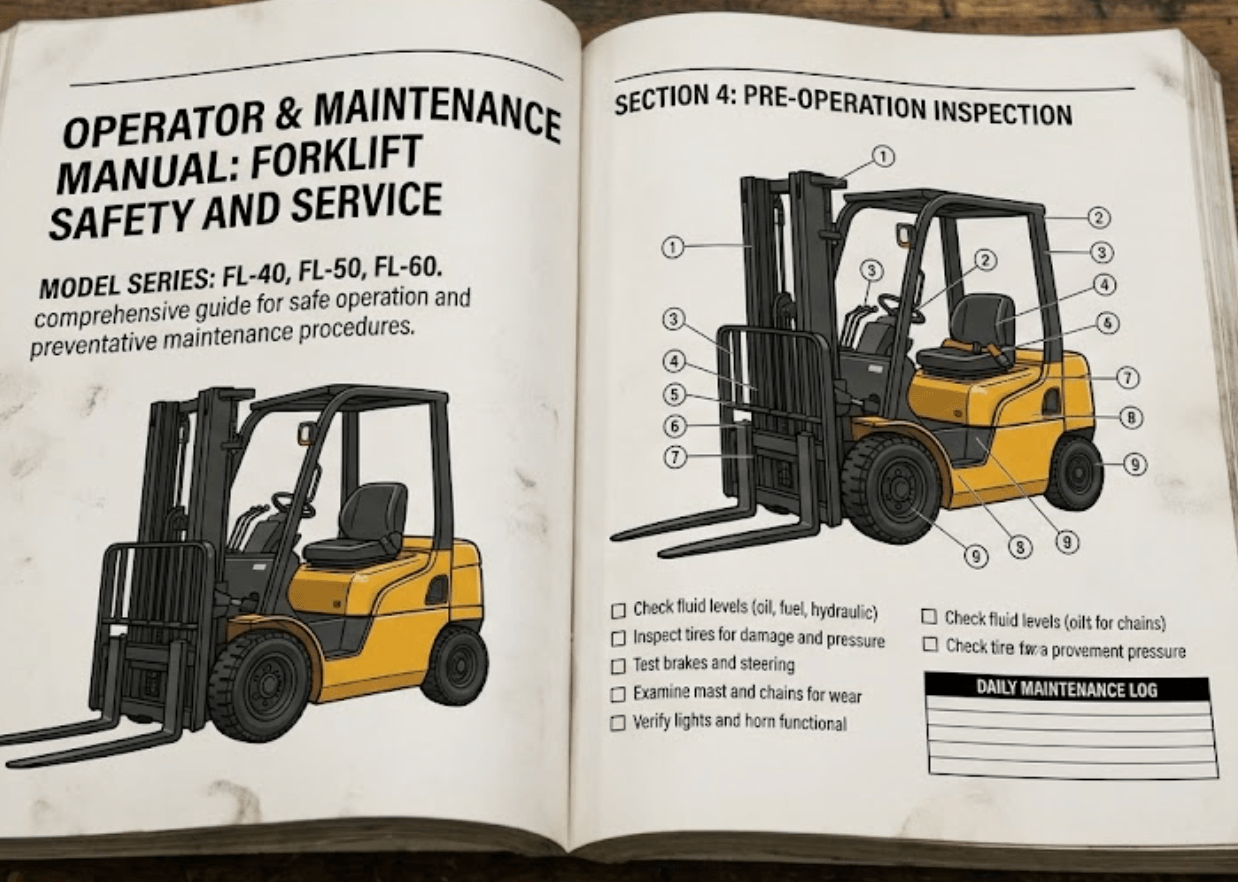
Provide:
- Technical specifications
- Safety information
- Maintenance procedures
- Documentation
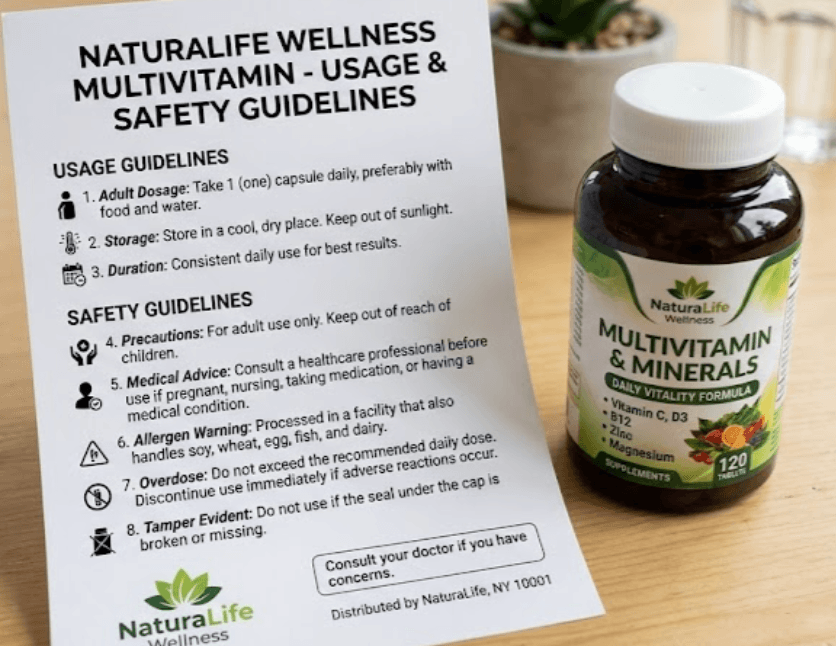
Provide:
- Instructions
- Usage guidelines
- Safety information
- Support resources
Example
Product packaging QR code
Imagine a customer purchasing a coffee machine. Instead of including a large printed instruction booklet inside the box, the product packaging contains a QR code. The customer scans and immediately sees:
- Quick-start setup guide
- Installation video
- Full user manual
- Troubleshooting information
- Warranty registration
- Support contact details
The experience becomes faster, easier and more engaging while reducing printing costs.
How it works
Creating product QR codes is simple
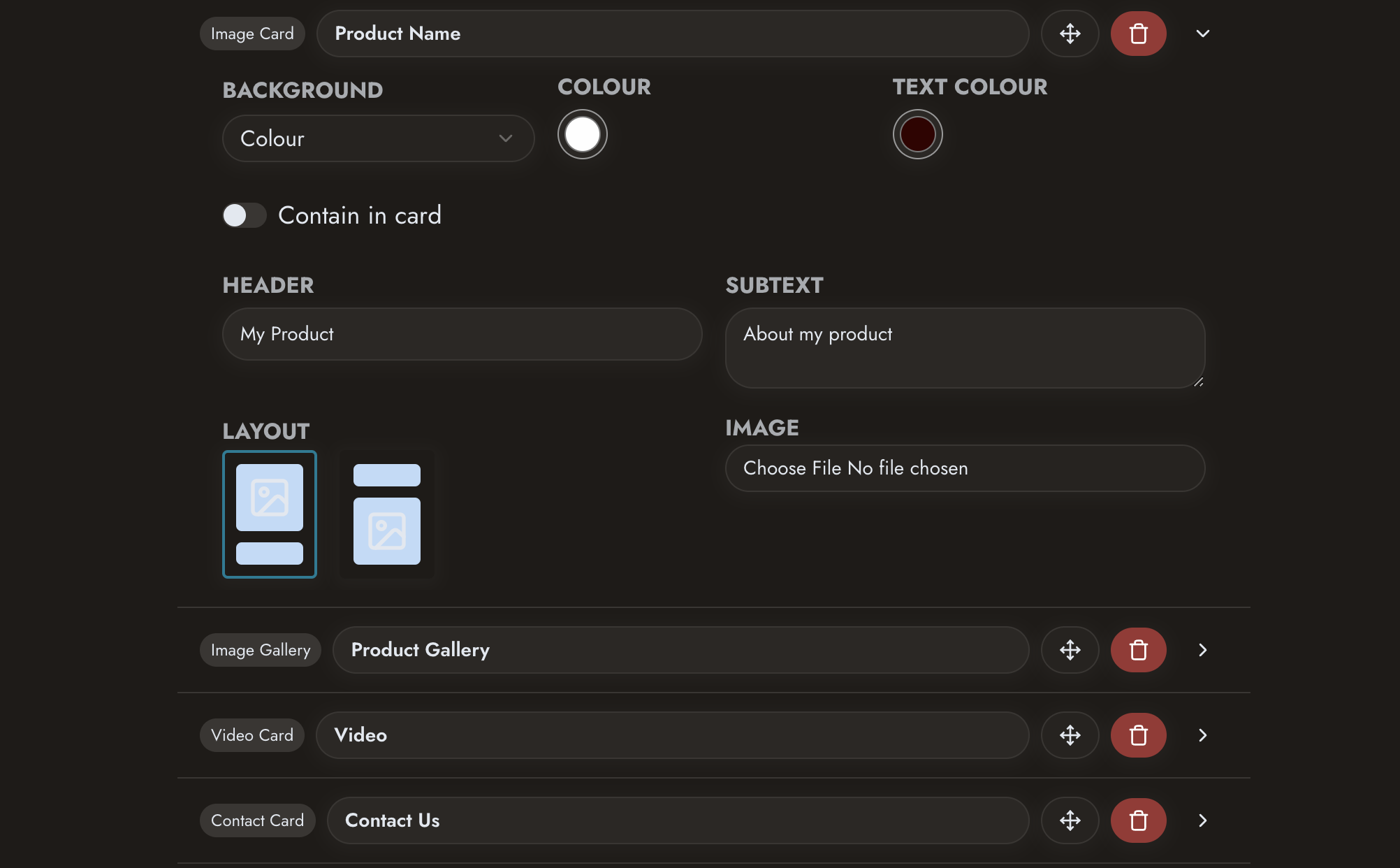 Create your product page or content
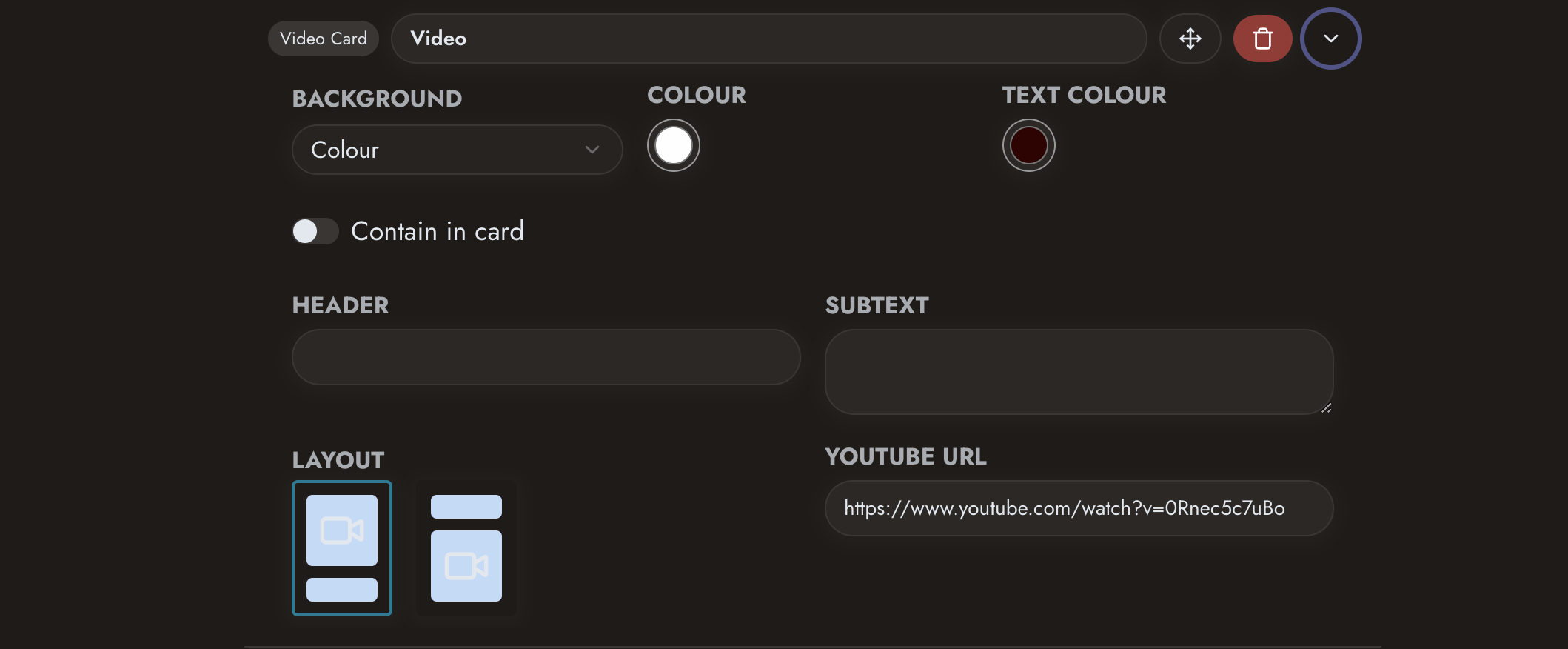 Add documents, videos and product information
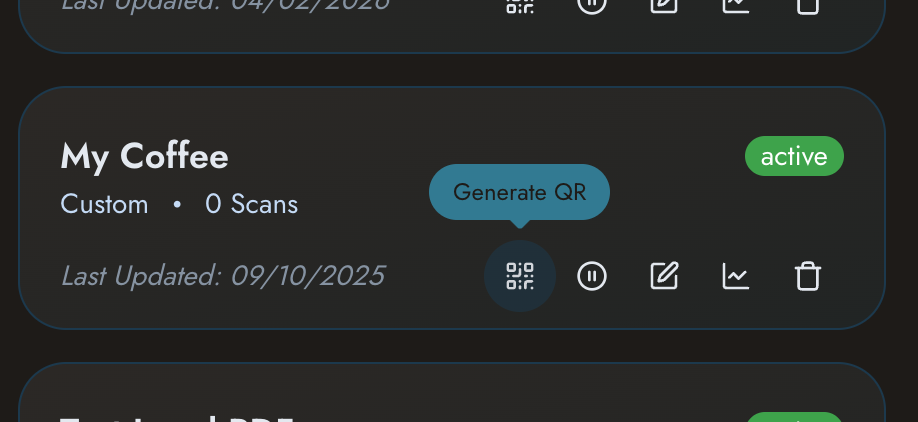 Generate your QR code
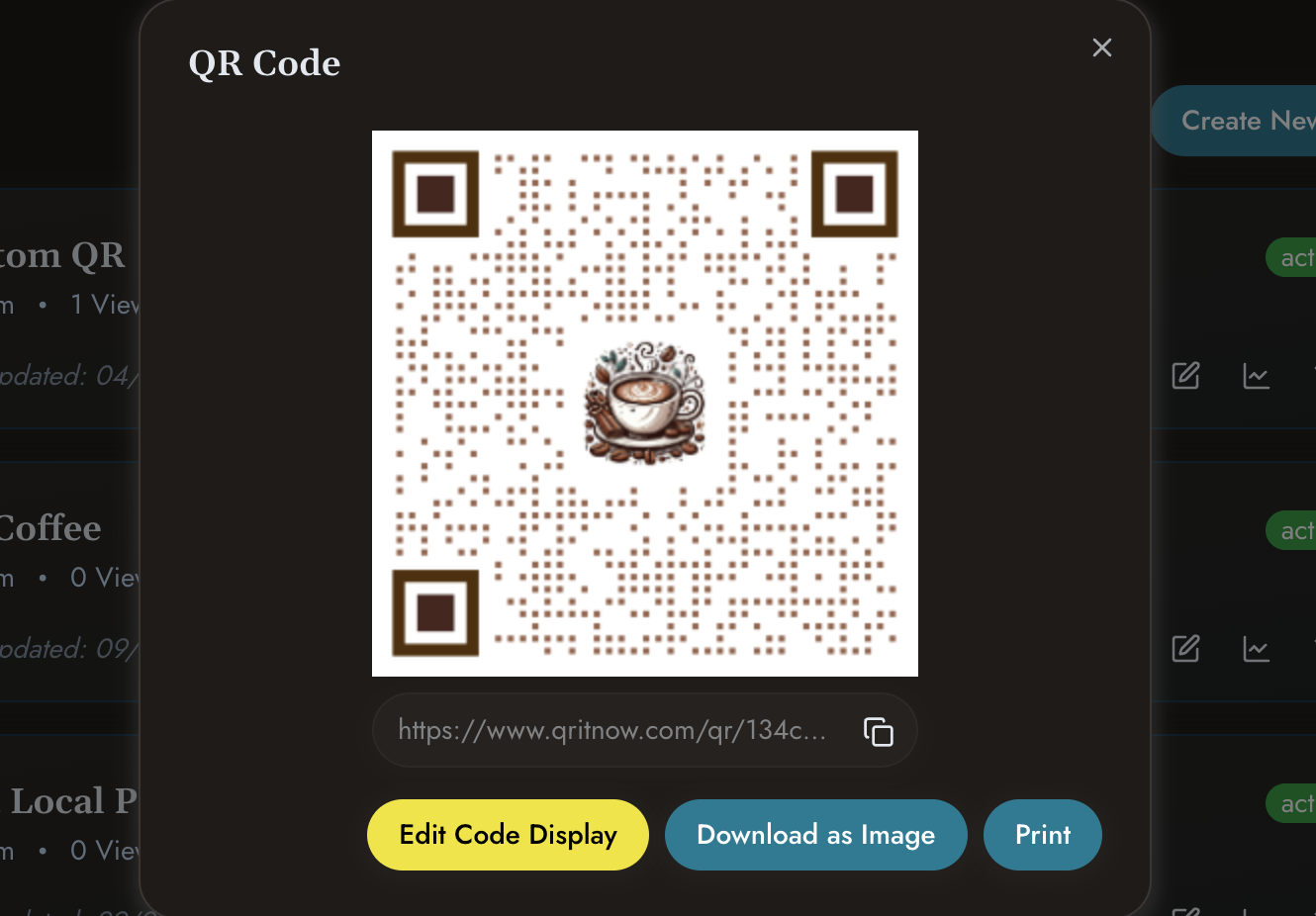 Add the QR code to packaging or marketing material
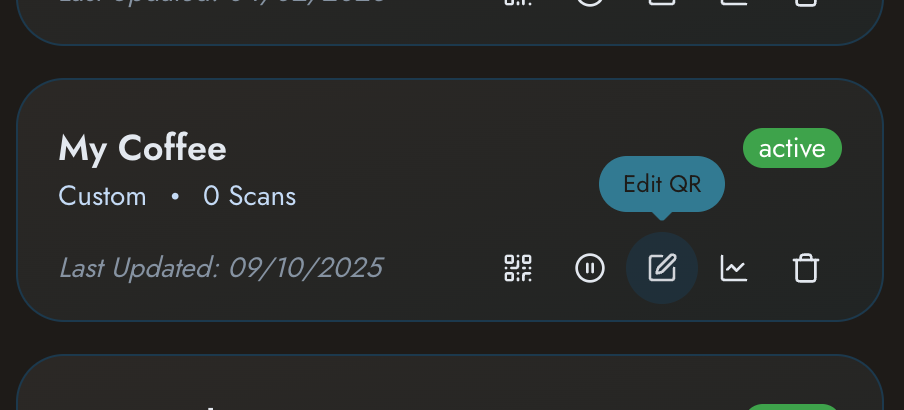 Update content whenever required
Other templates
Need other solutions?
Check out our other templates
- Need customer landing pages? Explore Custom QR Pages.
- Sharing business contact details? View QR Business Cards.
- Running promotions? See Business QR Codes.
Make your products smarter with QR technology
Provide customers with instant access to information, support and digital experiences that improve engagement and reduce friction.