
Digital Business Cards with QR Codes
Networking has changed. Traditional business cards are easy to lose, difficult to update and often end up forgotten. QR code business cards provide a smarter way to connect by allowing customers, colleagues and prospects to instantly access your contact information using a simple scan. With QRitNow, create a digital business card that can share your phone number, email address, website, social media profiles and business information in seconds. Whether you're attending conferences, meeting clients or promoting your business, your contact details are always available and always up to date.
Create your QR business card today and make every interaction easier.Create Digital Business Cards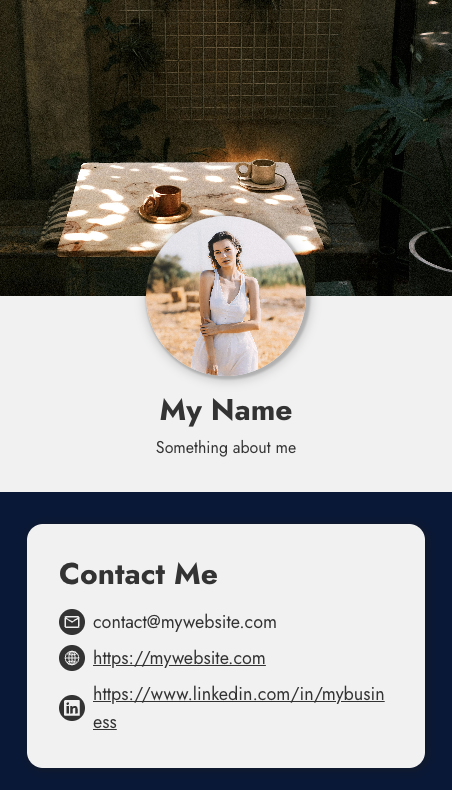
Where to use
A modern business card that works everywhere
Instead of handing someone a card and hoping they manually save your details later, they simply scan and connect instantly. Your QR code can be placed almost anywhere:
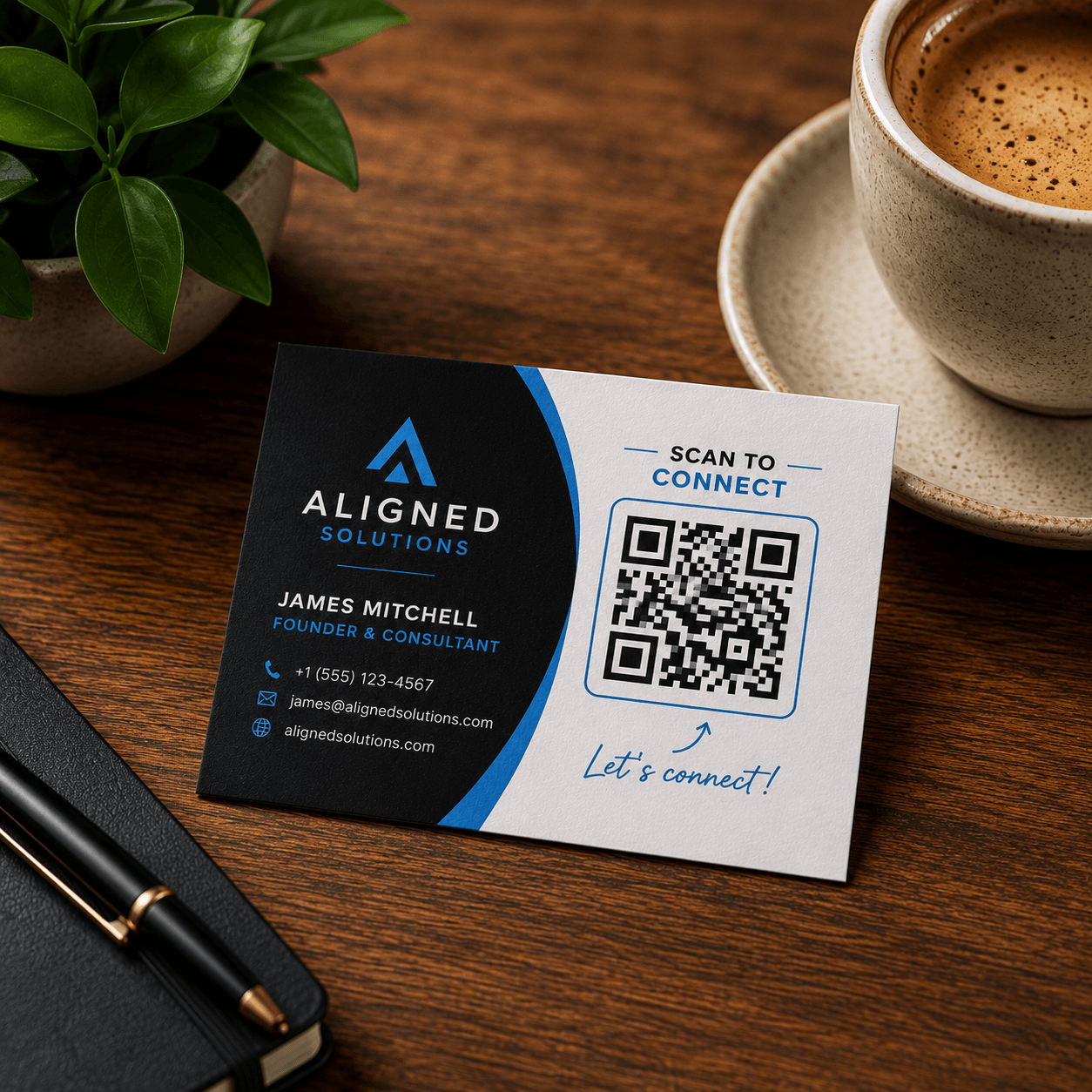
Printed business cards
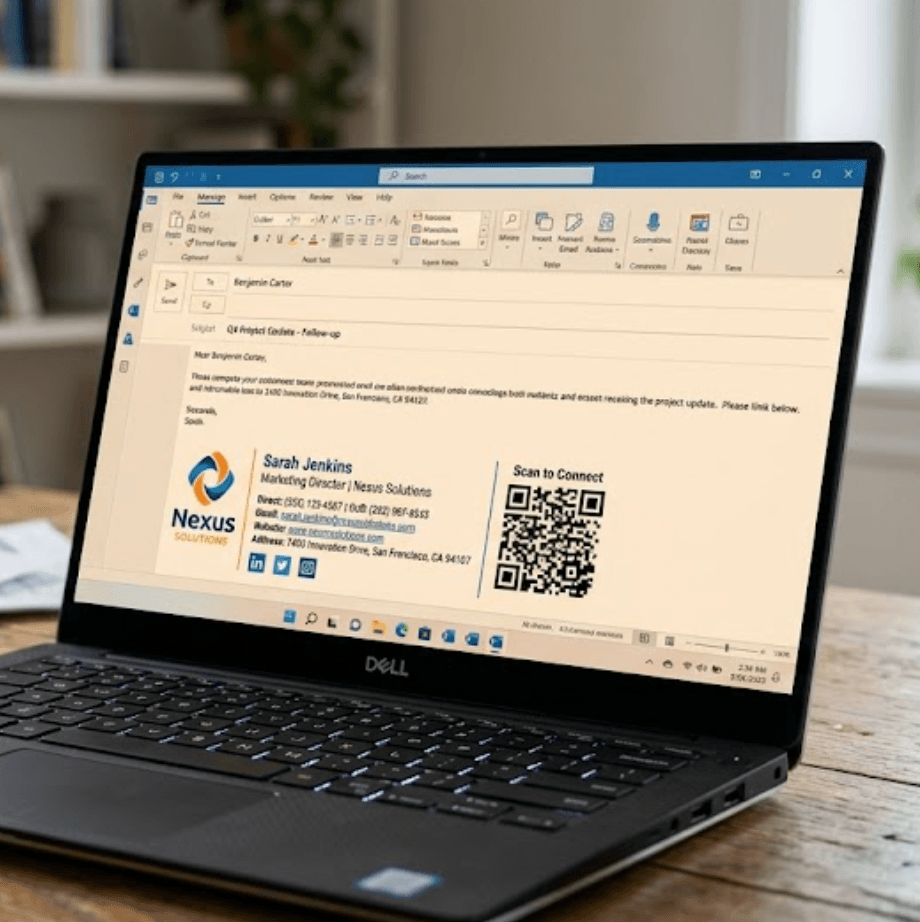
Email signatures
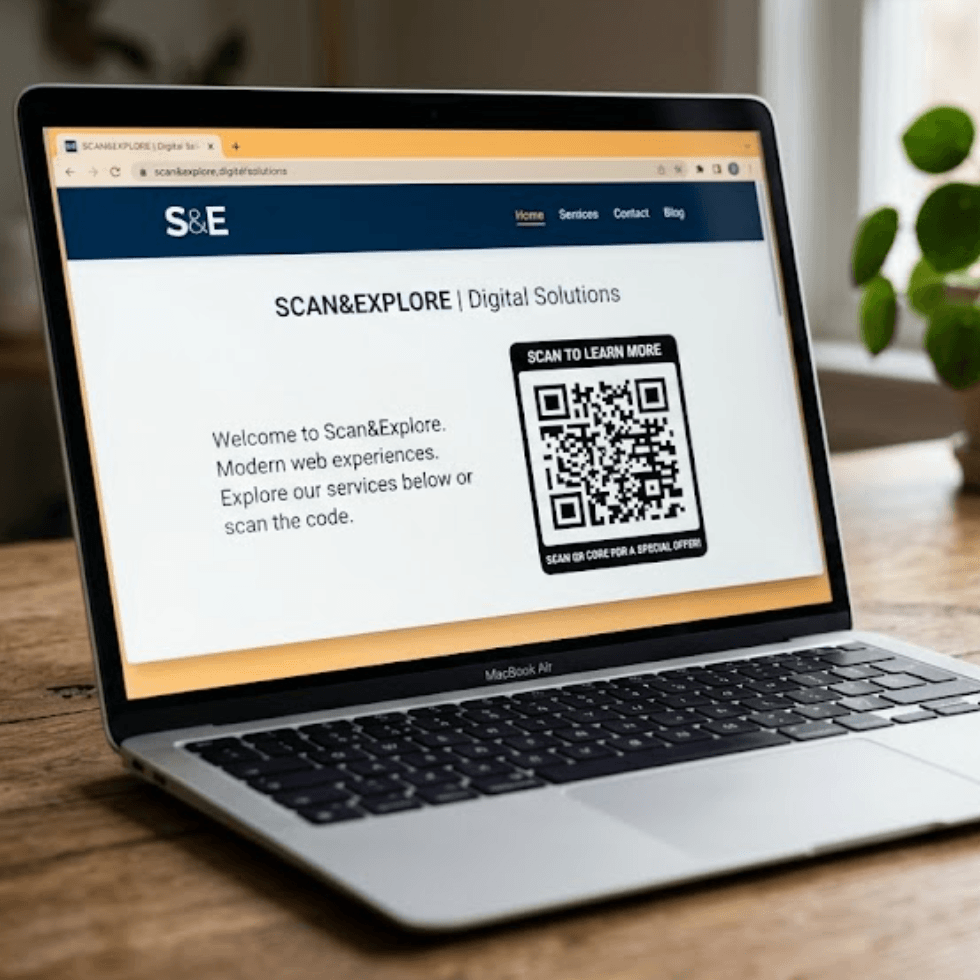
Websites
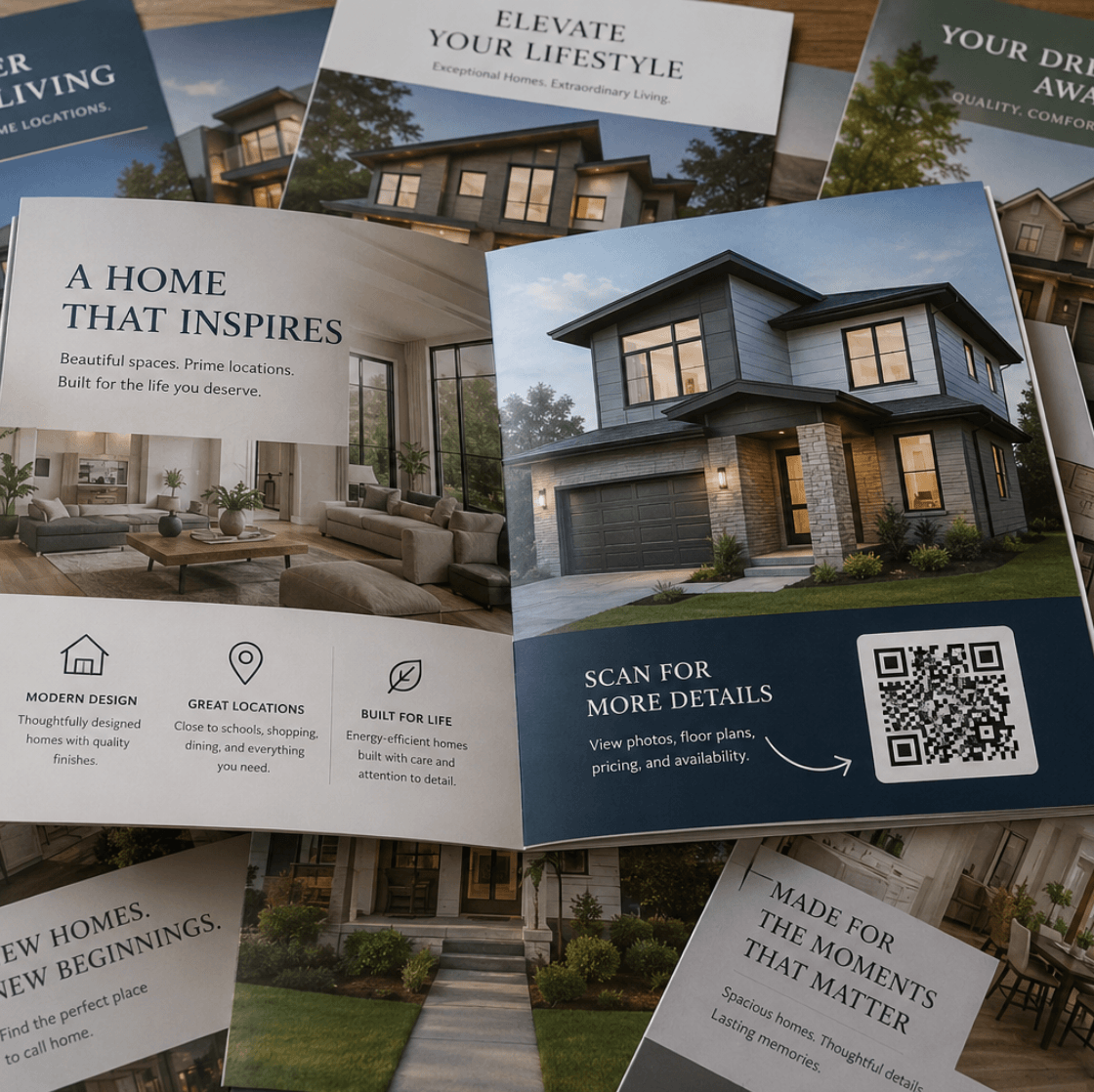
Brochures
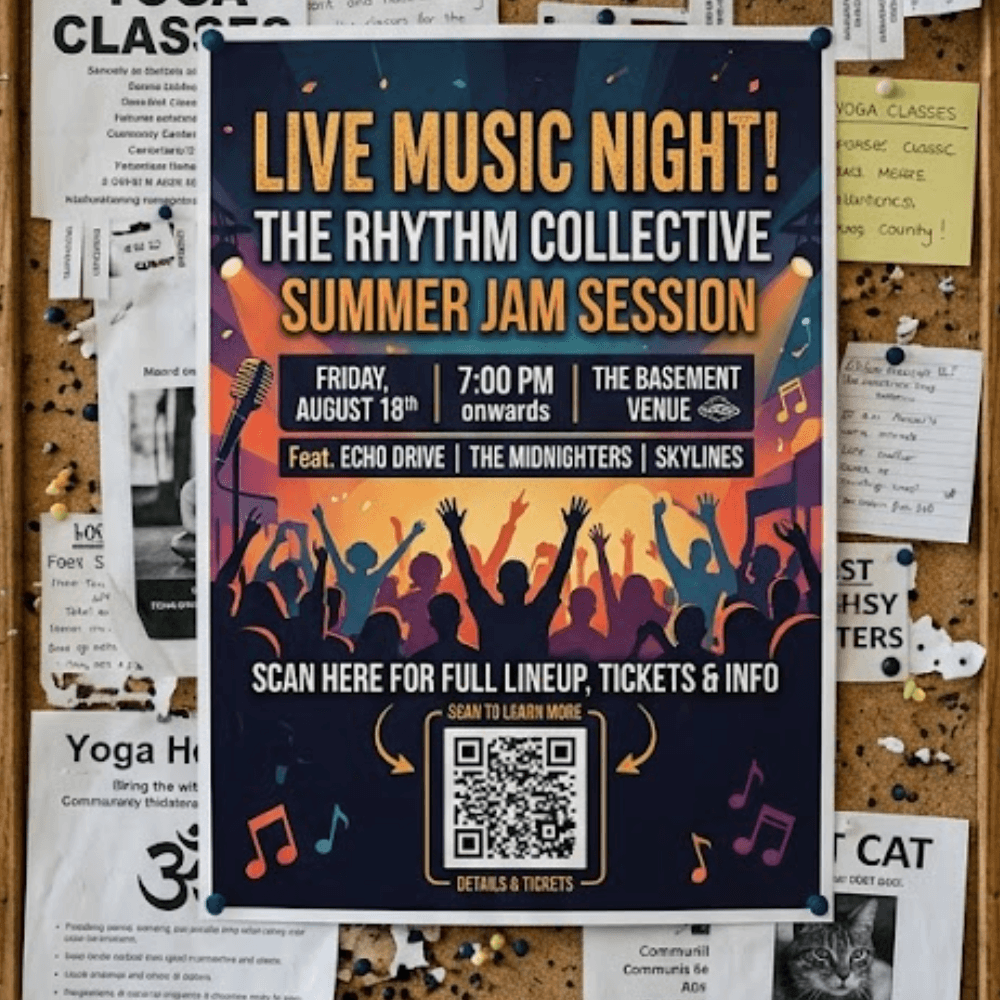
Posters
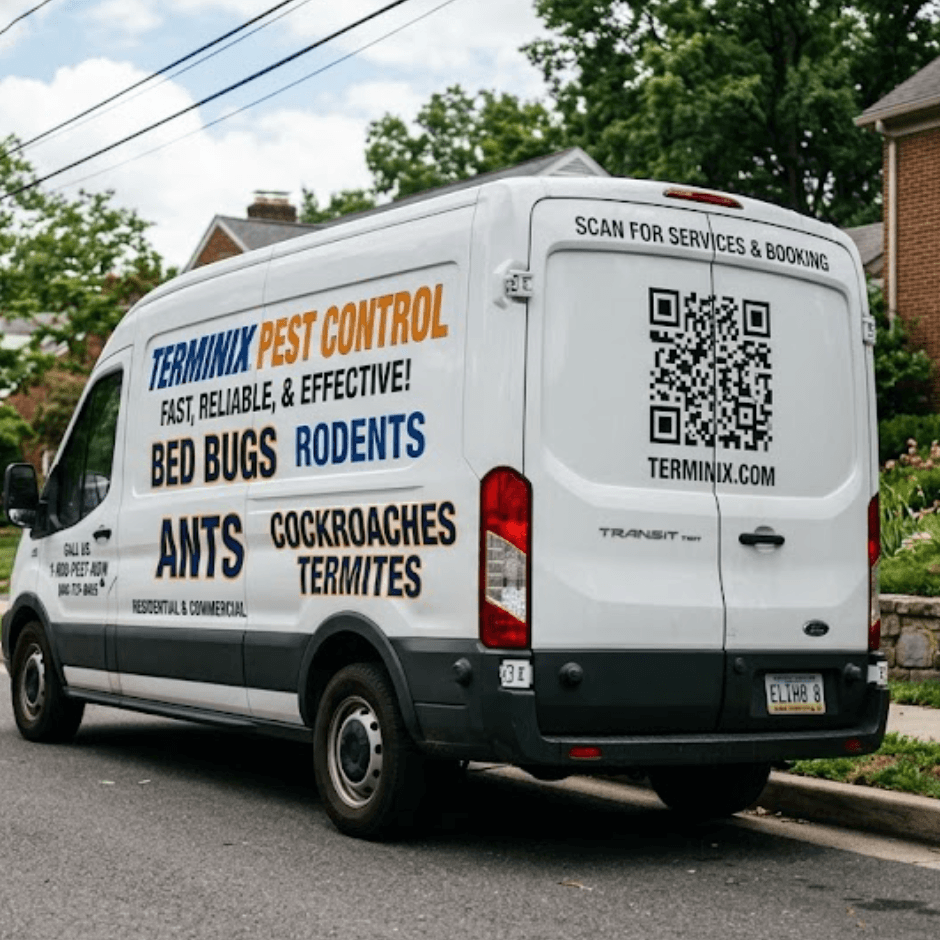
Vehicle Signage

Exhibition Displays
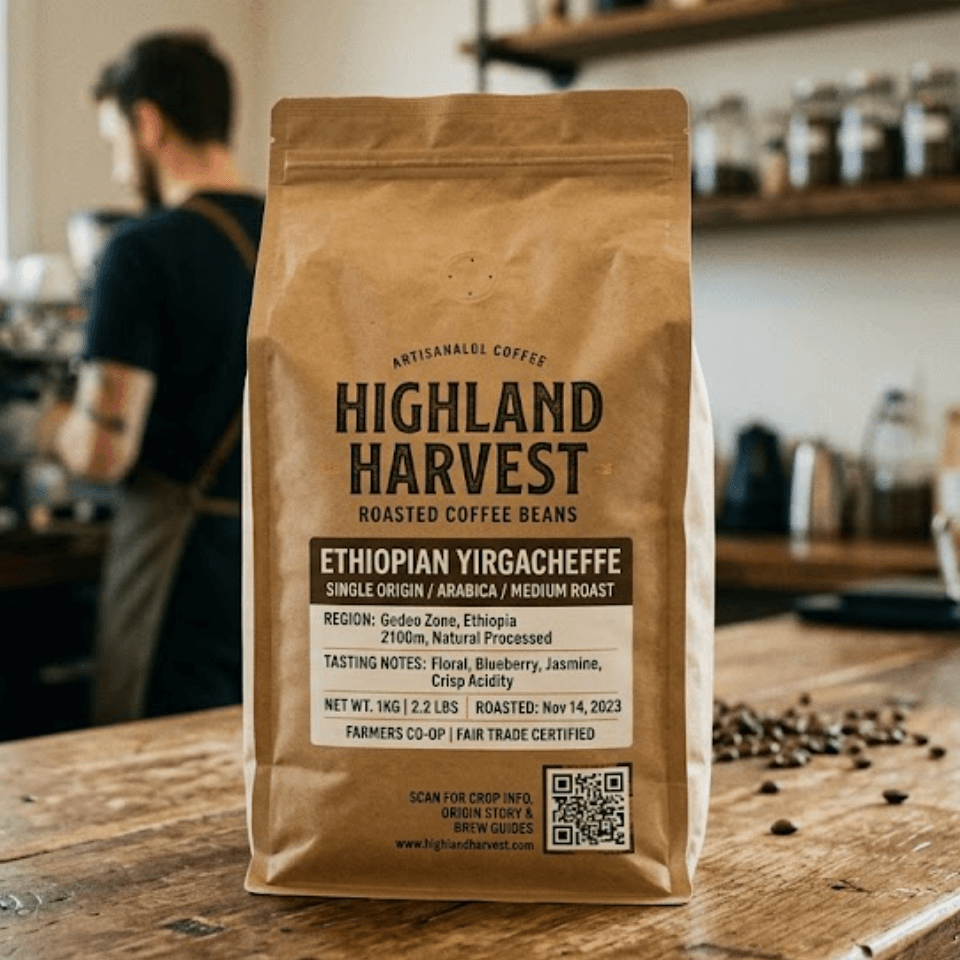
Product packaging

Social media profiles
Benefits
Why businesses are moving to QR code business cards

Changed your phone number? New job title? Updated website? Traditional cards become outdated quickly and usually need to be reprinted. Dynamic QR business cards allow you to update your information whenever required without changing the QR code itself.
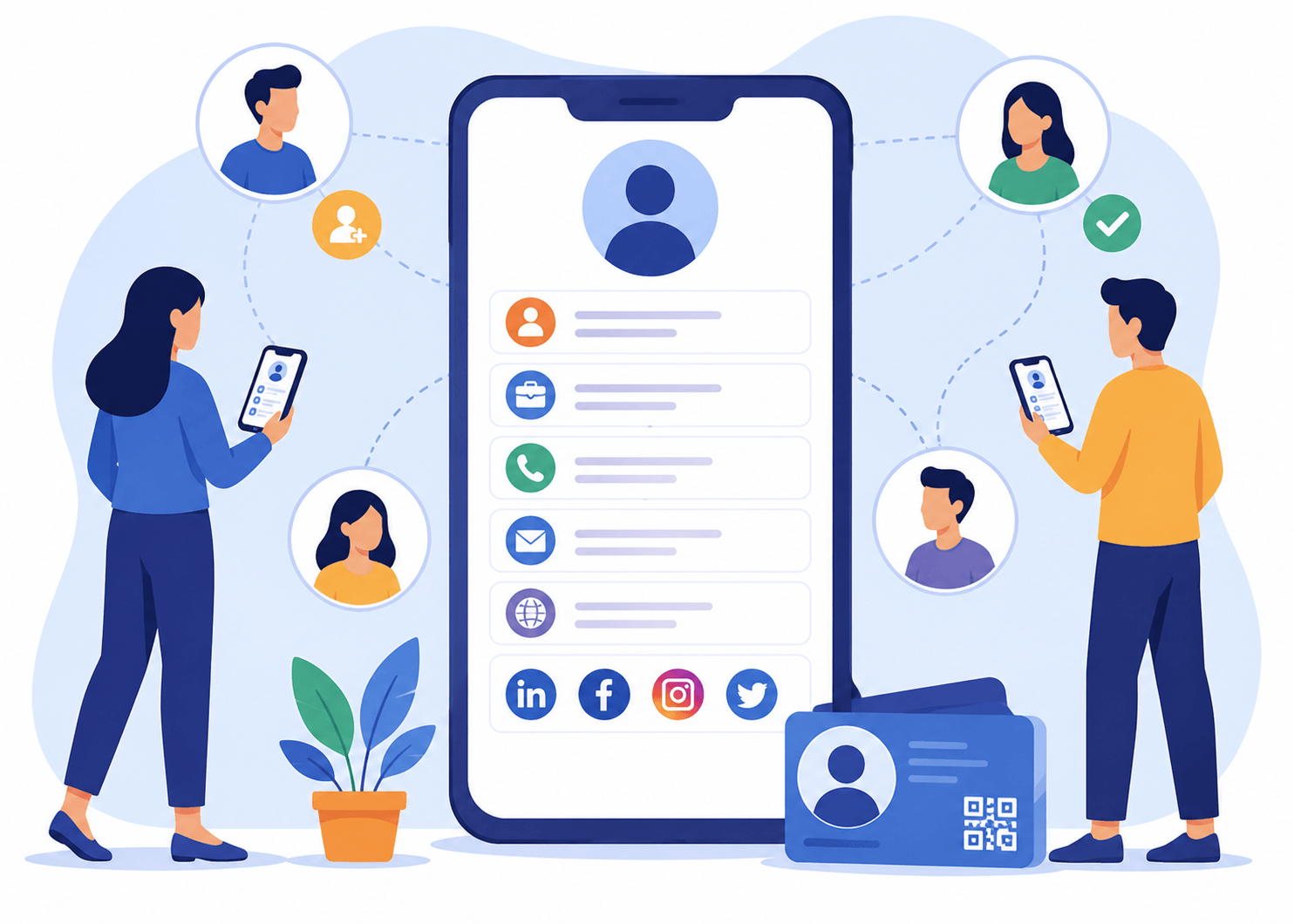
Entering contact information manually is slow and often results in mistakes. QR business cards simplify the process by giving people immediate access to your details. One scan can provide:
- Name
- Position
- Company information
- Phone number
- Email address
- Website
- LinkedIn profile
- Social media accounts
- Location details
Digital business cards demonstrate innovation and provide a more engaging experience for customers and business contacts. Instead of handing over a piece of paper, you create an interactive experience that connects users directly with your business.

Understand how people interact with your business card. See:
- Scan activity
- Customer engagement trends
- Popular links
- Campaign performance
This gives businesses valuable insight that traditional cards simply cannot provide.
Use cases
Who uses QR code business cards?
QR business cards can be used by almost any industry:
 Real Estate
Share contact details, listings and social profiles.
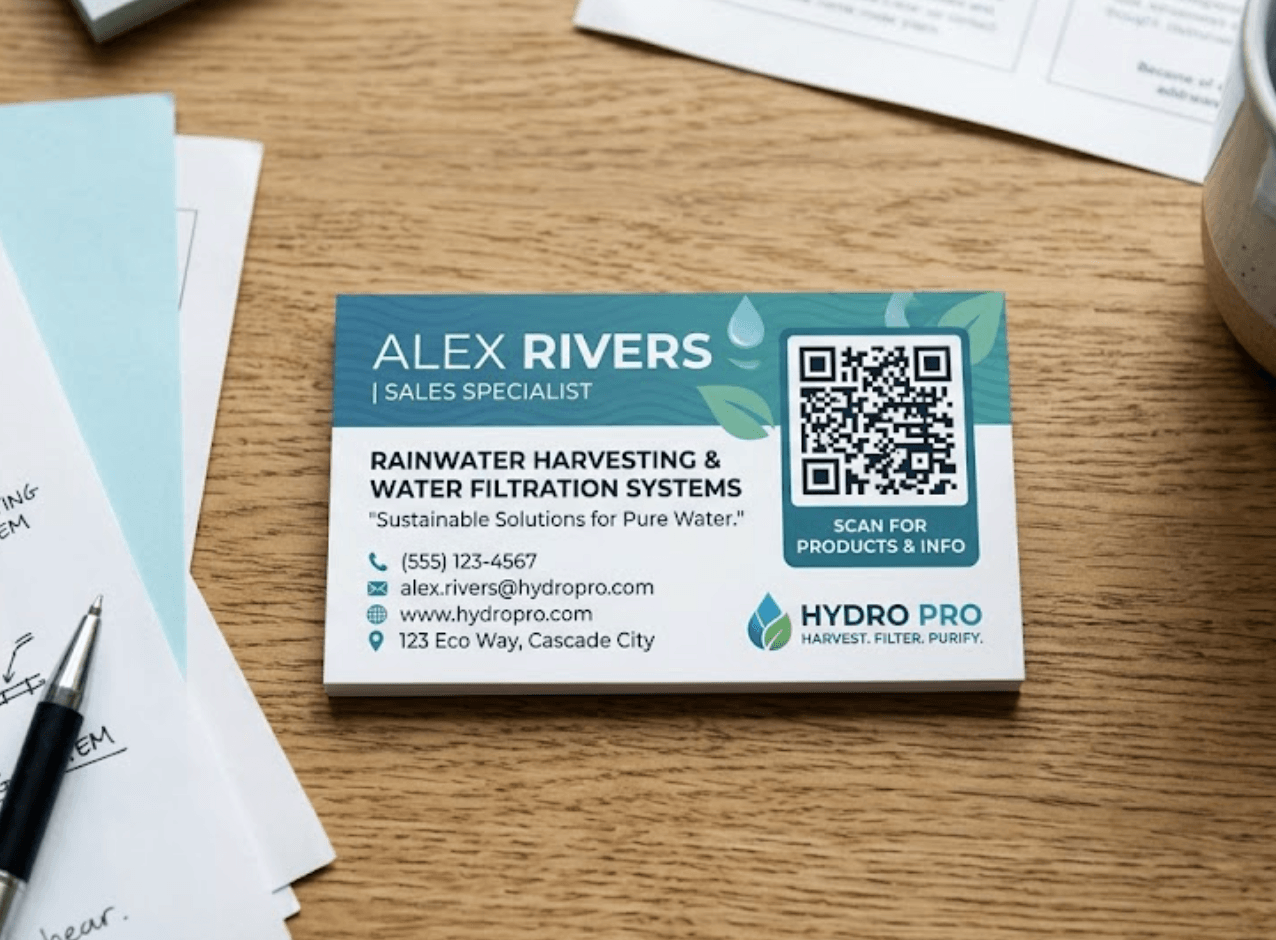 Sales Professionals
Provide immediate access to product information and contact details.
- Consultants
Share portfolios, websites and booking links.
- Trade Services
Place QR codes on vehicles, uniforms and marketing materials.
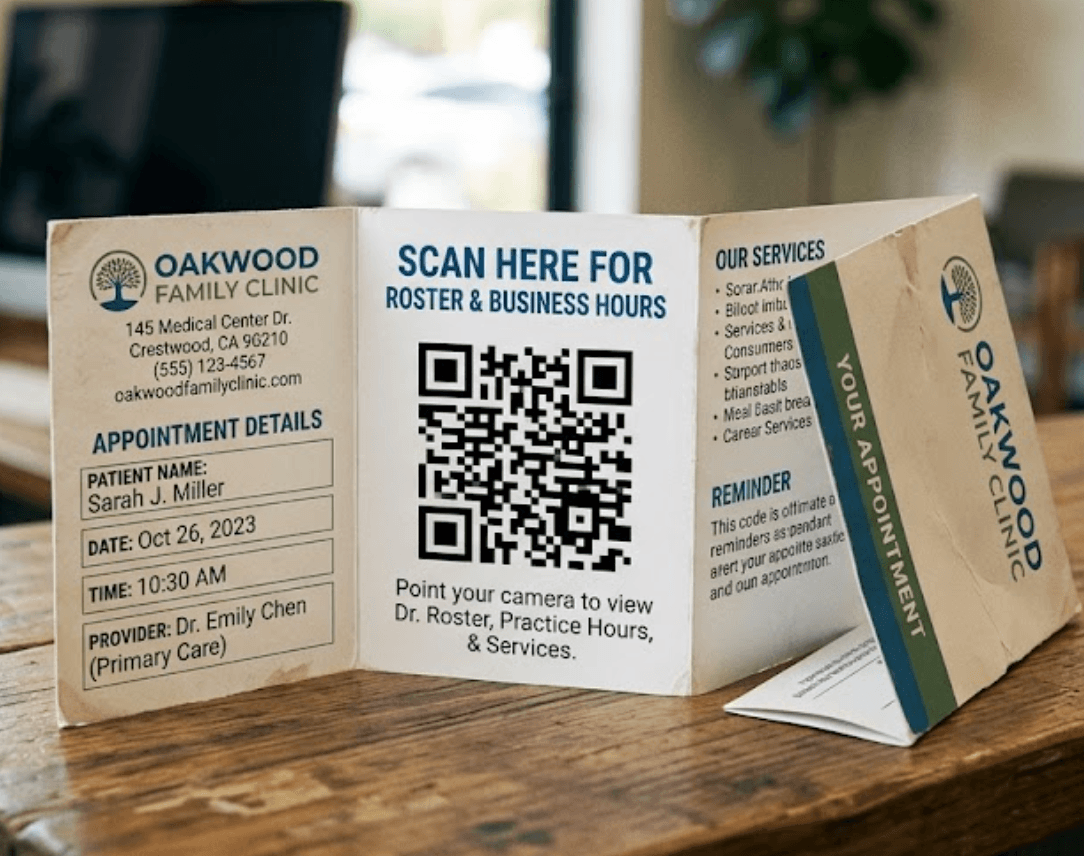 Healthcare Professionals
Allow patients to quickly access practice details and appointment information.
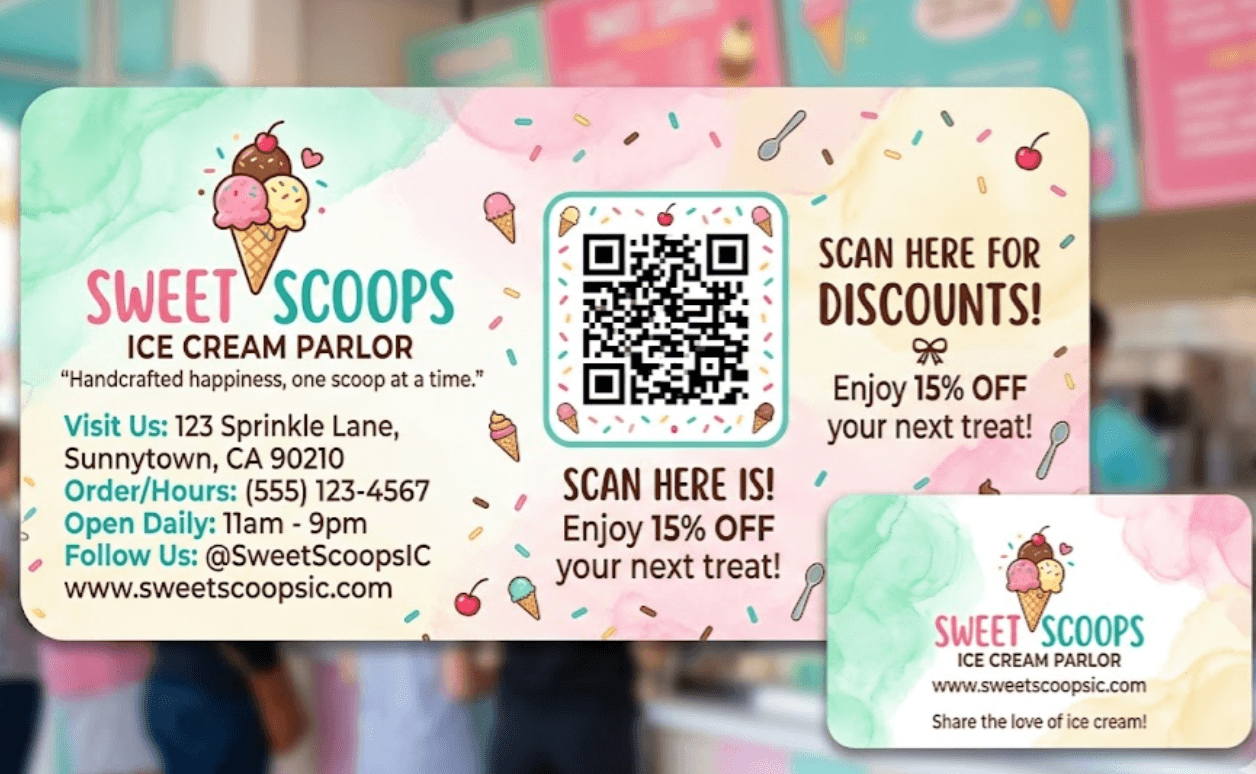 Small Businesses
Create a modern and professional first impression.
How it works
Creating your QR business card takes only a few steps
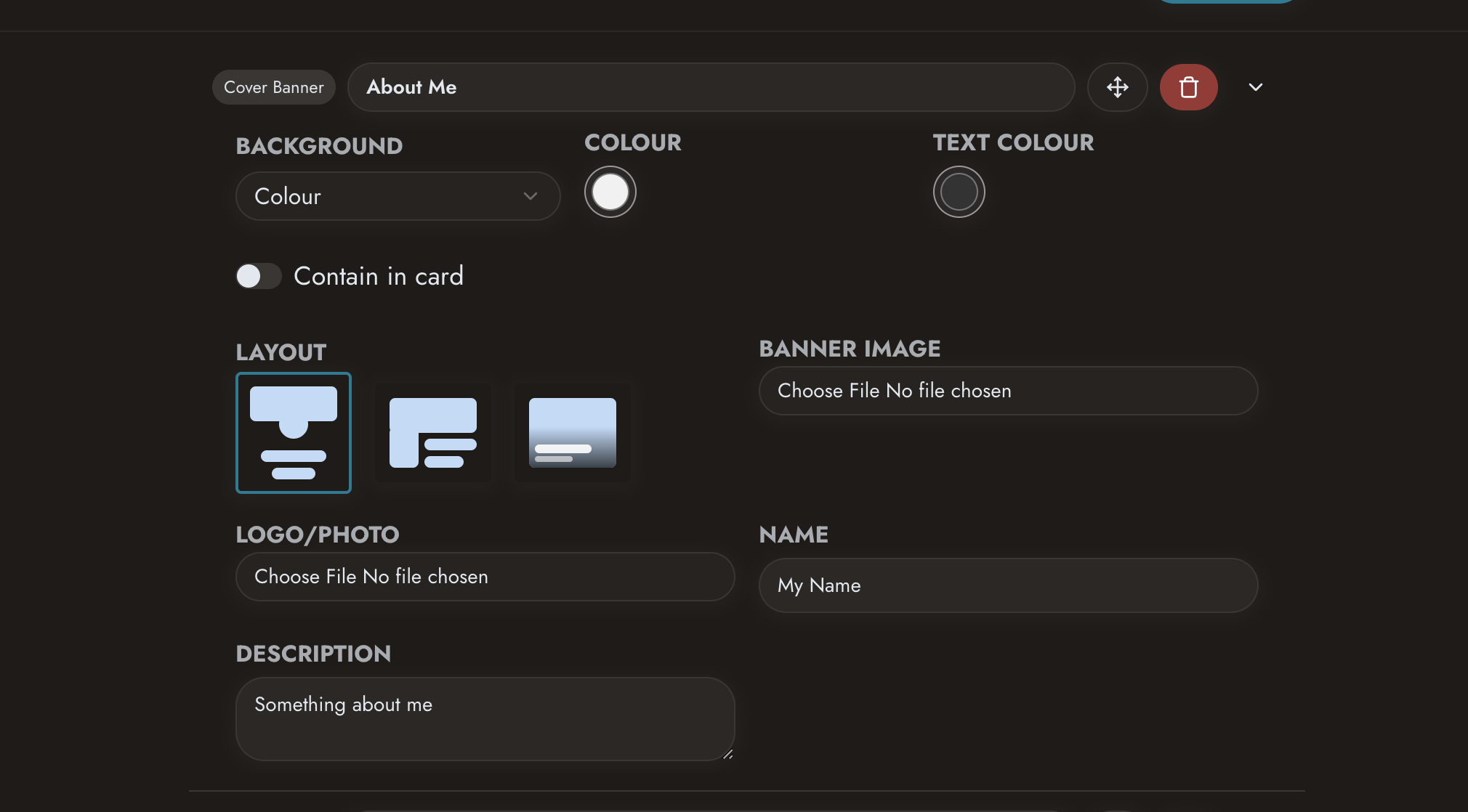 Create your profile
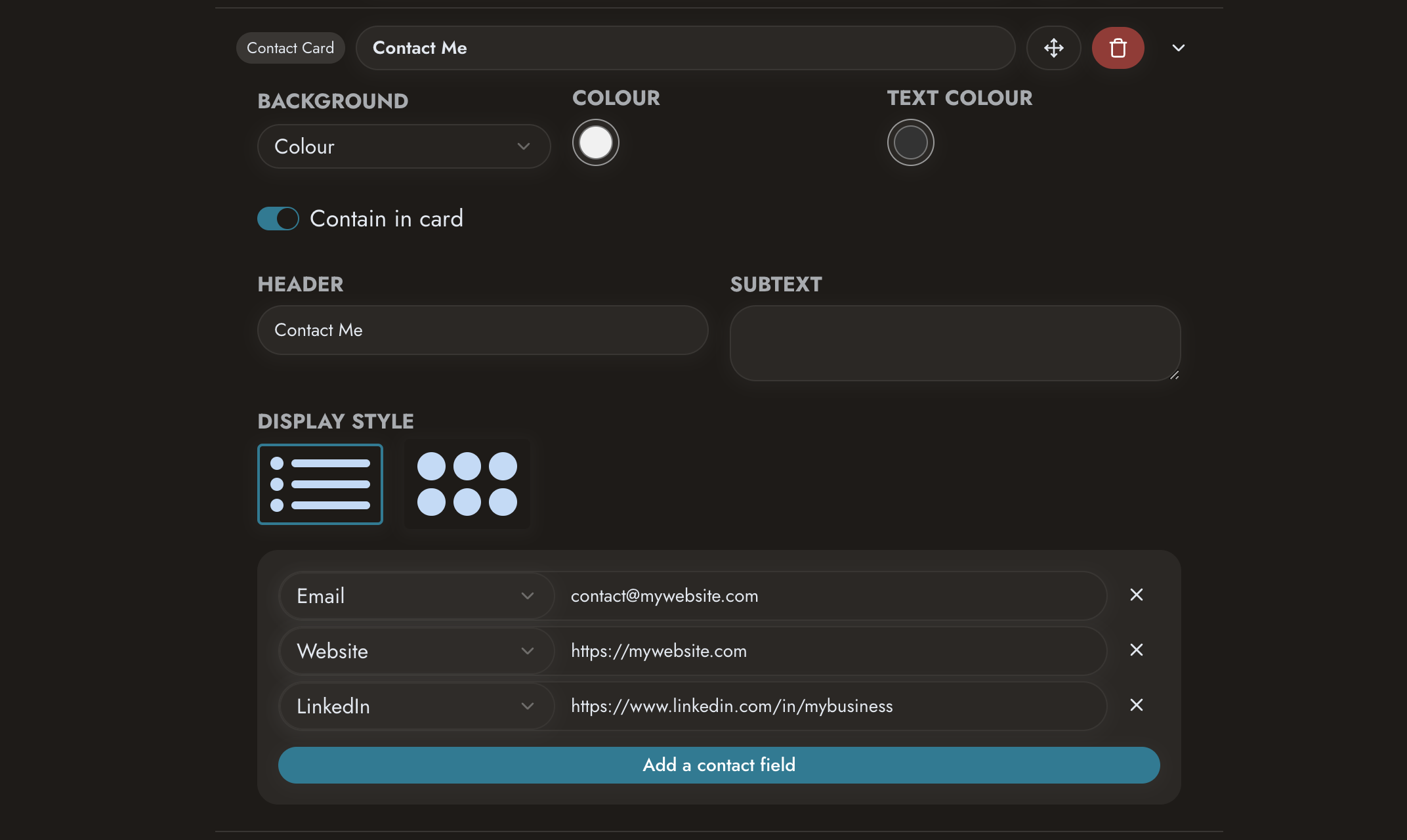 Add your contact information and business details
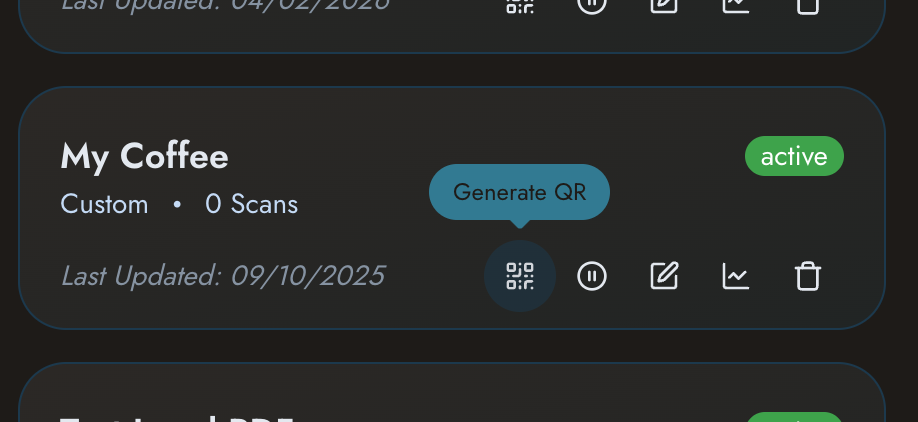 Generate your QR code
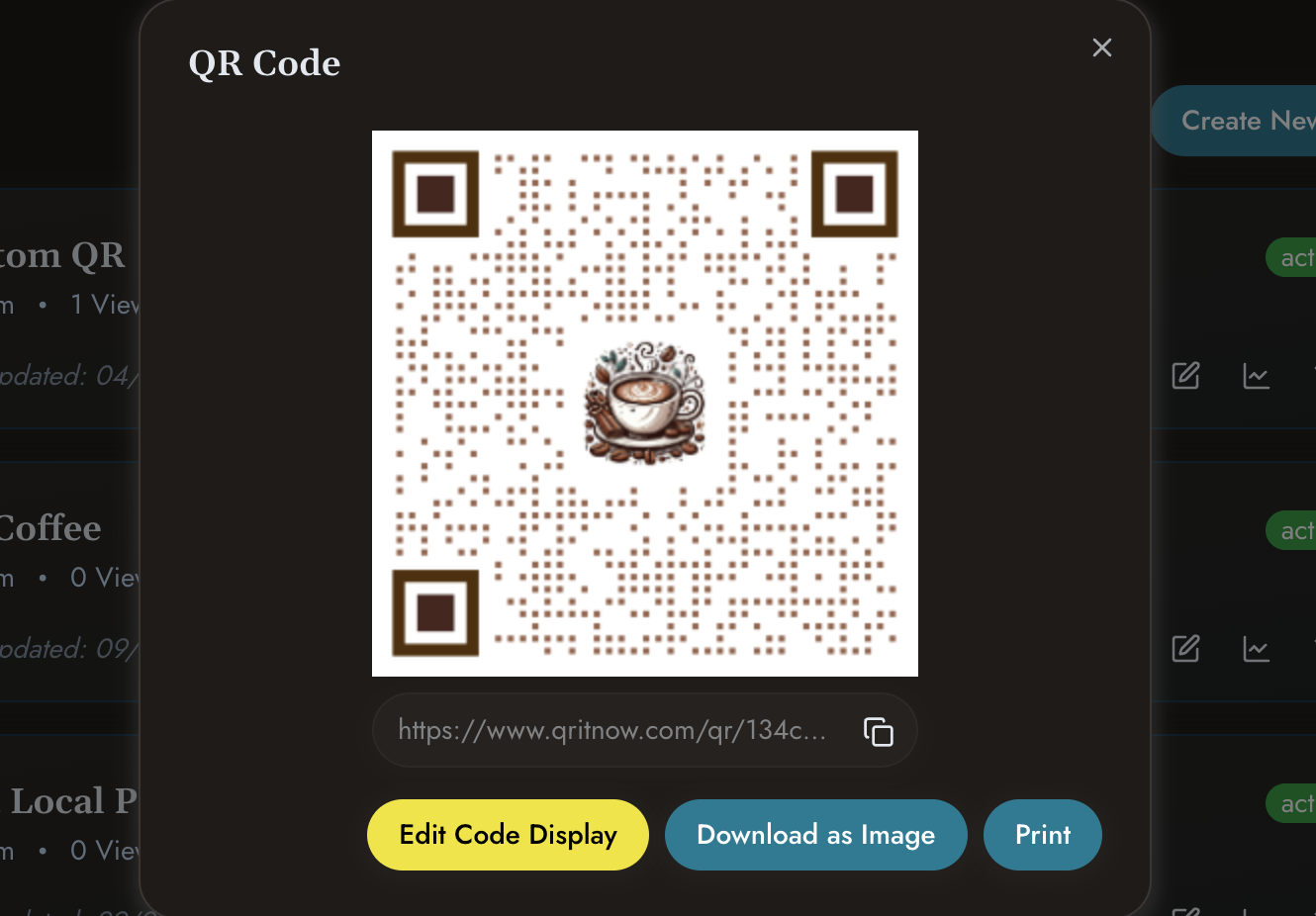 Download, print or share
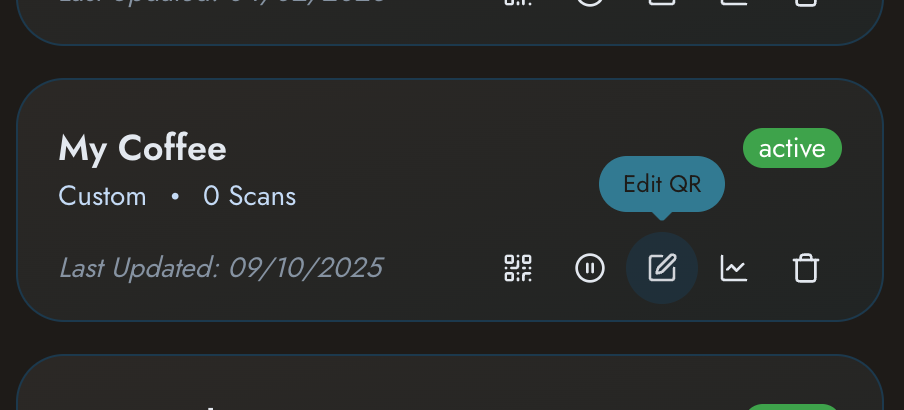 Update information whenever required
Other templates
Need other solutions?
Check out our other templates
- Building a business profile? Explore Business QR Codes.
- Sharing product information? Explore Product QR Codes.
- Creating customer experiences? See Custom QR Pages.
- Sharing downloadable material? View PDF QR Codes.
Ready to modernise your networking?
Create your QR code business card today and make sharing your information fast, simple and professional.