
Share Documents, Menus & Brochures
Share documents instantly with QR codes that provide fast and convenient access to PDFs from any smartphone. Businesses regularly need to distribute brochures, product catalogues, manuals, presentations, reports, forms and other documents. Traditional methods often involve large email attachments, printed copies or long download links that can be difficult for users to access. QRitNow allows you to create dynamic PDF Link QR codes that connect users directly to documents with a simple scan. Whether you're sharing marketing material, technical documentation, menus or business resources, PDF QR codes make information easier to access and simpler to manage.
Create your PDF Link QR code today.Create PDF Link QR Codes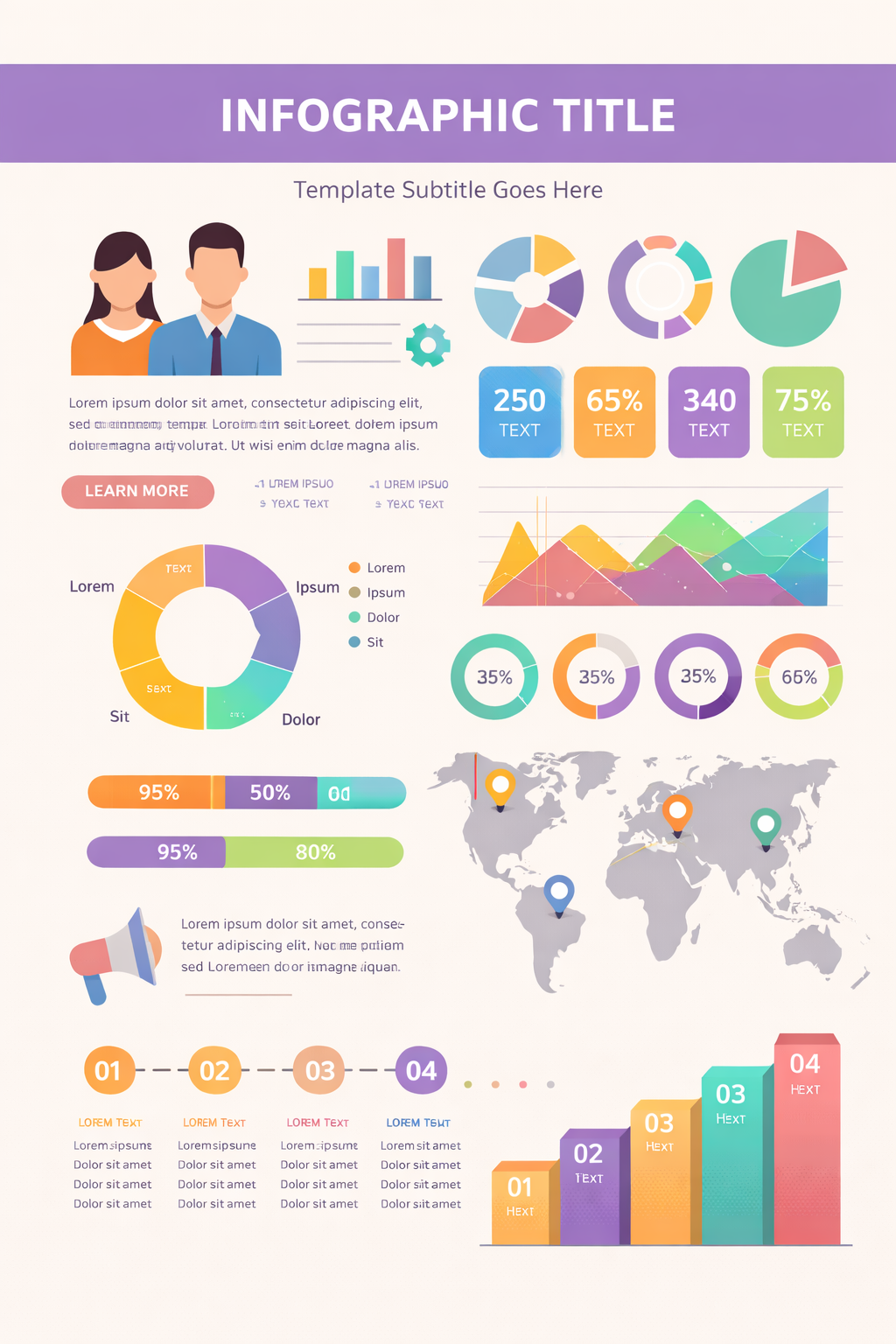
Share documents instantly
PDF Link QR codes can provide direct access to a wide range of content including:

Product catalogues
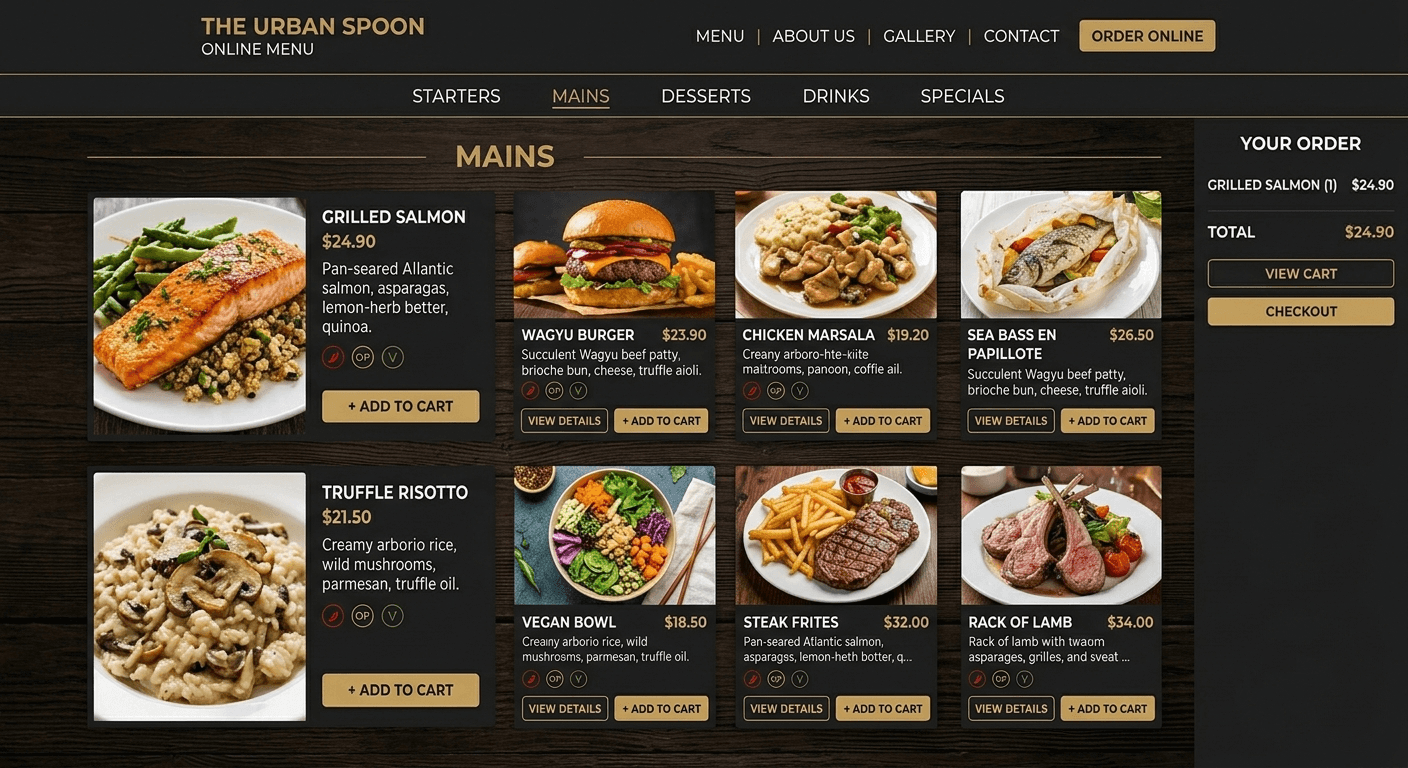
Menus

Brochures
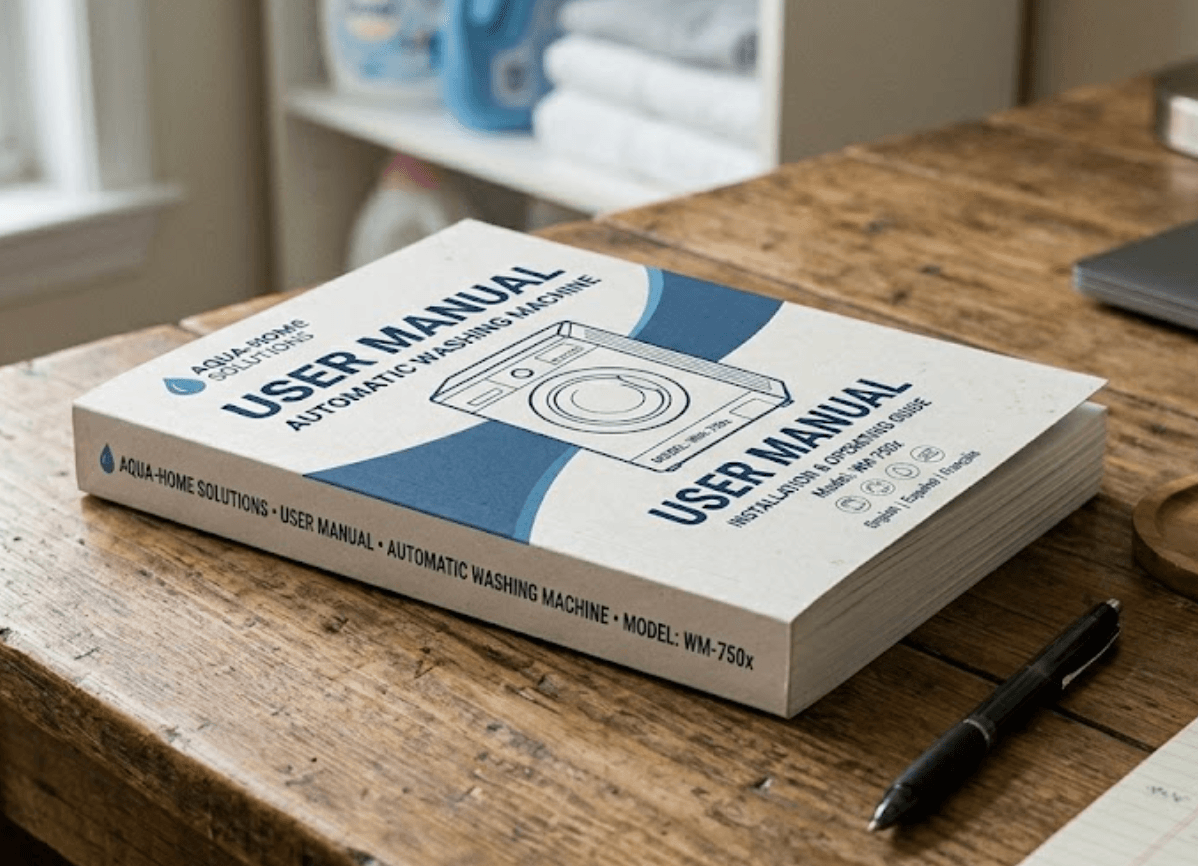
User guides
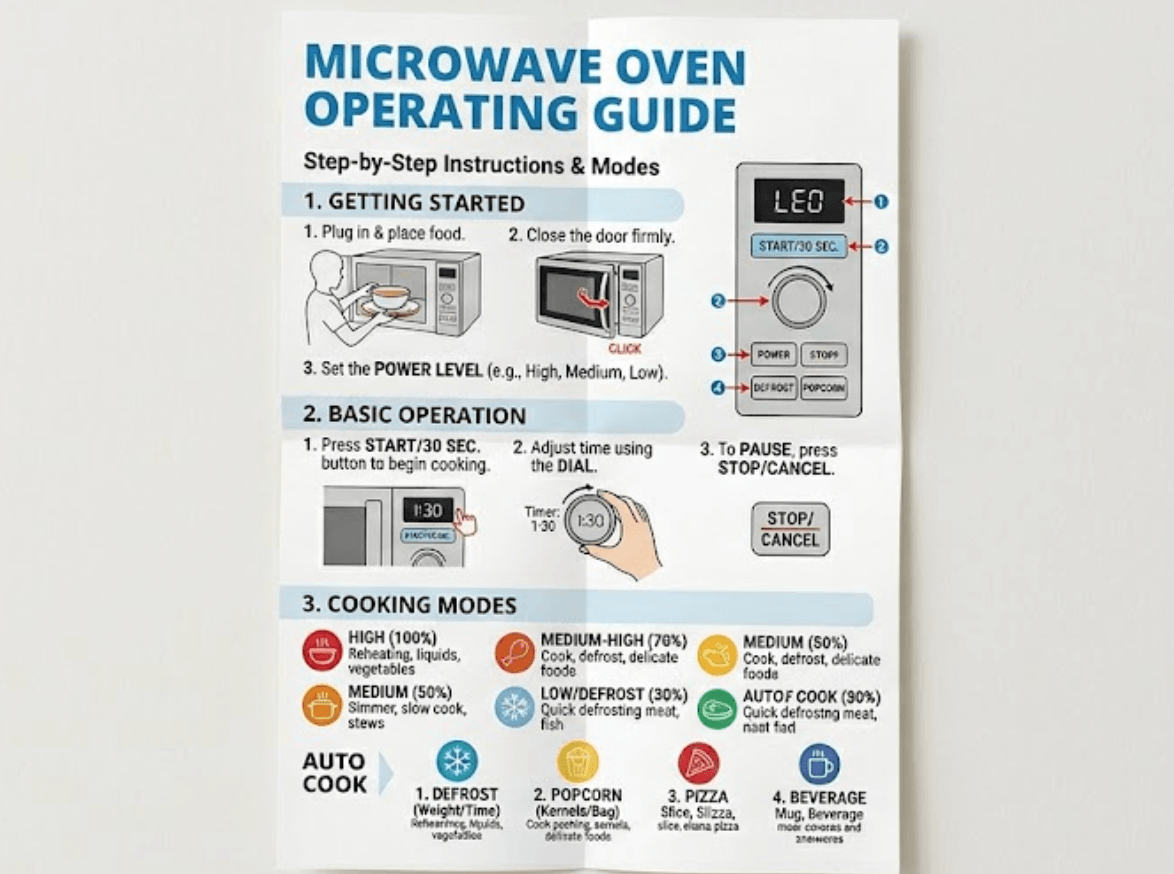
Instruction manuals
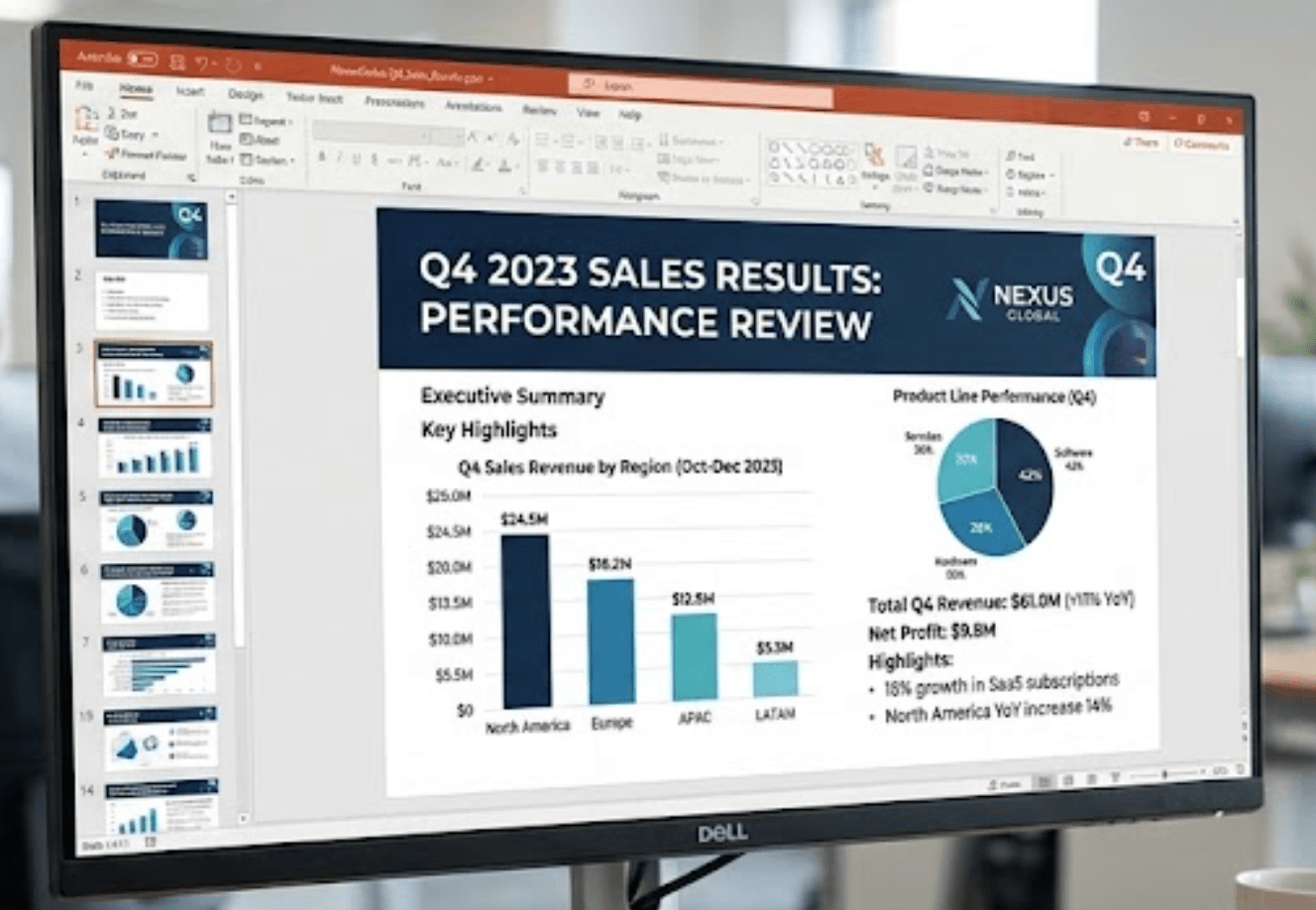
Presentations
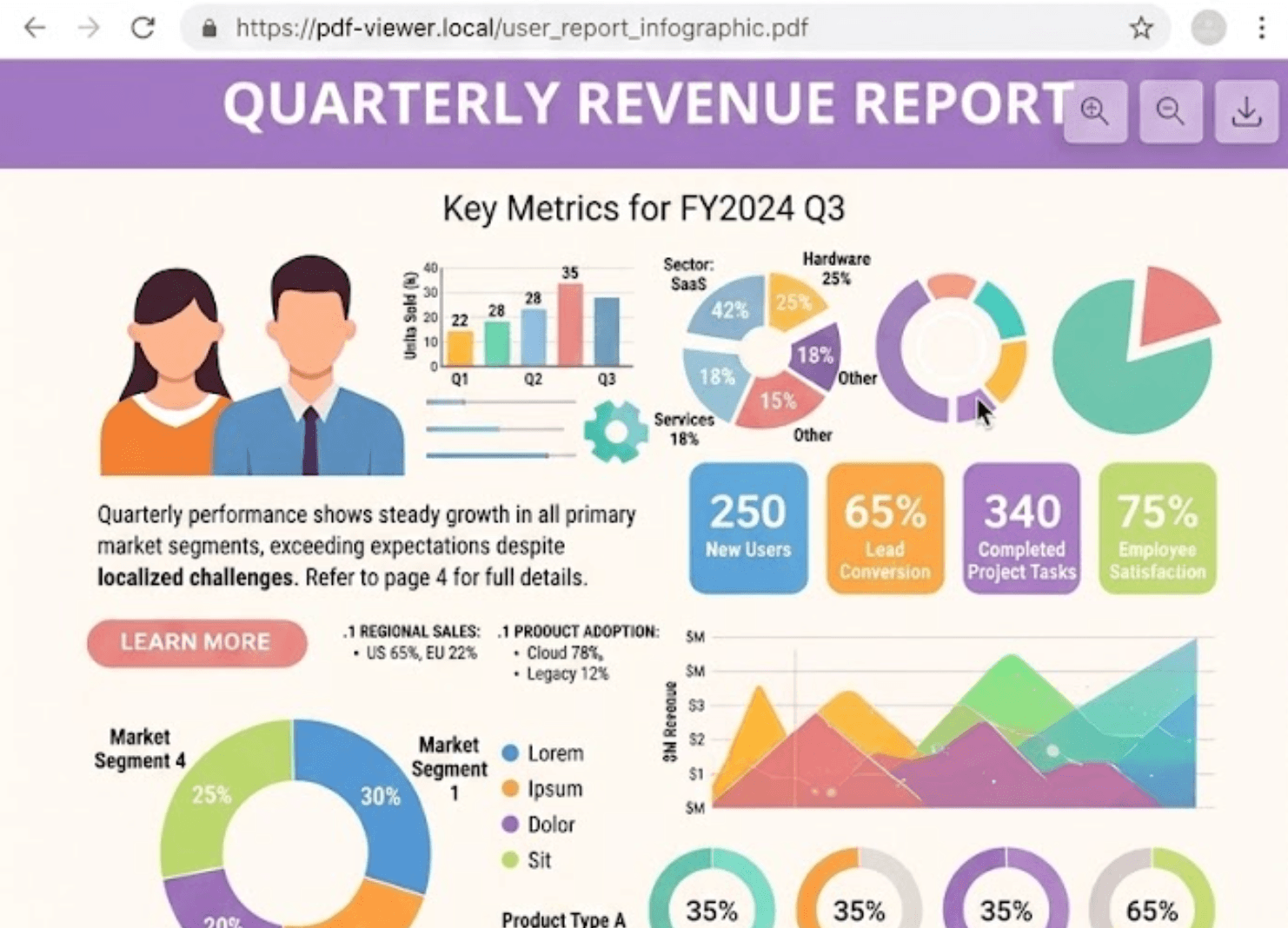
Reports
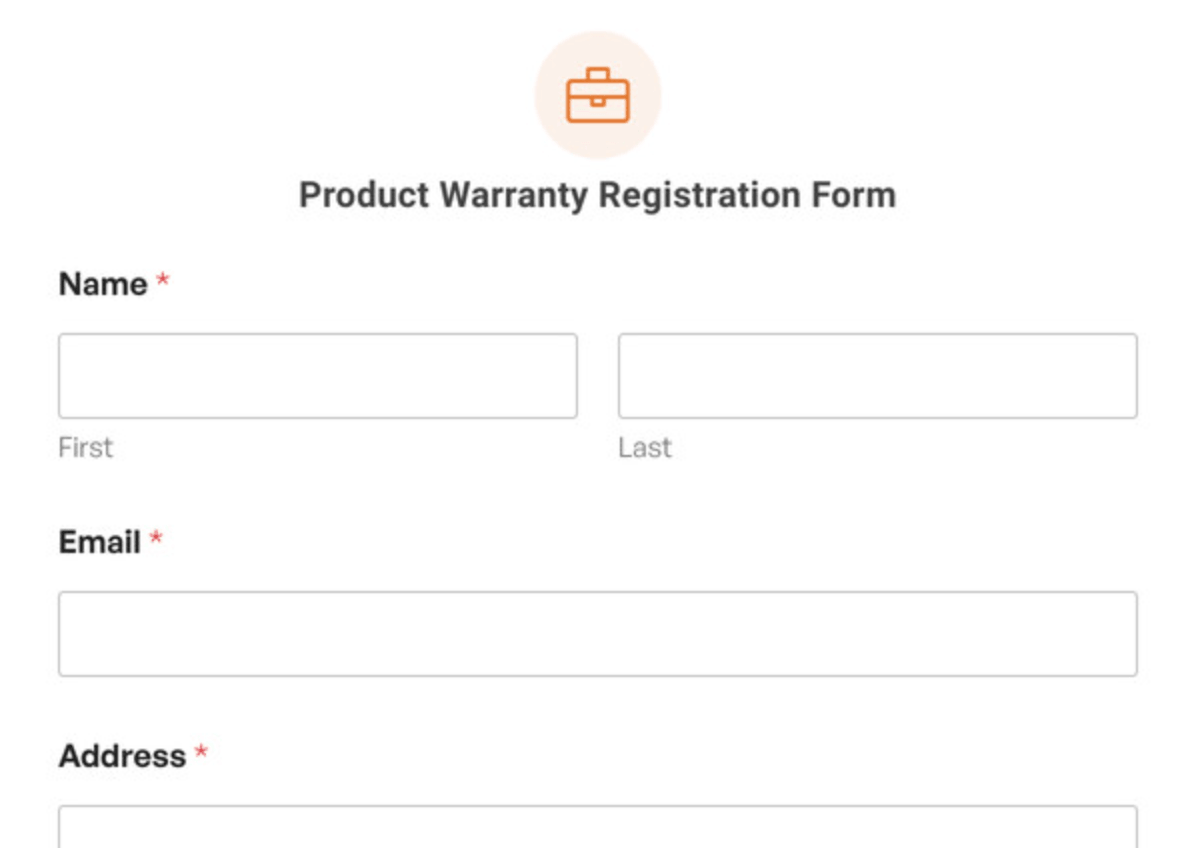
Forms
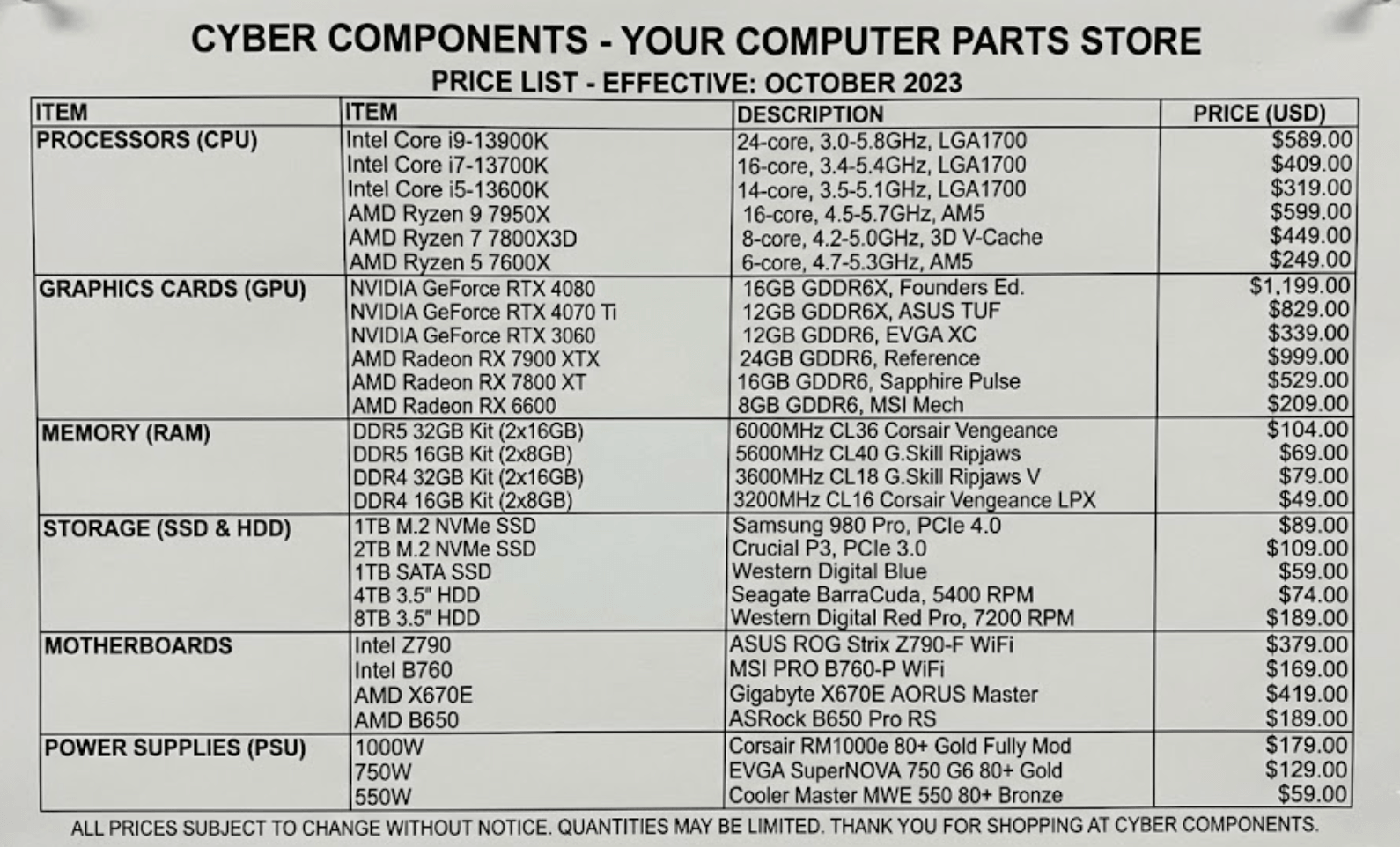
Price lists
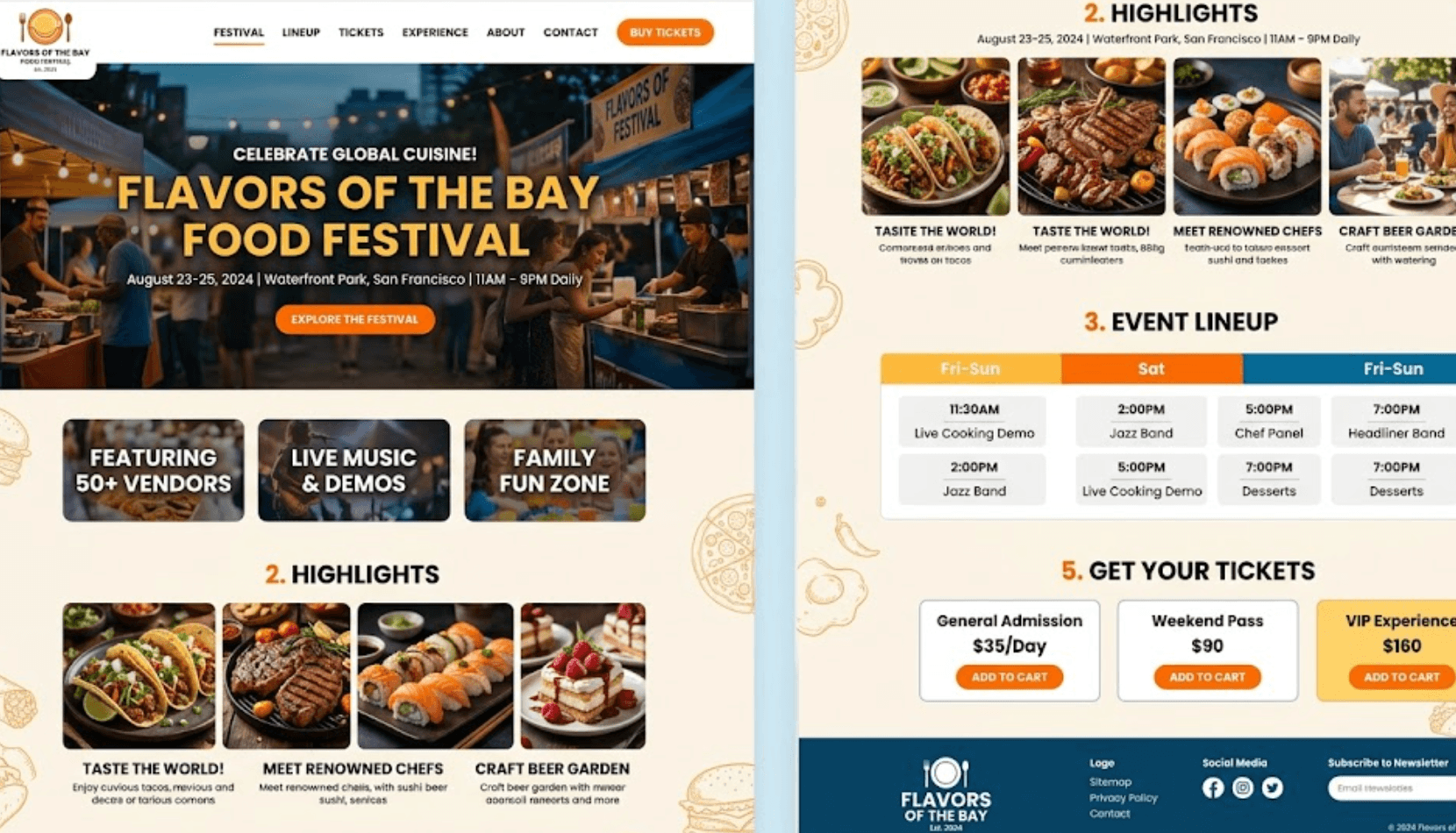
Event programs

Technical documentation
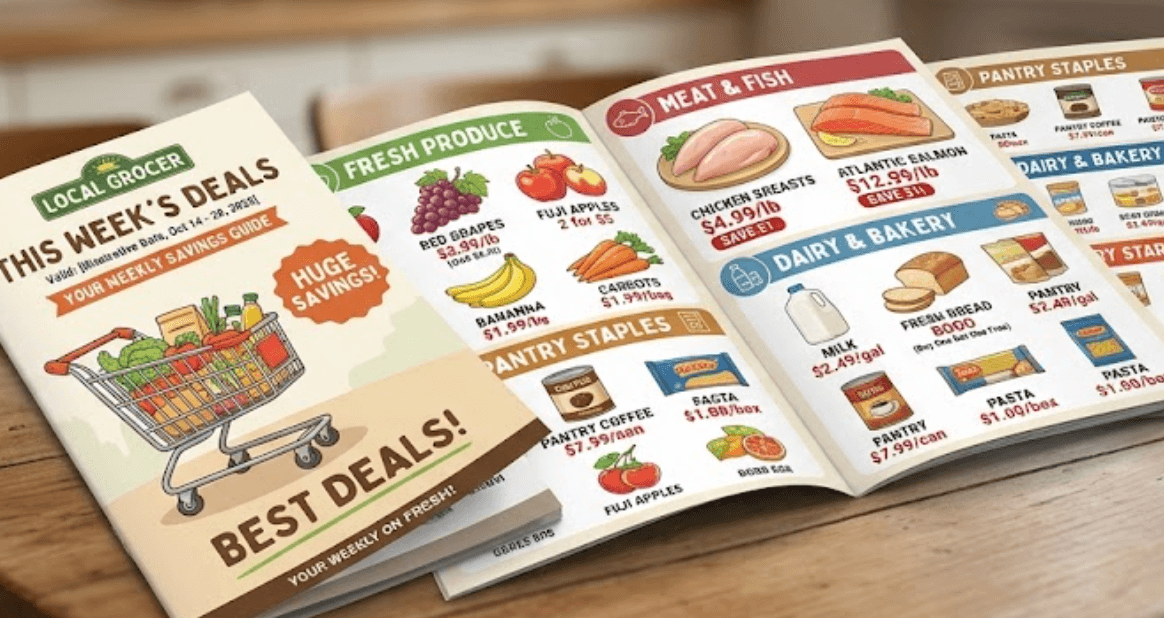
Marketing material
Customers simply scan the QR code and immediately access the document on their device. No typing. No searching. No large email attachments.
Benefits
Why use PDF Link QR codes?
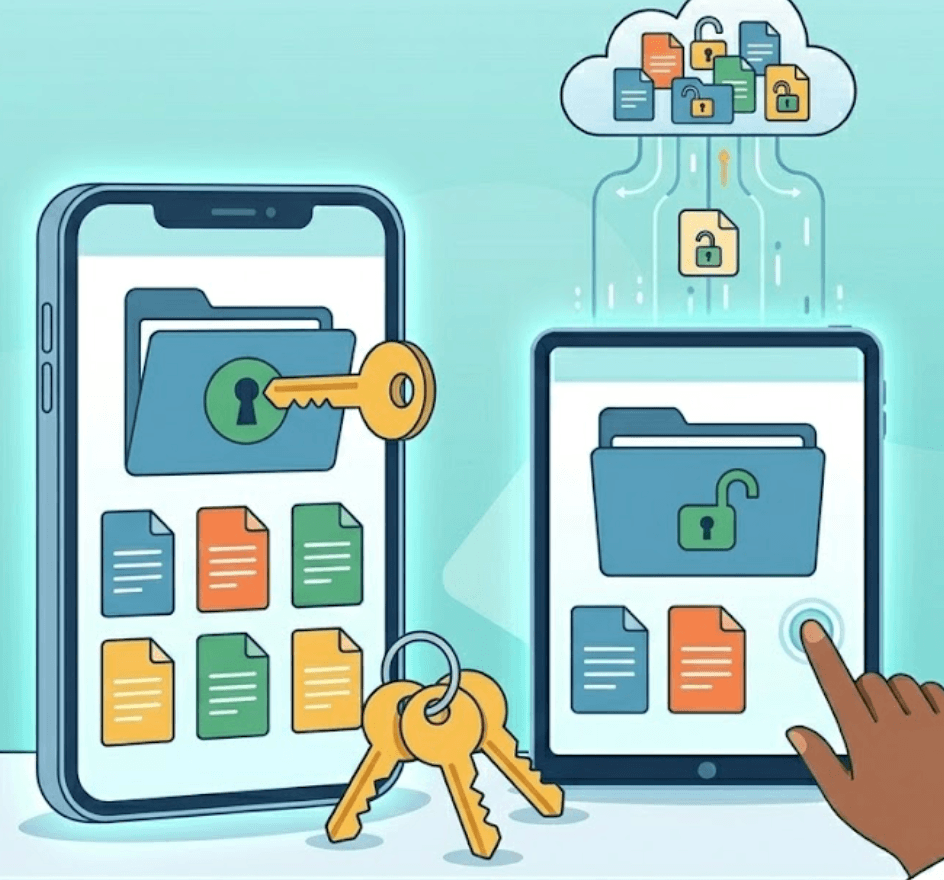
Long URLs and downloaded attachments can create unnecessary steps. PDF QR codes remove barriers and allow users to instantly access the information they need. A single scan provides immediate access from almost any smartphone.

Printed materials often become outdated. Product catalogues change, pricing updates, forms evolve and presentations are revised. Dynamic PDF QR codes allow you to replace or update documents while keeping the same QR code active. Update:
- Menus
- Price lists
- Catalogues
- Reports
- User manuals
- Marketing documents
without reprinting materials.
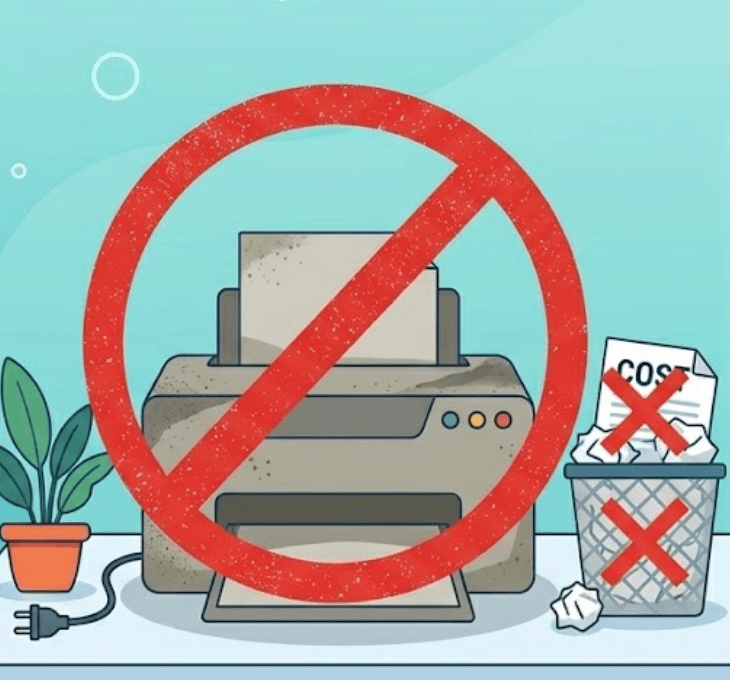
Printed documents can quickly become expensive to maintain and distribute. PDF QR codes help businesses reduce:
- Printing costs
- Distribution effort
- Paper waste
- Document management overhead
Keep information digital while still making it easily accessible.
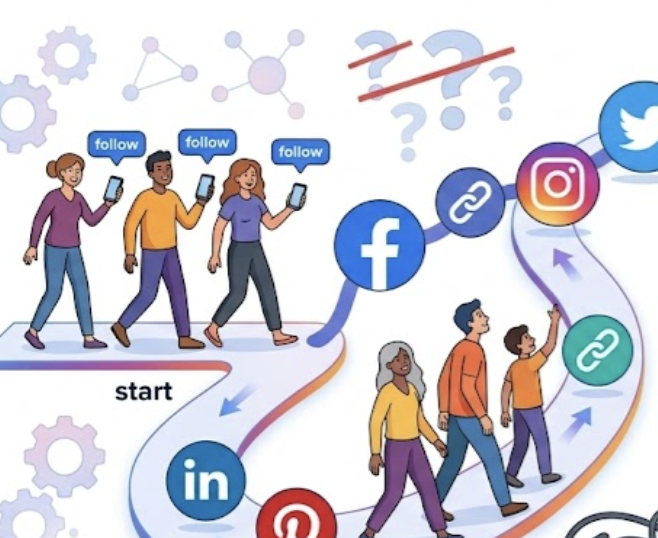
Give customers immediate access to useful information at the point where they need it. Examples include:
- Product packaging
- Store displays
- Business cards
- Events
- Marketing campaigns
- Signage
- Brochures
Instead of handing out printed material, users simply scan and view the content instantly.

Analytics can help businesses understand how customers interact with shared content. Track:
- Scan activity
- Engagement trends
- Campaign performance
- Popular documents
- Customer behaviour
Use insights to improve future campaigns and customer experiences.
Use cases
Common uses for PDF Link QR codes
Replace printed menus with digital versions that can be updated instantly. Share:
- Food menus
- Drink menus
- Specials
- Promotional offers
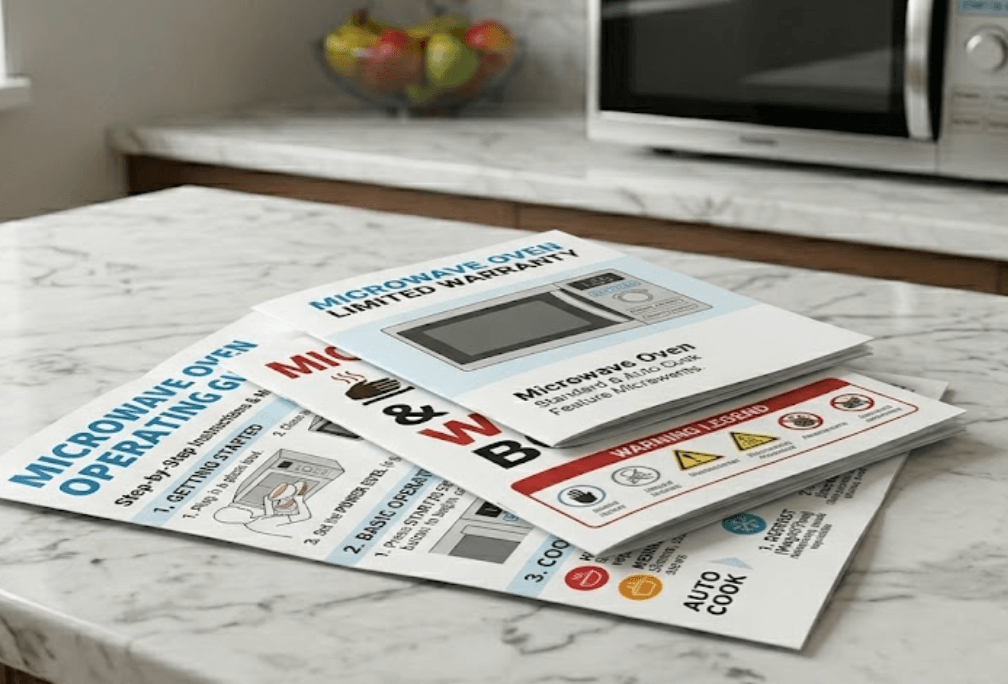
Provide customers with:
- Setup instructions
- User guides
- Warranty documents
- Troubleshooting information
Allow customers to instantly access:
- Company information
- Services
- Product details
- Sales material
Provide attendees with:
- Programmes
- Speaker information
- Maps
- Schedules
Simplify access to:
- Registration forms
- Applications
- Surveys
- Documentation
Example
Product catalogue QR code
Imagine a furniture business displaying products in a showroom. Instead of printing large catalogues that require frequent updates, each display includes a QR code. Customers scan and immediately access:
- Product catalogue
- Pricing
- Specifications
- Available options
- Promotional information
The business reduces printing costs while customers receive current information instantly.
How it works
Creating a PDF Link QR code is simple
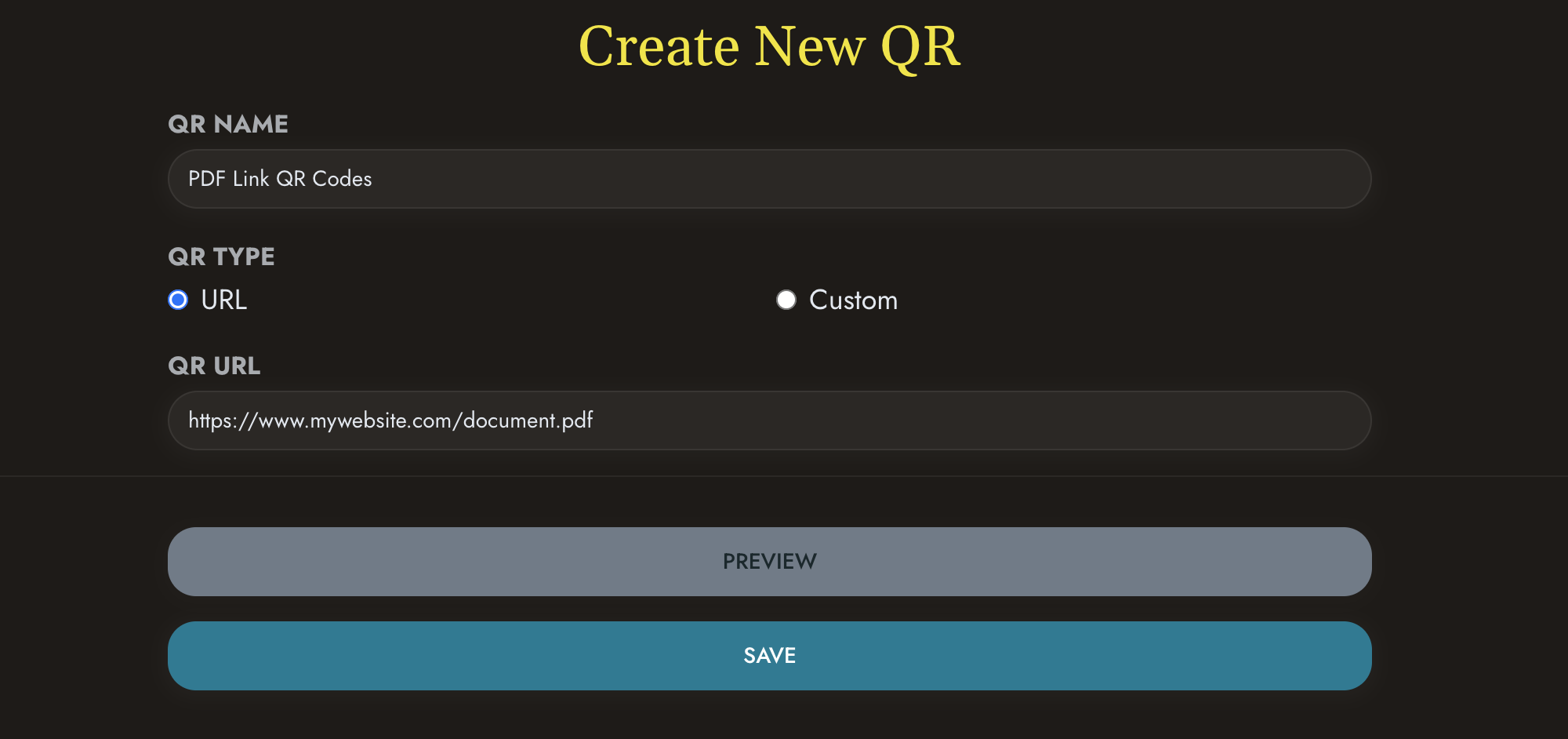 Link to your PDF document
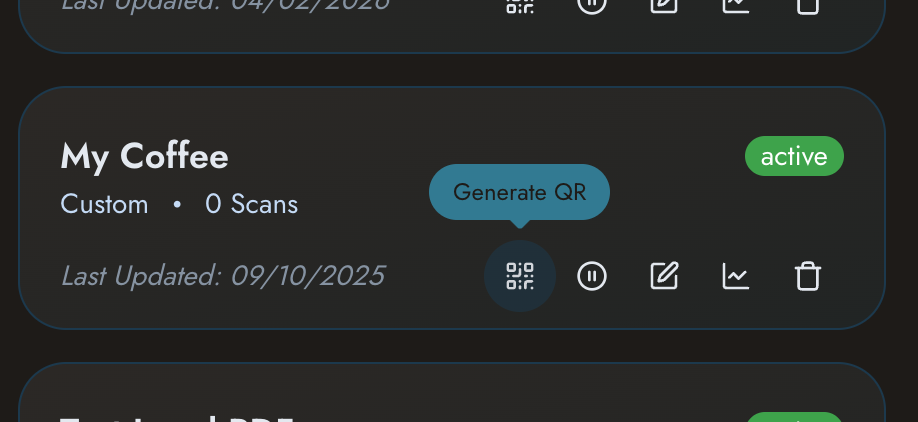 Generate your QR code
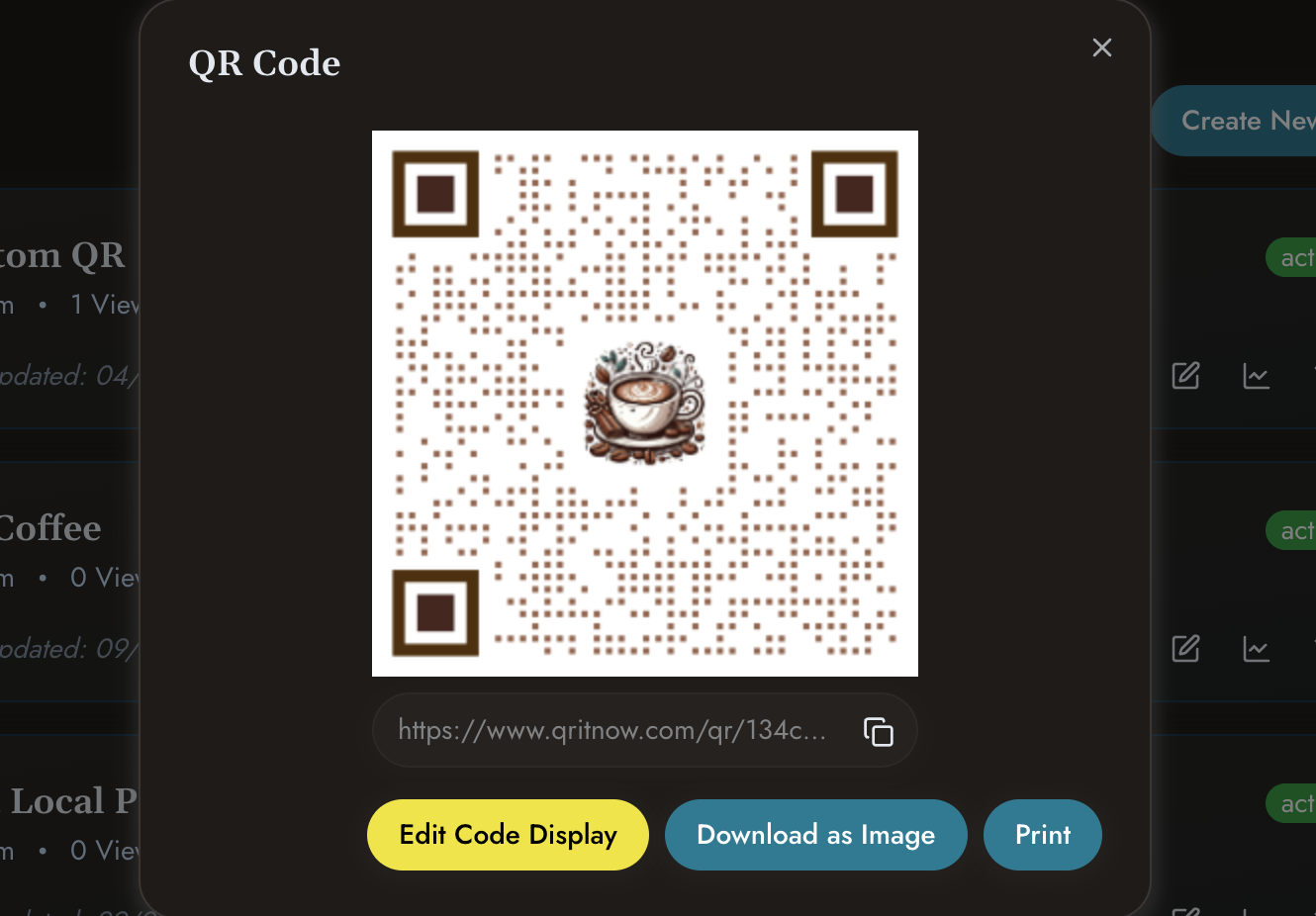 Download and publish
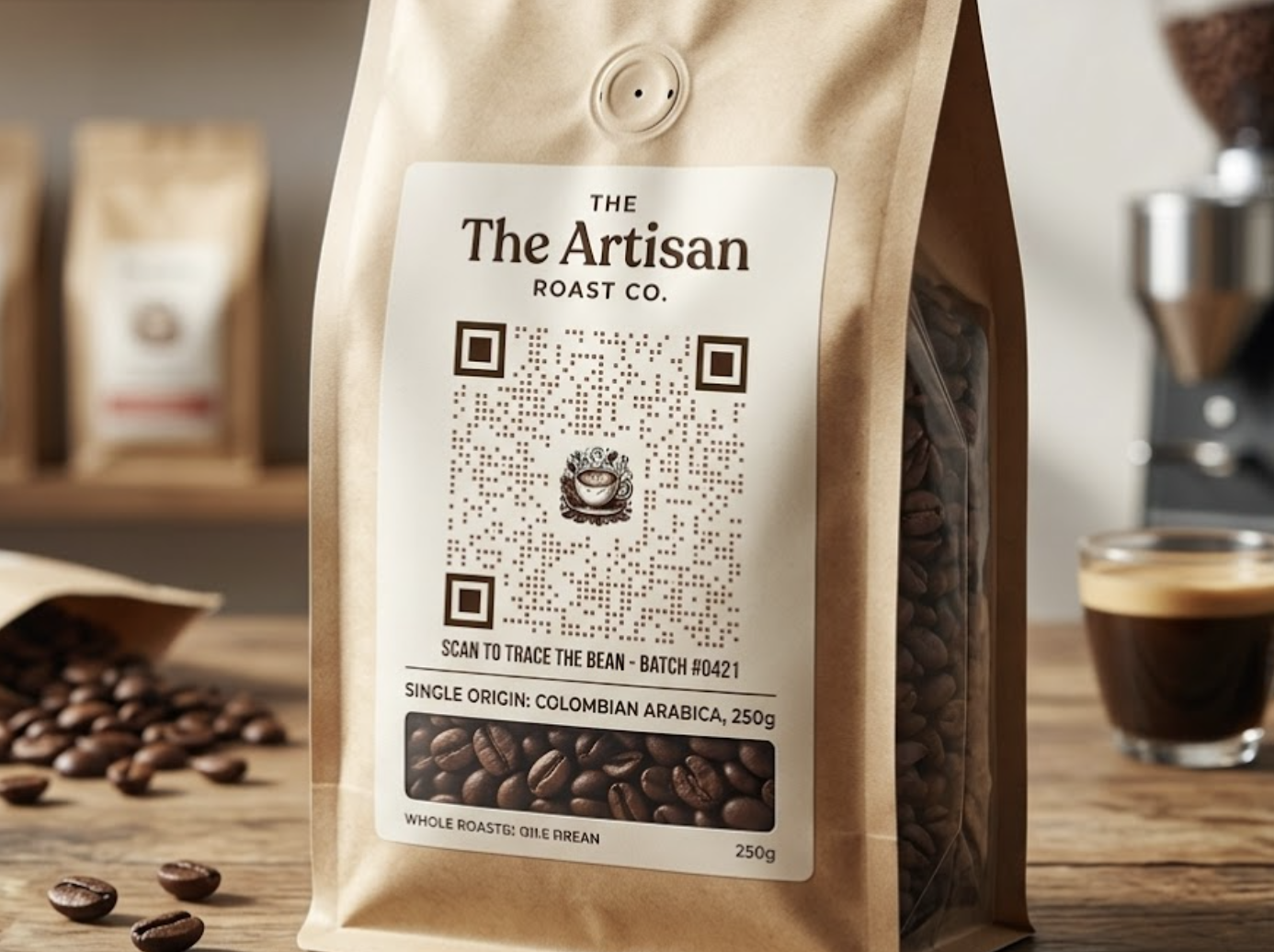 Place the QR code on packaging, brochures or marketing material
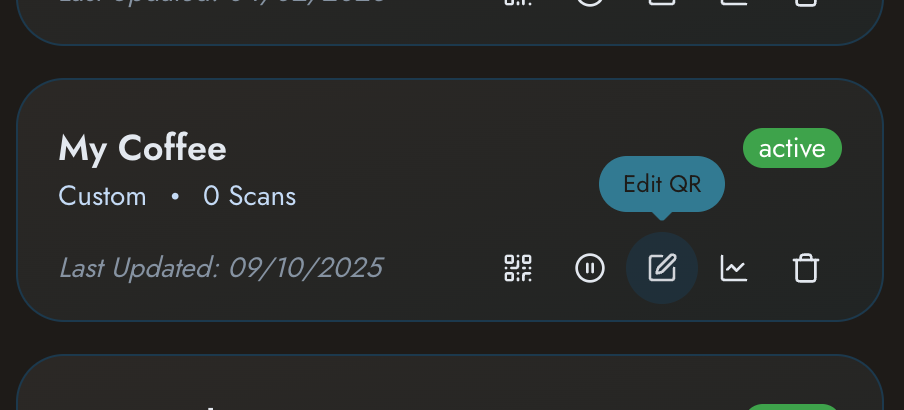 Update documents whenever required
Other templates
Need other solutions?
Check out our other templates
- Need customised content pages? View Custom QR Pages.
- Sharing products? Explore Product QR Codes.
- Creating business marketing tools? See Business QR Codes.
- Sharing professional information? View QR Business Cards.
Connect customers directly to your documents with a smarter QR experience.
Create PDF Link QR codes that make information easy to access and easier to manage.