
QR Codes for Websites & Links
Share any webpage instantly with a simple QR code. Whether you're directing customers to your website, promoting a special offer, sharing a document, advertising an event or connecting users with important information, Page Link QR codes provide a fast and convenient way to move people from the physical world to your online content. QRitNow makes it easy to create dynamic QR codes that connect users directly to webpages and online content while giving businesses flexibility and control. Instead of asking people to manually type long web addresses, one scan provides immediate access.
Create your Page Link QR code today.Create Page Link QR Codes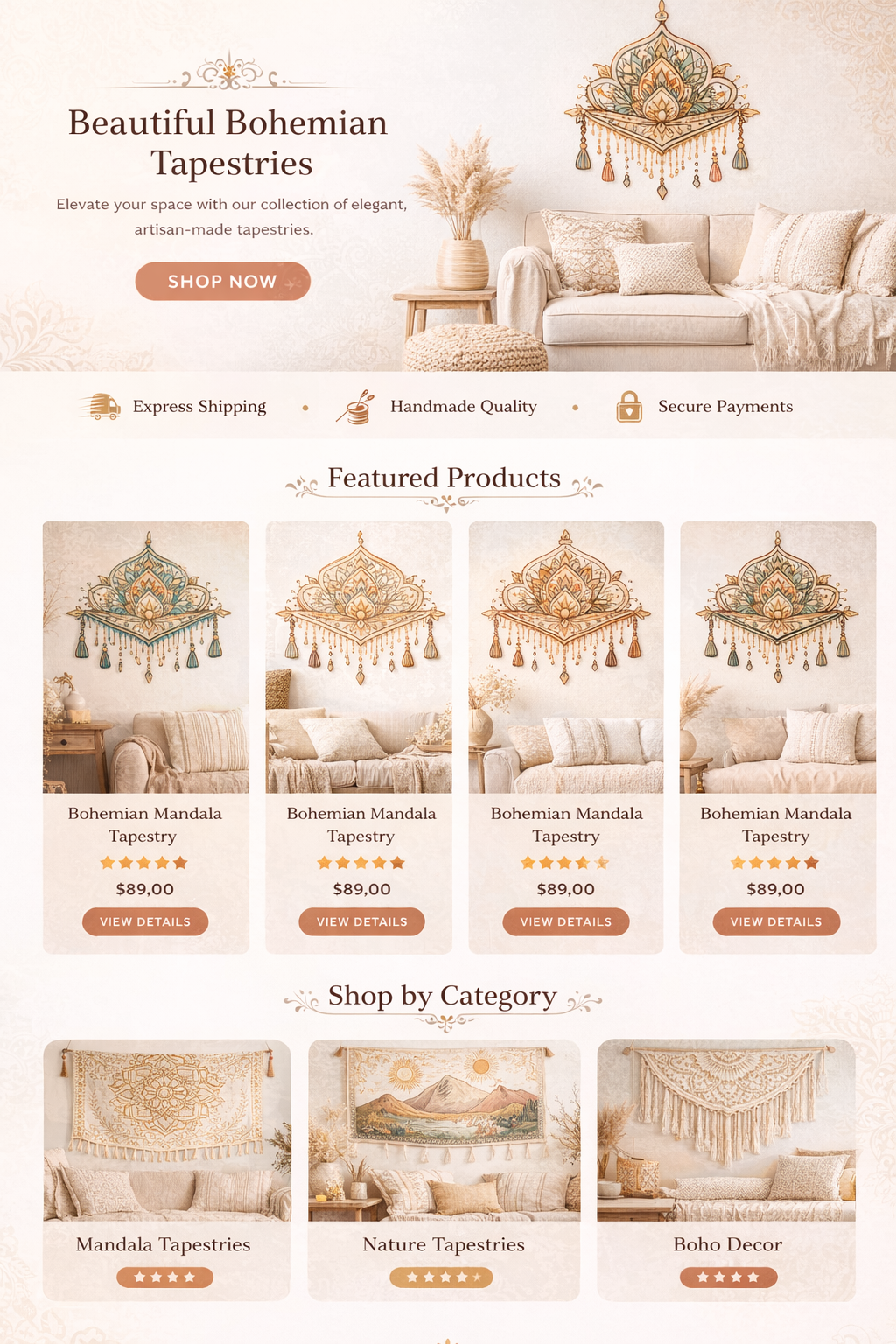
Turn any link into a smarter customer experience
Provide fast access to information without making users search or type URLs manually. Page Link QR codes can direct users to almost any online destination, including:
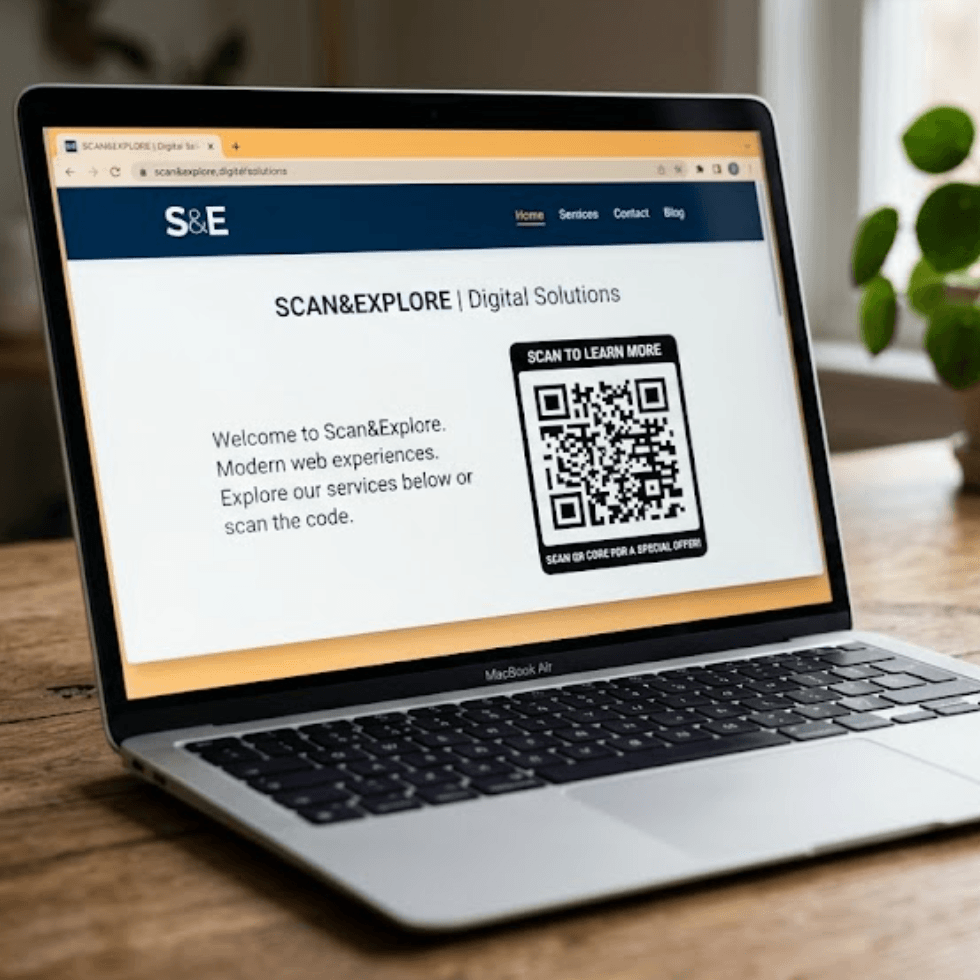
Websites
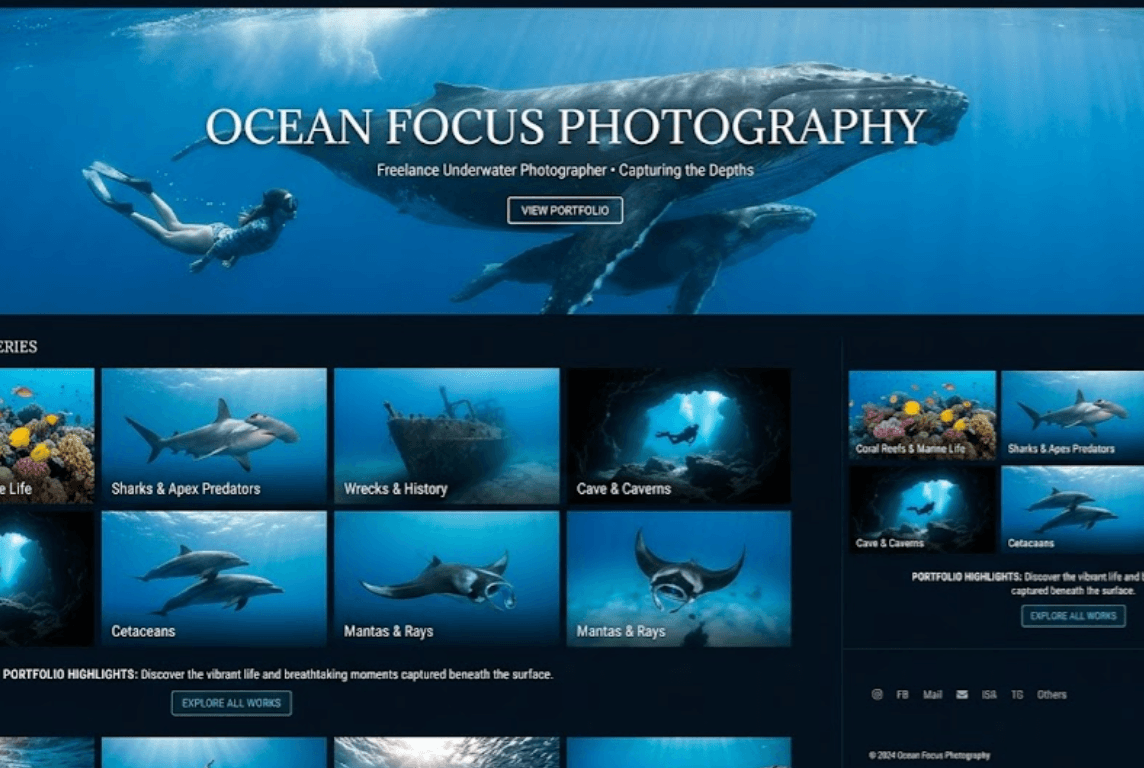
Landing pages
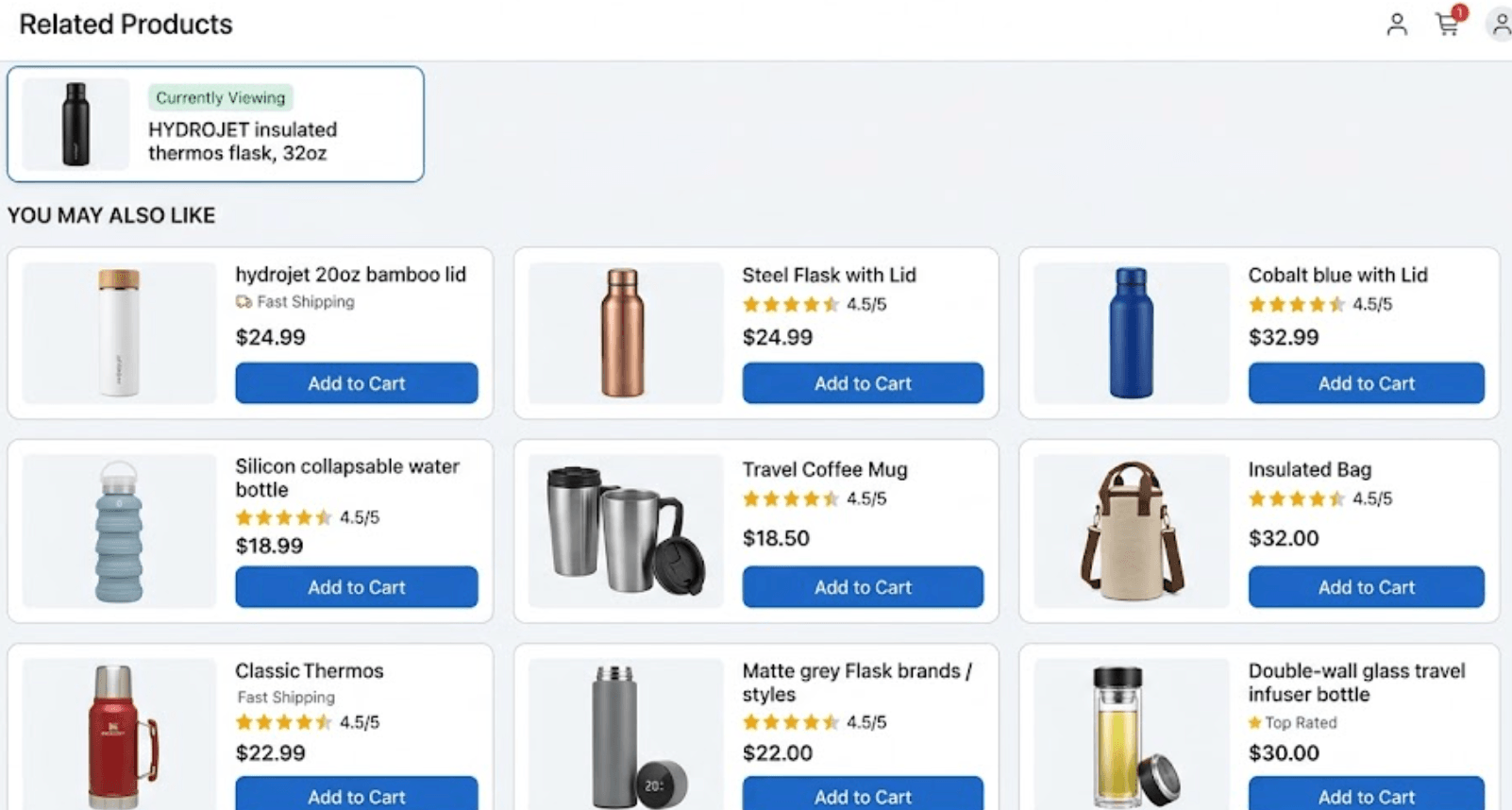
Online stores
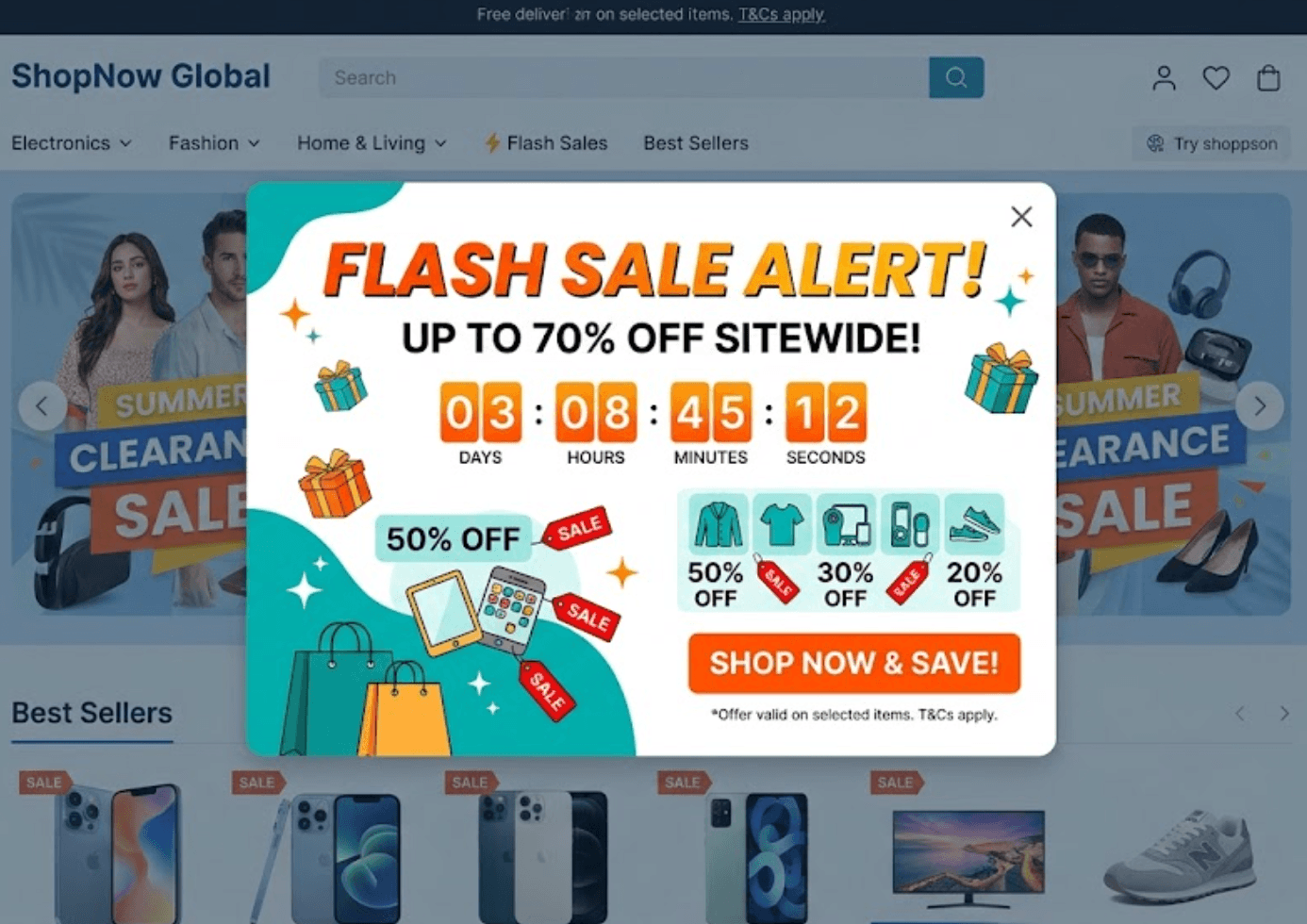
Promotions
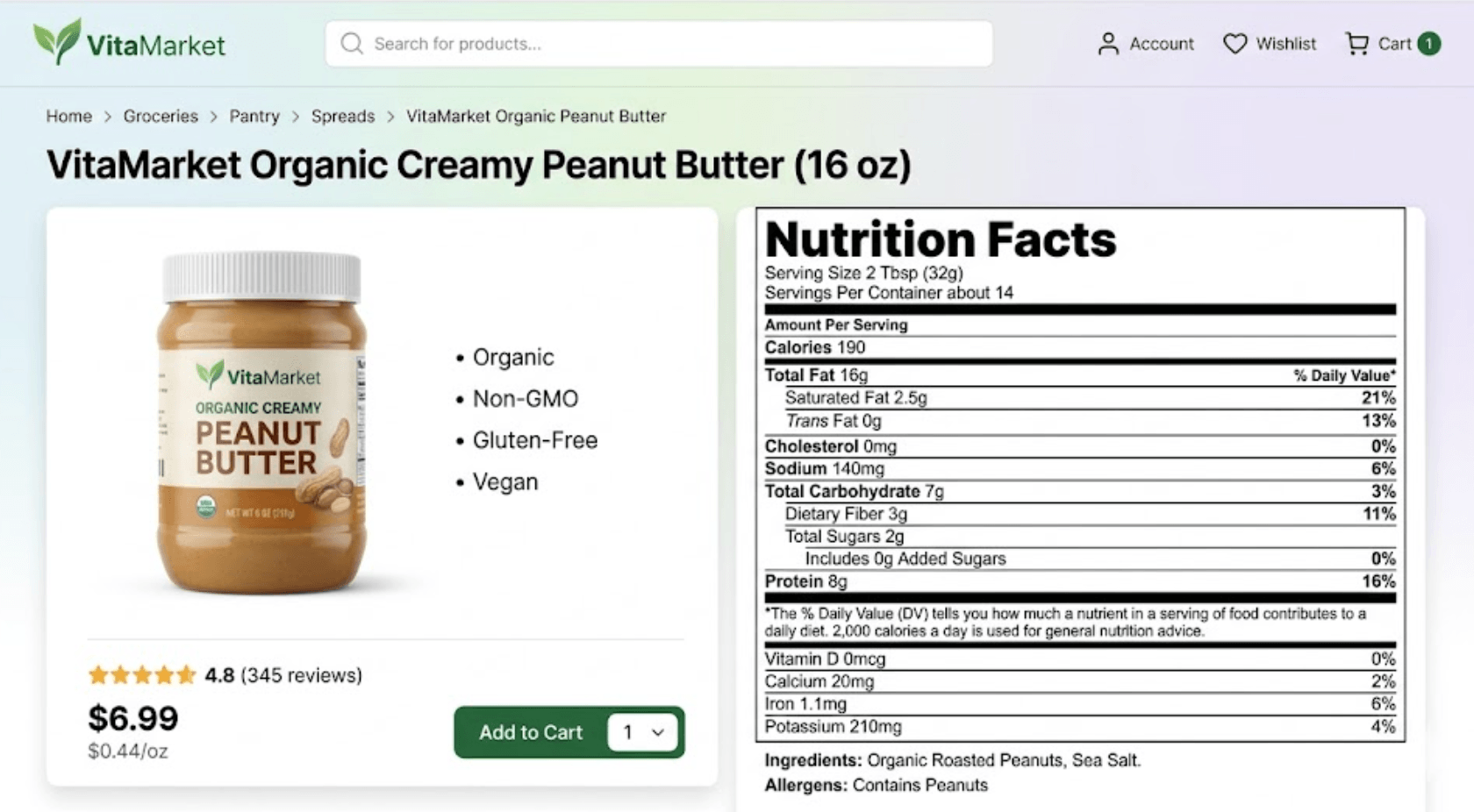
Product pages
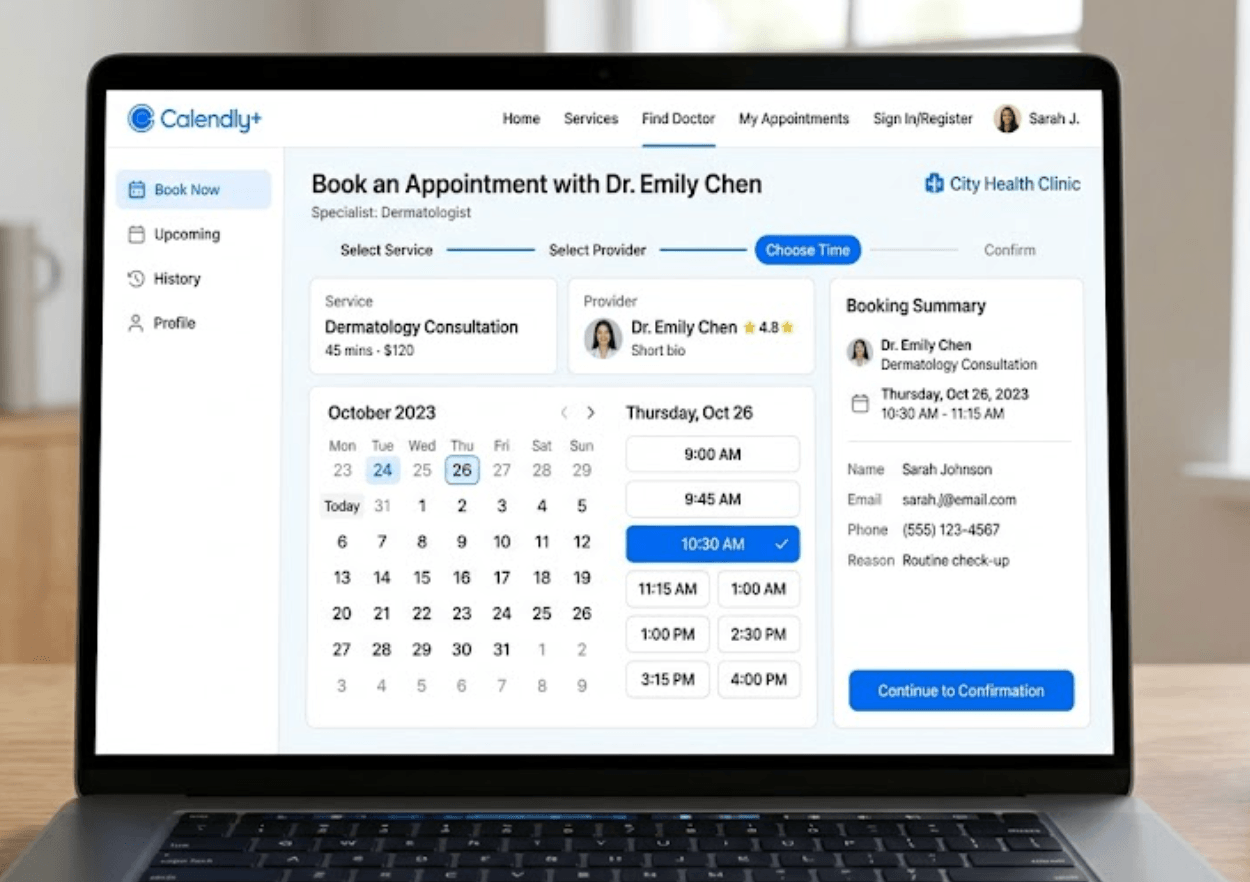
Booking systems
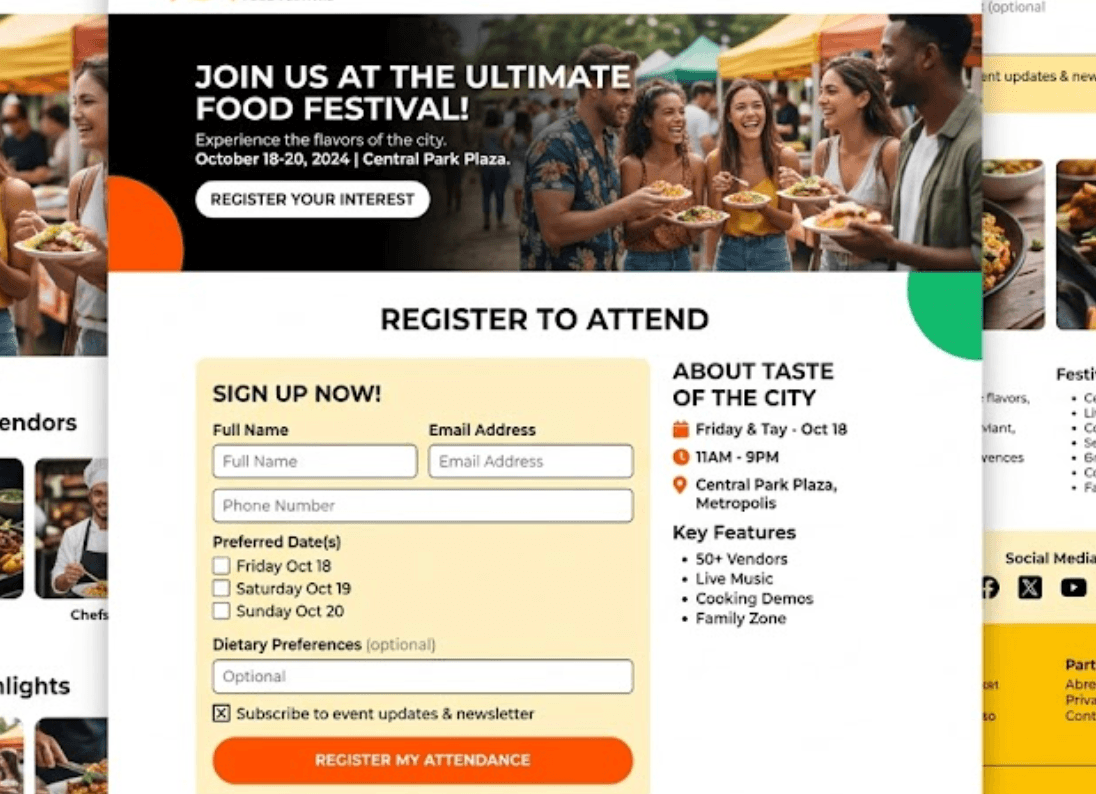
Event registrations
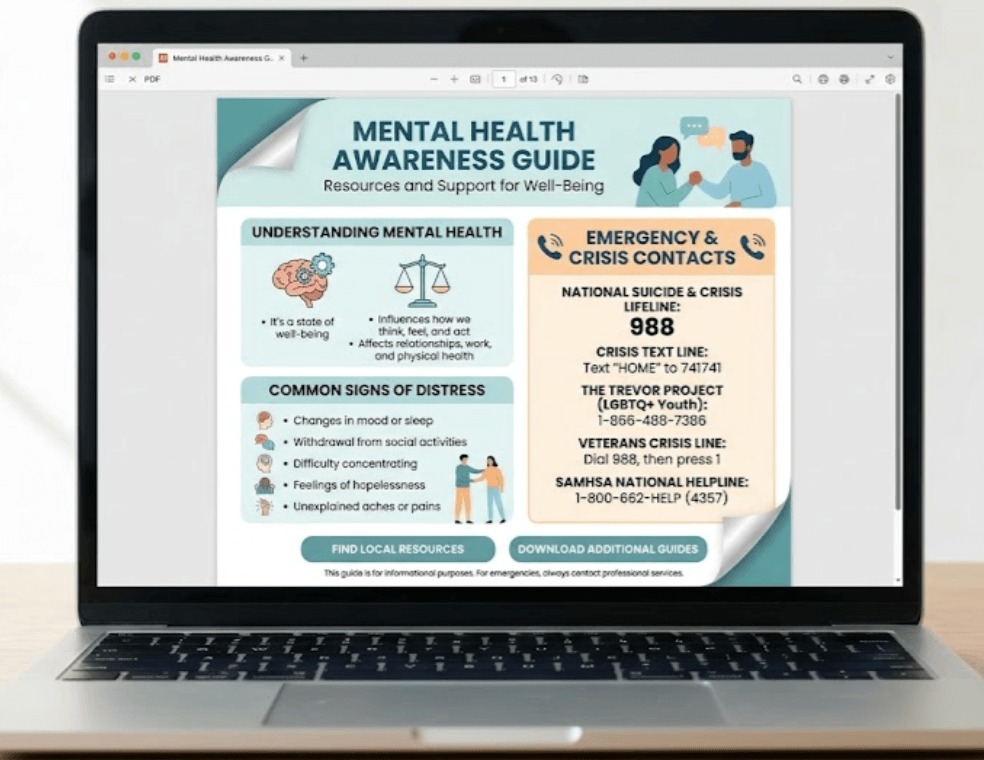
Documents

Videos
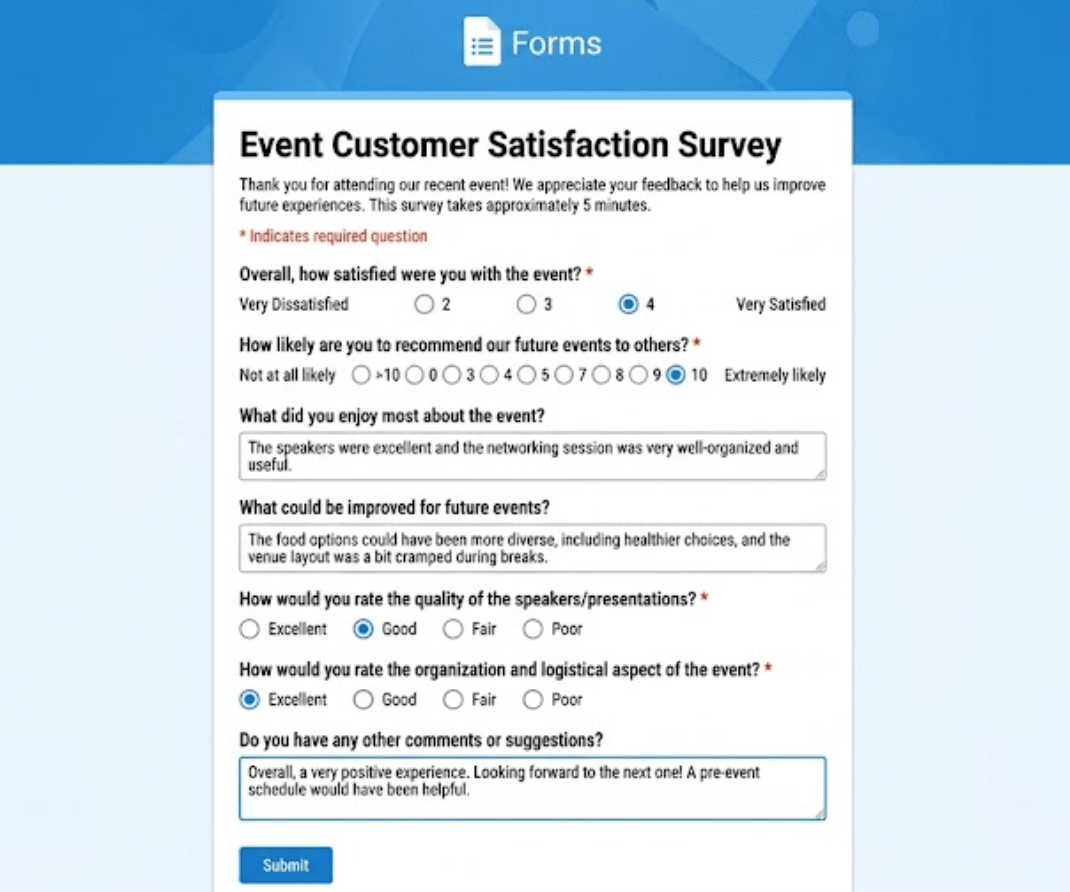
Surveys
Contact pages

Social media profiles
Benefits
Why use Page Link QR codes?
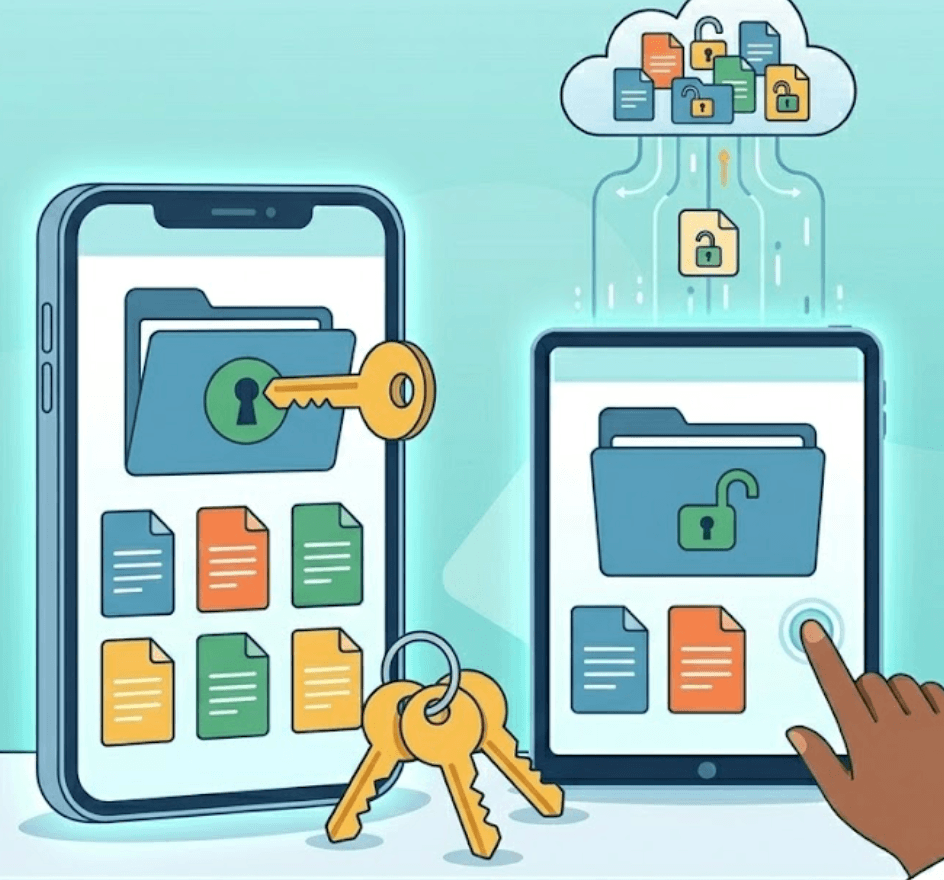
Long URLs are difficult to remember and often frustrating to enter on mobile devices. Page Link QR codes allow users to reach the information they need instantly with a quick scan. Reduce friction and improve customer experience.

Business information and campaigns change regularly. Dynamic Page Link QR codes allow you to change where a QR code points without replacing printed materials. Update:
- Promotional campaigns
- Product pages
- Event registrations
- Landing pages
- Website content
- Seasonal offers
while keeping the same QR code active.
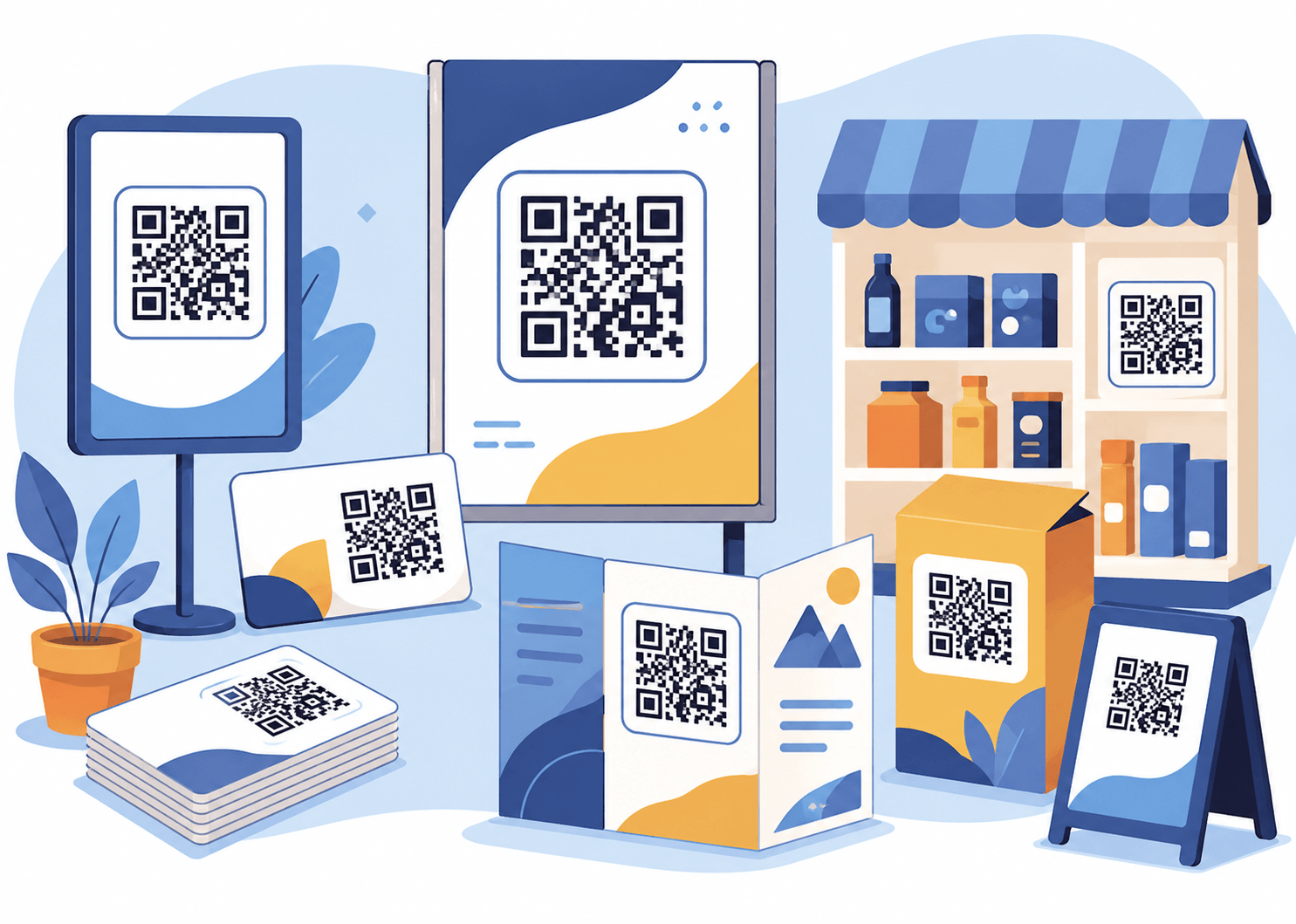
Page Link QR codes work across a wide range of business uses. Add QR codes to:
- Business cards
- Flyers
- Posters
- Product packaging
- Store displays
- Vehicles
- Brochures
- Signage
- Social media posts
- Email campaigns
A single QR code can become part of your entire marketing strategy.

Understand how customers interact with your campaigns and content. Analytics can help track:
- Scan activity
- Customer engagement
- Campaign performance
- Popular content
- Trends over time
This provides useful insight that traditional printed materials cannot provide.
Use cases
Common uses for Page Link QR codes
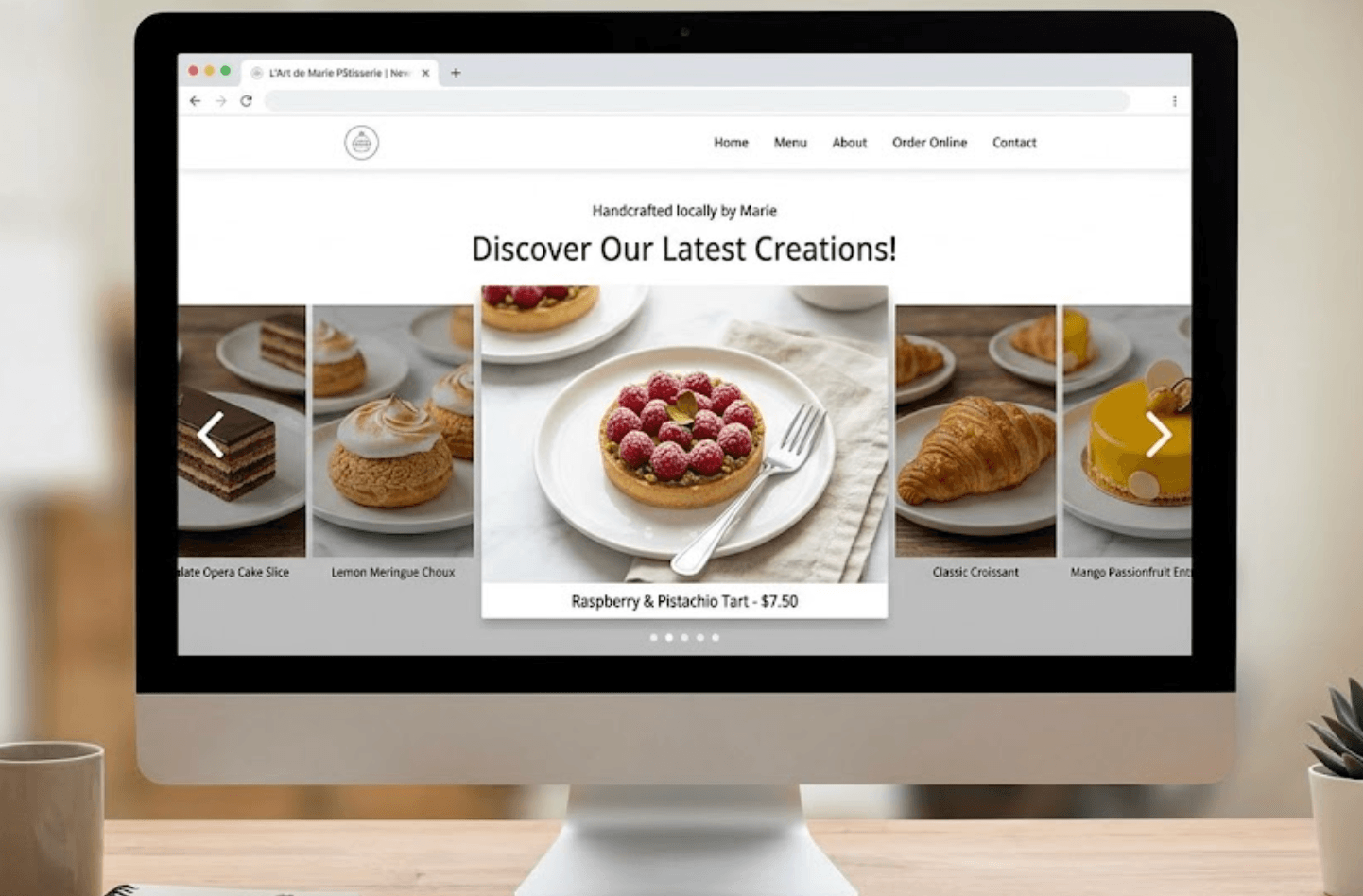
Drive customers directly to your company website. Perfect for:
- Advertising
- Marketing campaigns
- Business cards
- Printed materials
Direct users to:
- Discounts
- Special offers
- Seasonal promotions
- Campaign pages
Allow customers to instantly access:
- Appointment scheduling
- Reservations
- Service bookings
- Consultation requests
Provide access to:
- Product pages
- Specifications
- Videos
- Documentation
Share:
- Event information
- Registration forms
- Ticket sales
- Updates
Example
Promotional campaign QR code
Imagine a retail business running a limited-time promotion. Instead of asking customers to type:
a QR code is added to posters, social media advertisements and flyers. Customers simply scan the code and immediately reach the promotion page. This creates:
- Faster customer engagement
- Better conversion opportunities
- Easier access
- Improved campaign tracking
How it works
Creating a Page Link QR code is simple
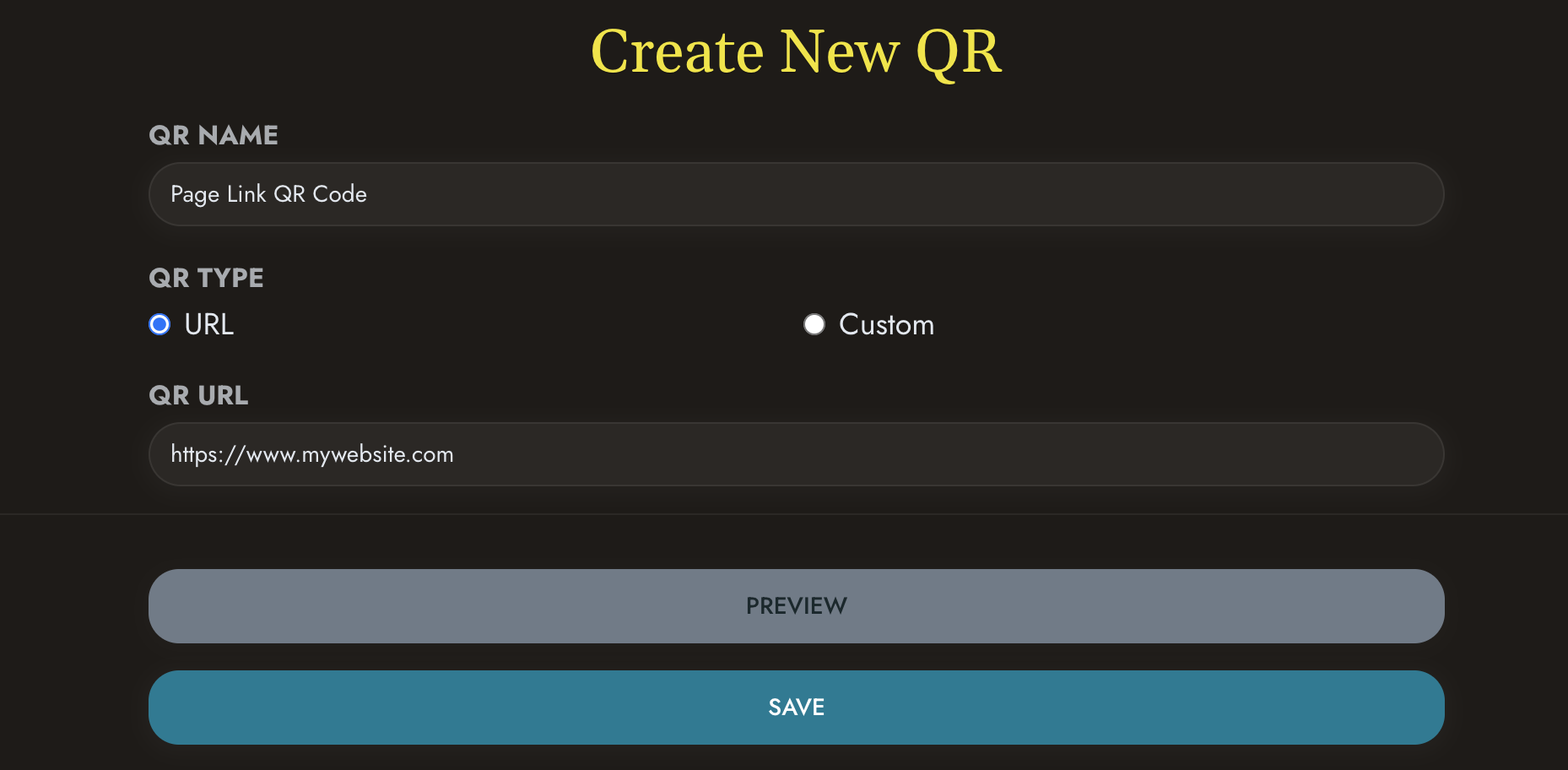 Enter your webpage or destination URL
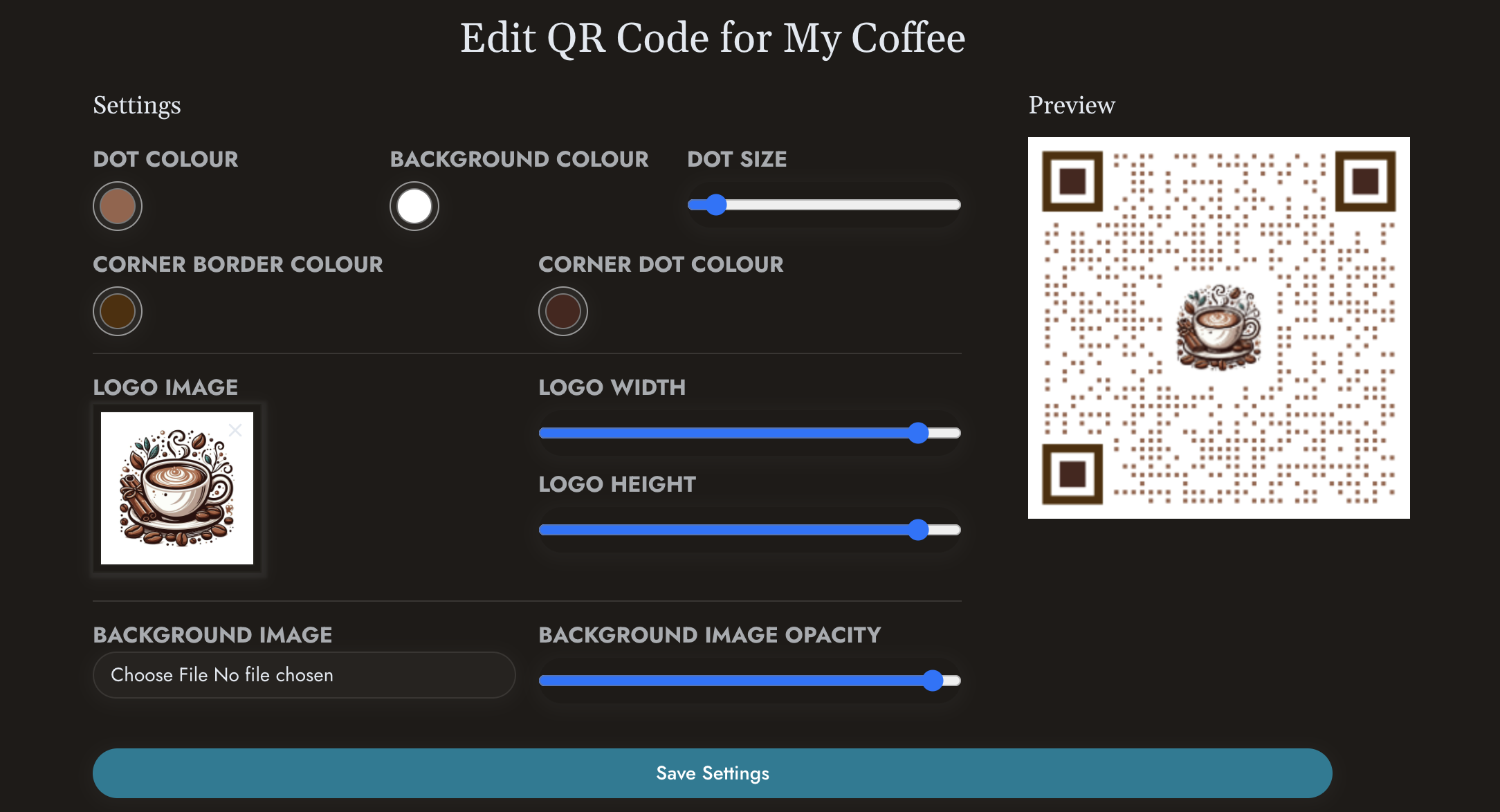 Customise your QR code if required
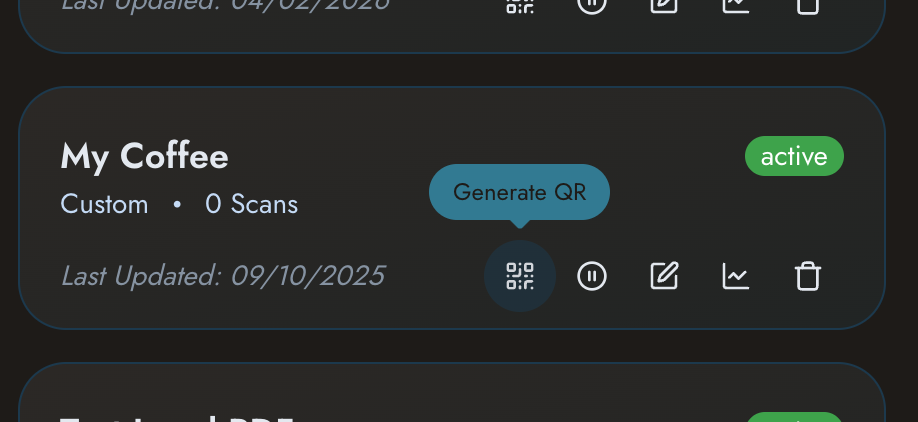 Generate your QR code
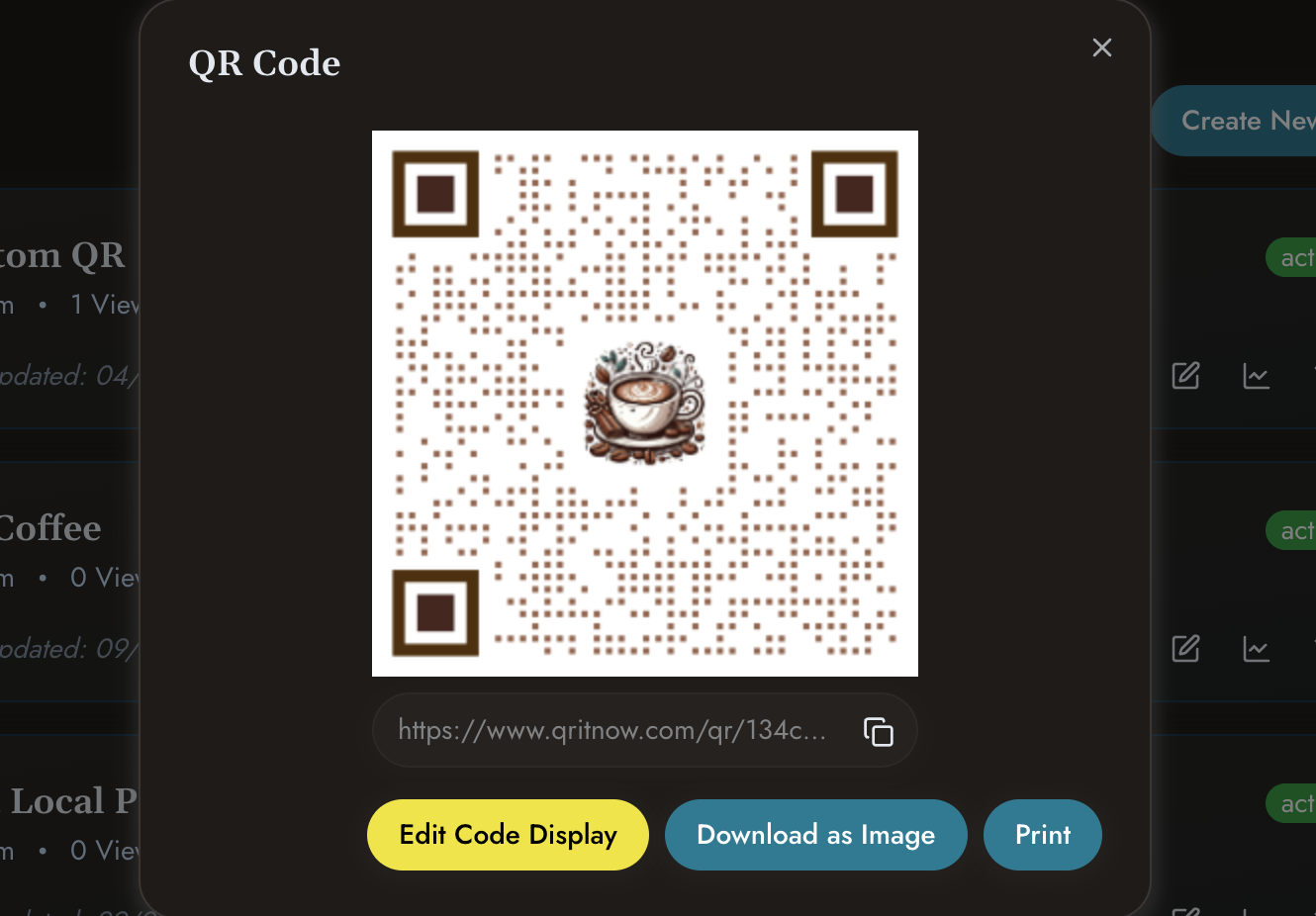 Download and publish
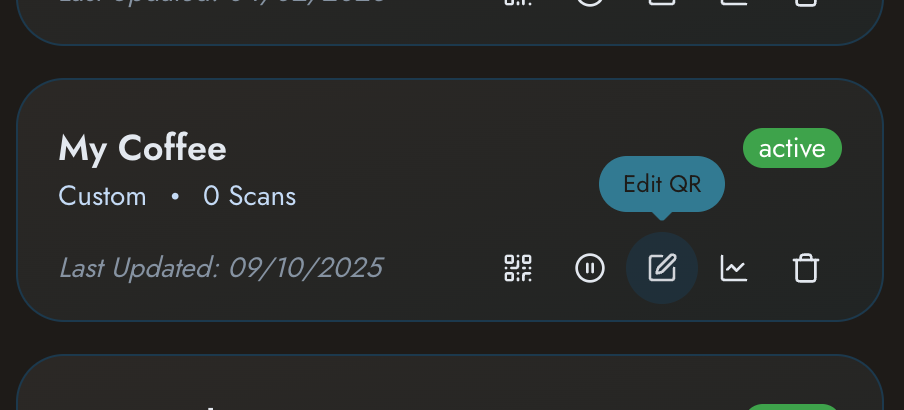 Update the destination whenever required
Other templates
Need other solutions?
Check out our other templates
- Need broader solutions? See Business QR Codes.
- Sharing professional details? View QR Business Cards.
- Creating richer experiences? Explore Custom QR Pages.
- Promoting products? View Product QR Codes.
Connect customers directly to your content with a smarter QR experience.
Create Page Link QR codes that make information easy to access and easier to manage.