
Digital Portfolios & Professional Profiles
Showcase your work, skills and achievements with a professional digital portfolio that can be shared instantly through a QR code. Traditional résumés and printed portfolios can be difficult to keep updated and often limit how much information you can present. Portfolio QR codes provide a modern way to display your work, projects and experience in a rich digital format that customers, employers and clients can access from any smartphone. With QRitNow, you can create dynamic portfolio QR codes that connect people directly to your work, helping you create stronger first impressions and making it easier for opportunities to find you. Whether you're a designer, consultant, photographer, developer, artist, student or business professional, a portfolio QR code helps you showcase what you do in a more engaging way.
Create your digital portfolio QR code today.Create Portfolio QR Codes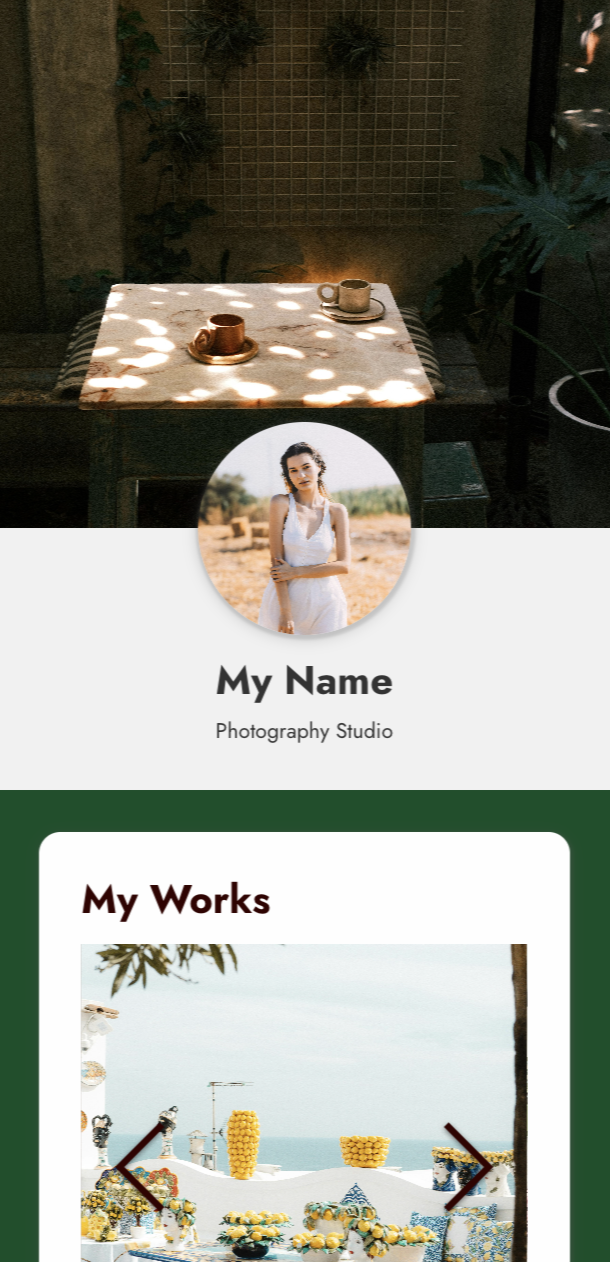
Share your work instantly
Instead of emailing files or directing people to multiple websites, everything can be accessed in one place. A portfolio QR code can provide immediate access to:
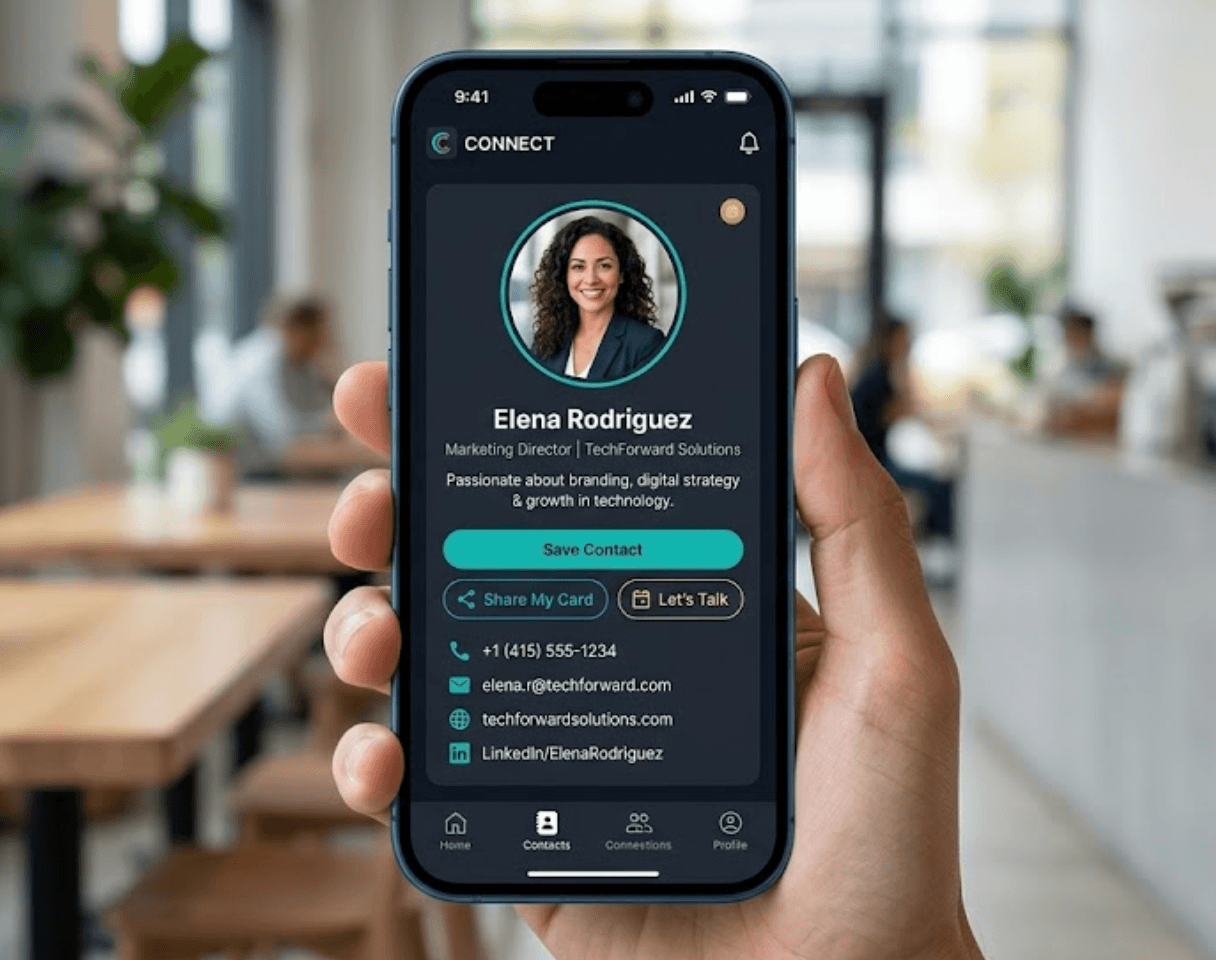
Personal profile information

Professional biography
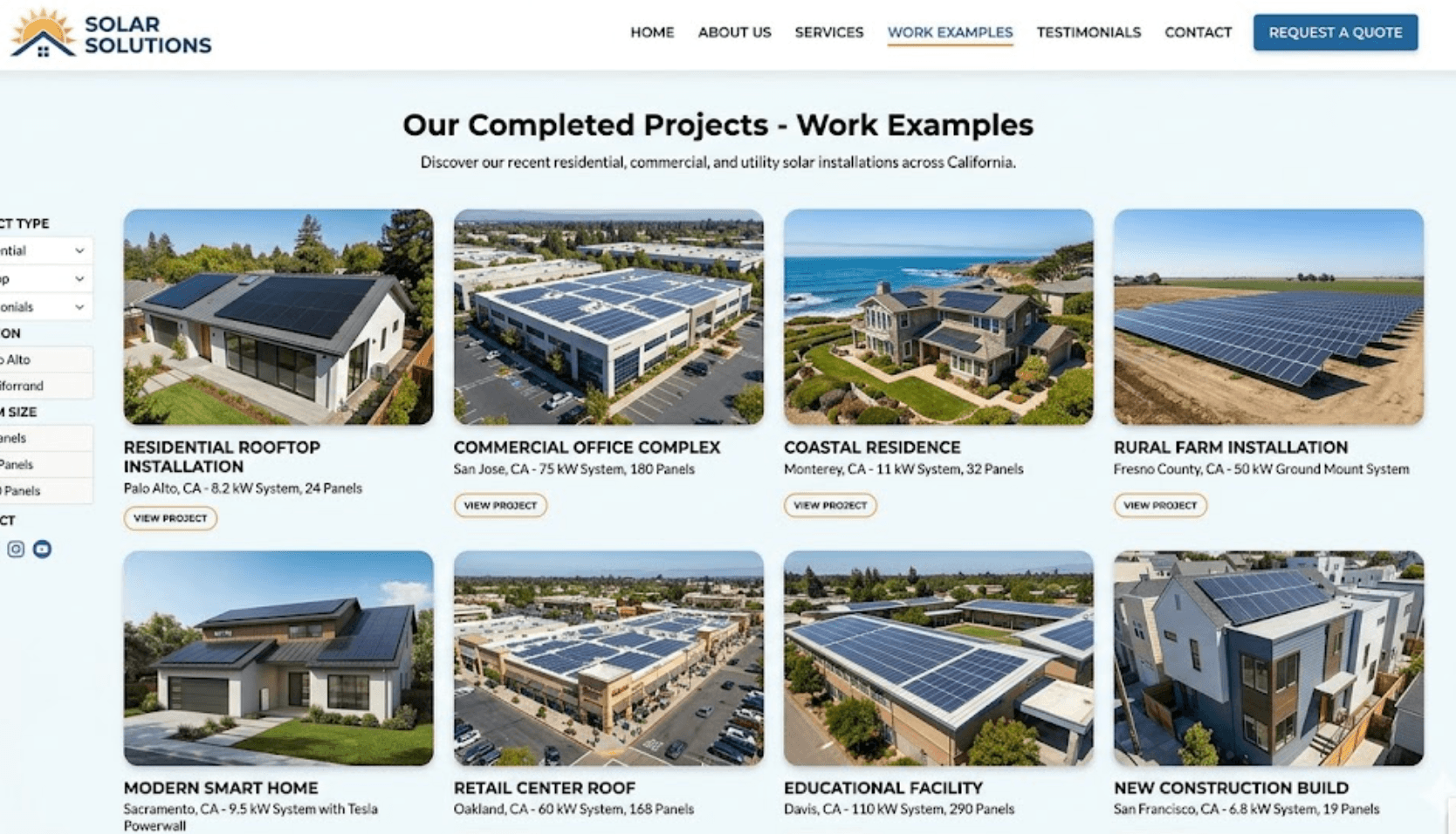
Work examples
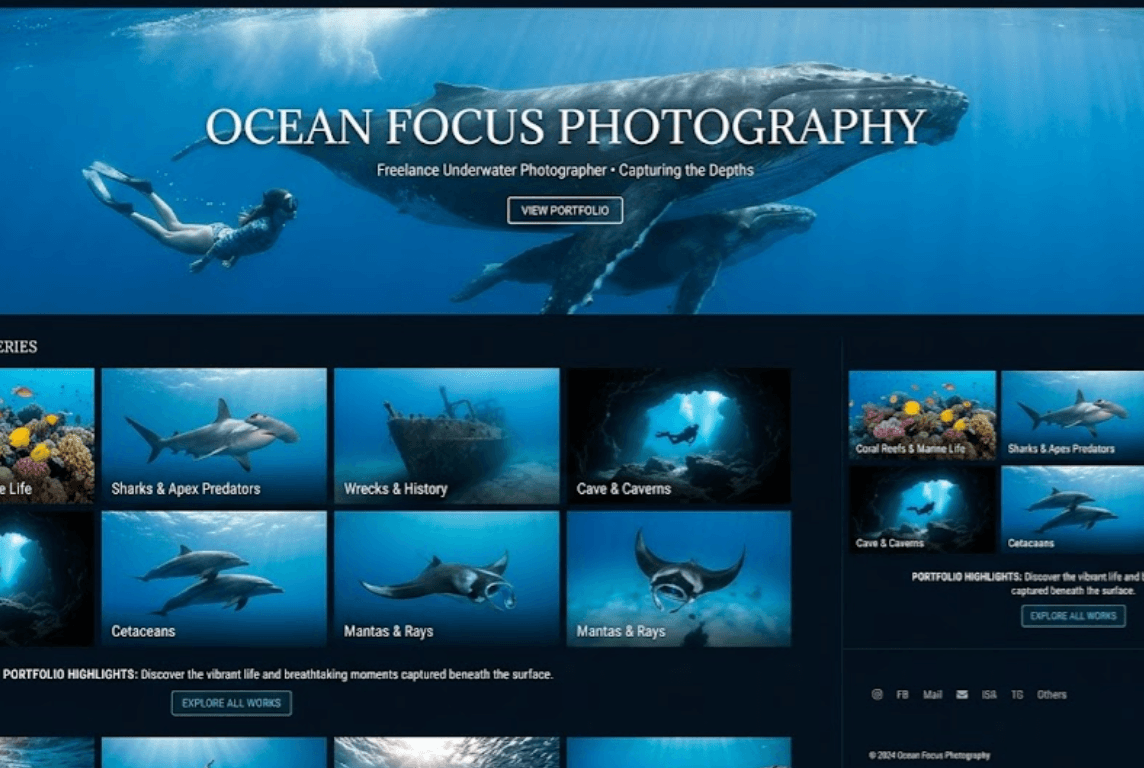
Project galleries
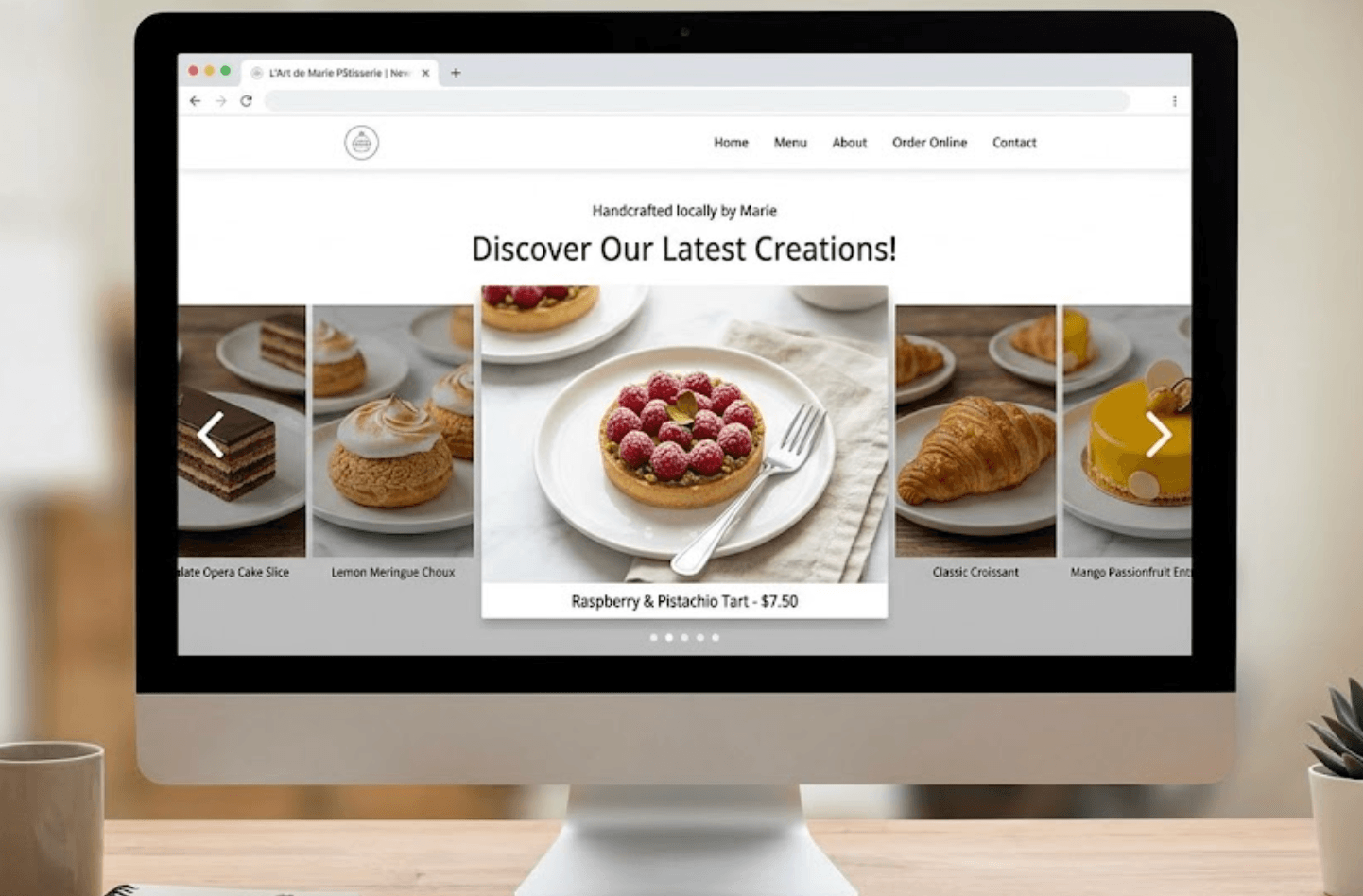
Images and videos

Résumés

Certifications
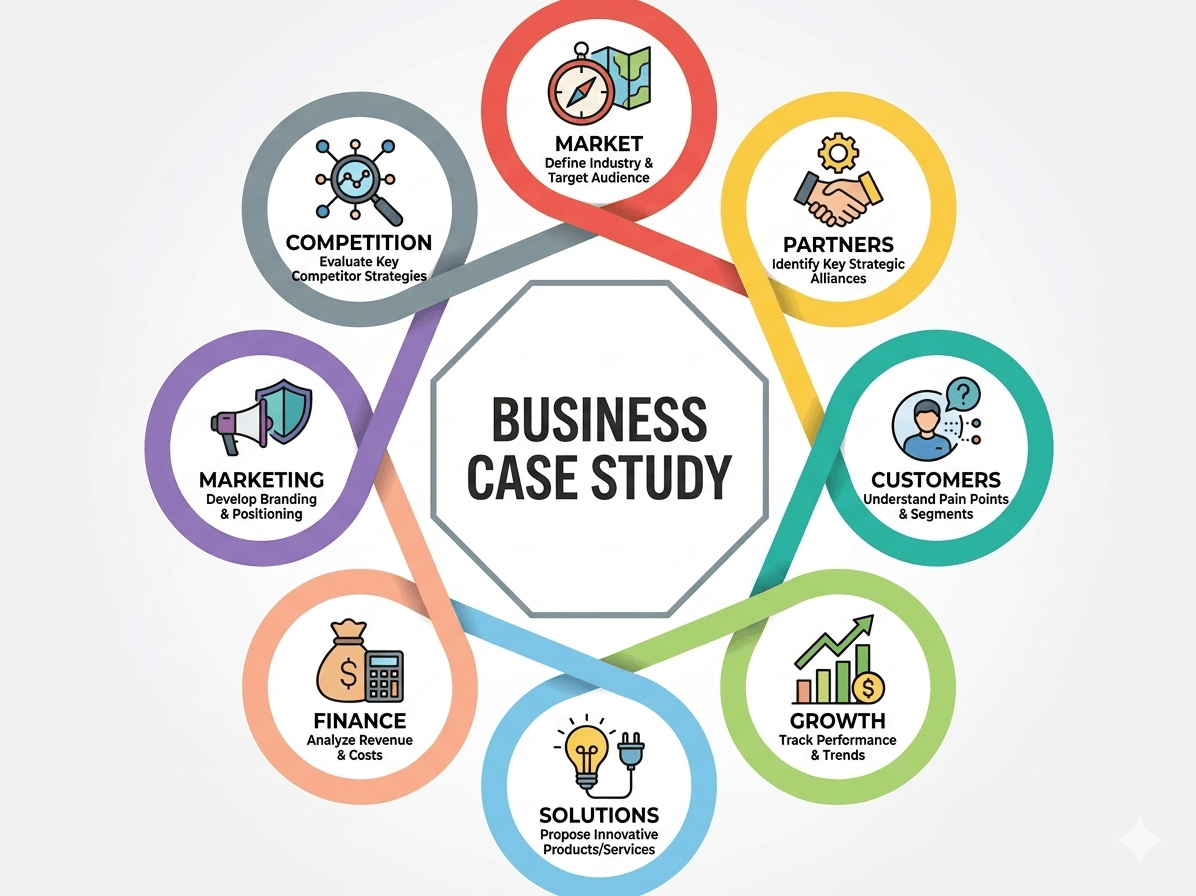
Case studies
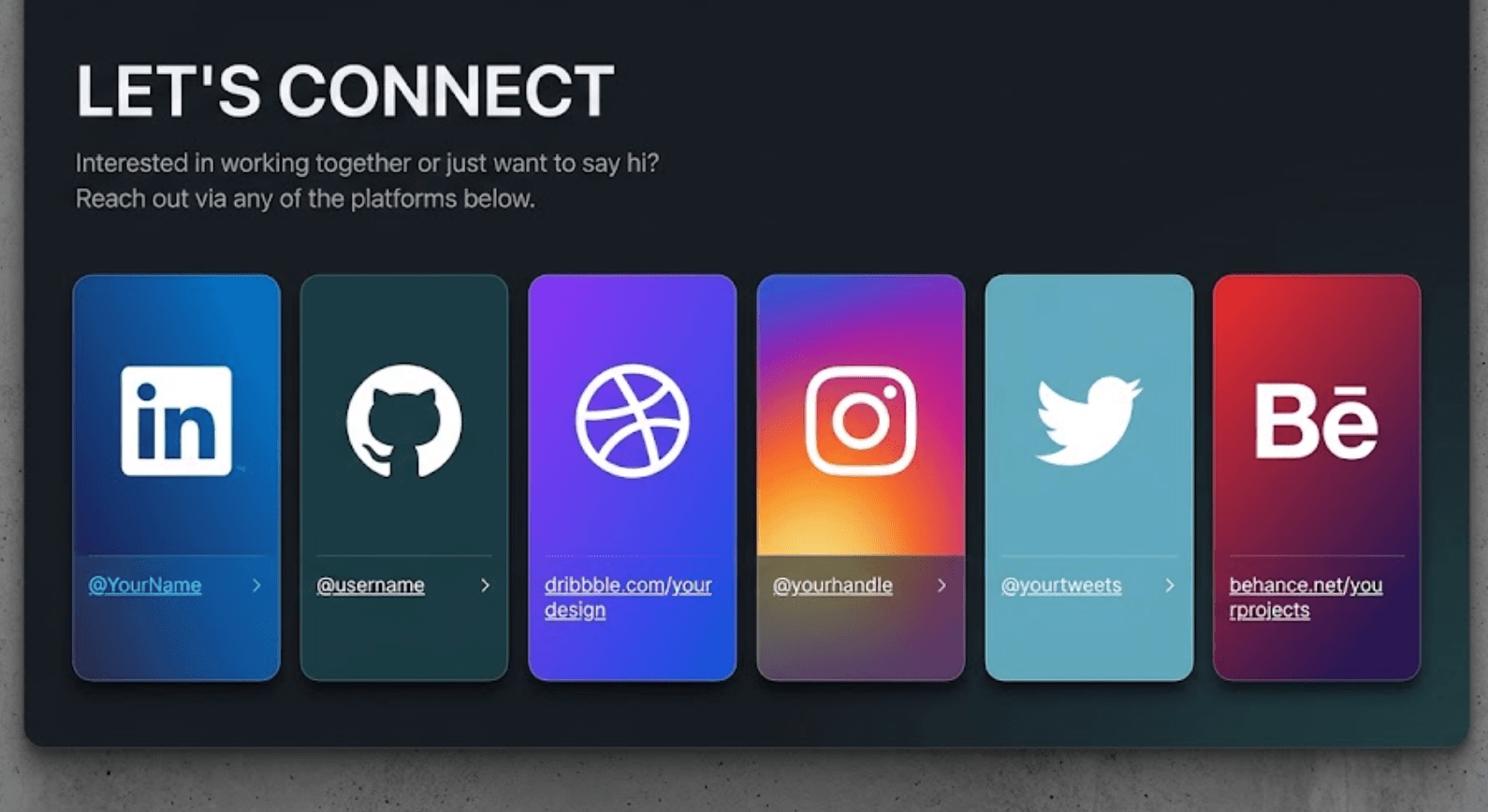
Website links
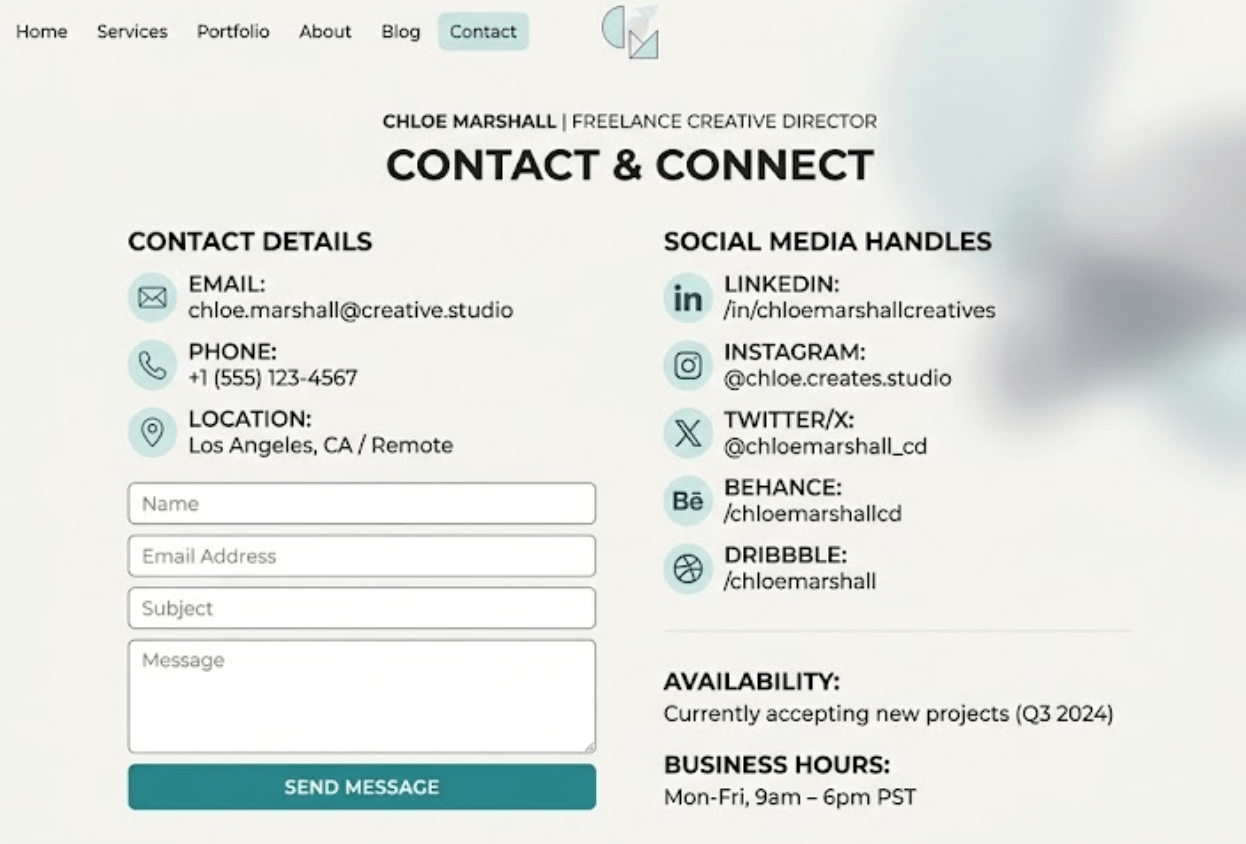
Contact details
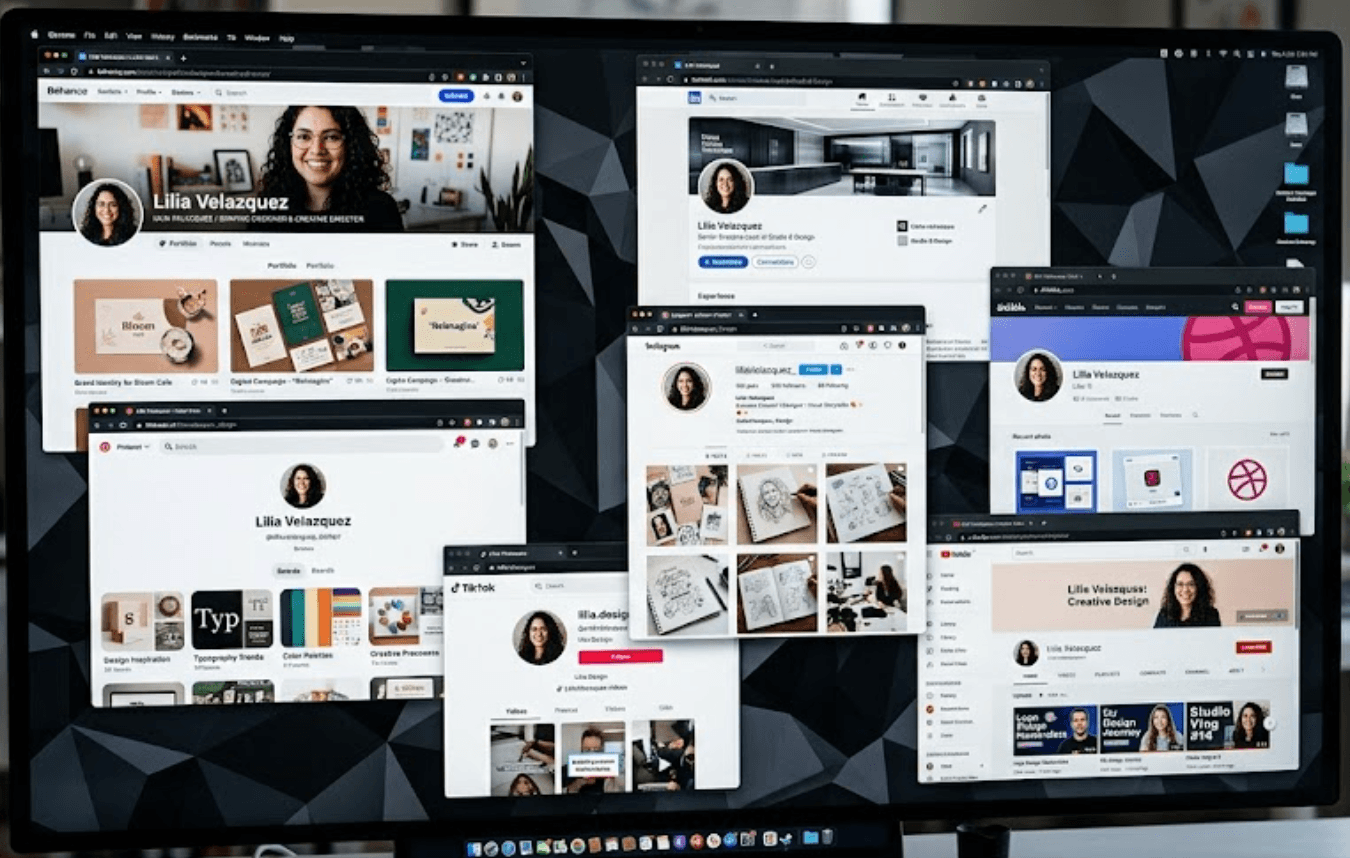
Social media profiles
Downloadable documents
Benefits
Why use a portfolio QR code?
Make stronger first impressions
People often make decisions quickly. Whether meeting potential clients, attending networking events or applying for jobs, a portfolio QR code allows people to immediately see examples of your work and experience. Instead of saying:
you can instantly share your portfolio.

Your work changes over time. Projects are completed, experience grows and information evolves. Dynamic portfolio QR codes allow you to update content whenever required without changing the QR code itself. Update:
- New projects
- Portfolio examples
- Contact details
- Résumés
- Skills
- Certifications
- Social links
without reprinting materials.
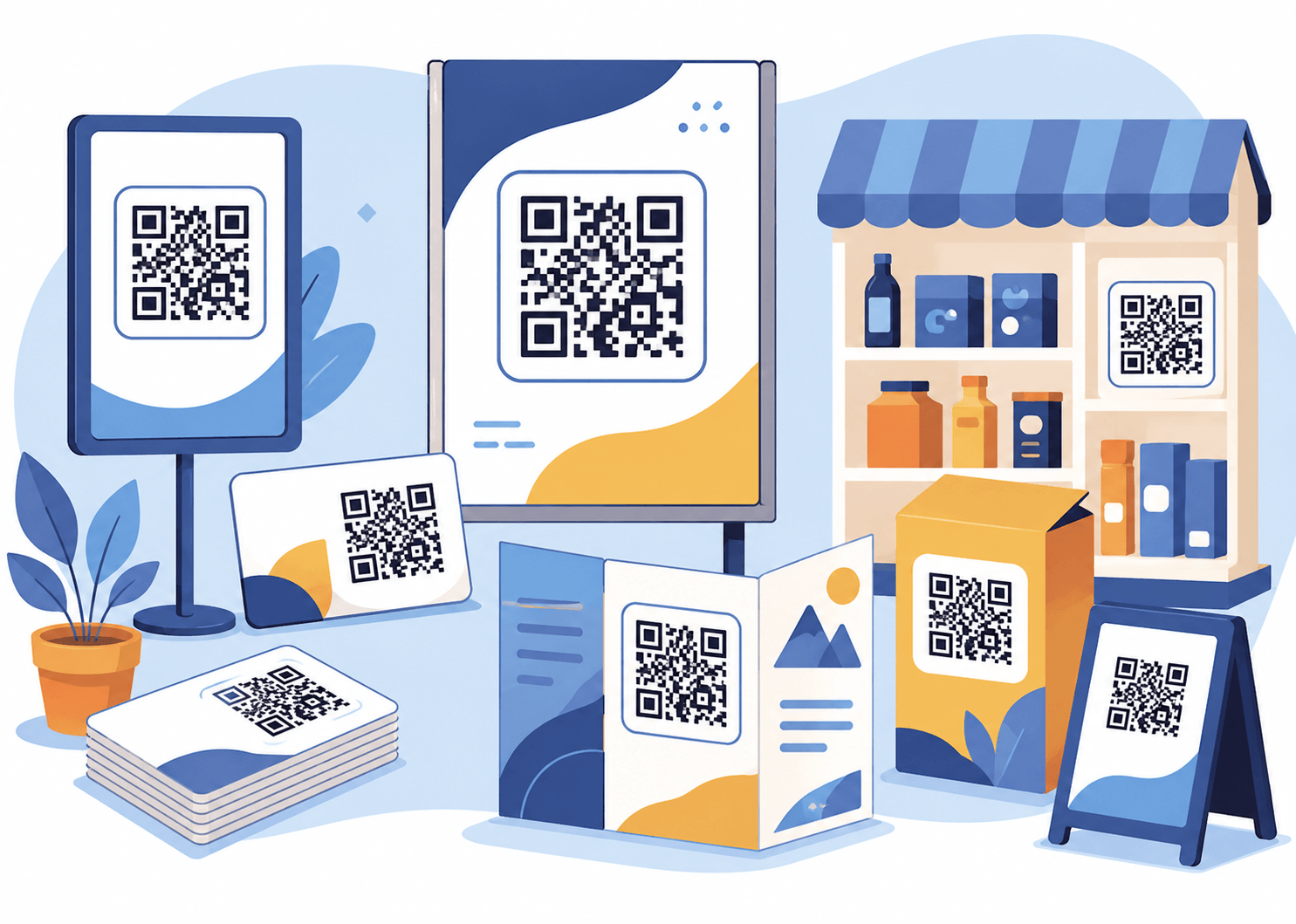
Traditional cards provide limited information. Portfolio QR codes can create a much richer experience by combining:
- Contact information
- Project examples
- Images
- Videos
- Testimonials
- Links
- Downloadable content
Everything your audience needs can be presented in one place.

Understand how people interact with your portfolio. Analytics can provide insights into:
- Scan activity
- Popular content
- Engagement trends
- Campaign performance
This can help you understand which content attracts the most interest.
Use cases
Who uses portfolio QR codes?
Portfolio QR codes are useful across many industries.
Share:
- Design projects
- Visual portfolios
- Client work
- Case studies
Provide access to:
- Photo galleries
- Videos
- Packages
- Booking information
Share:
- Projects
- Applications
- Technical skills
- GitHub repositories
- Experience
Show:
- Qualifications
- Projects
- Assignments
- Achievements
Present:
- Services
- Experience
- Testimonials
- Contact information
Display:
- Artwork
- Videos
- Events
- Social profiles
Example
Digital design portfolio
Imagine a graphic designer attending a business networking event. Instead of carrying printed examples of previous work, they include a QR code on their business card. A customer scans and immediately sees:
- Professional profile
- Portfolio gallery
- Recent projects
- Client testimonials
- Website links
- Contact details
- Social media profiles
The result is a more engaging and memorable experience.
How it works
Creating your portfolio QR code is simple
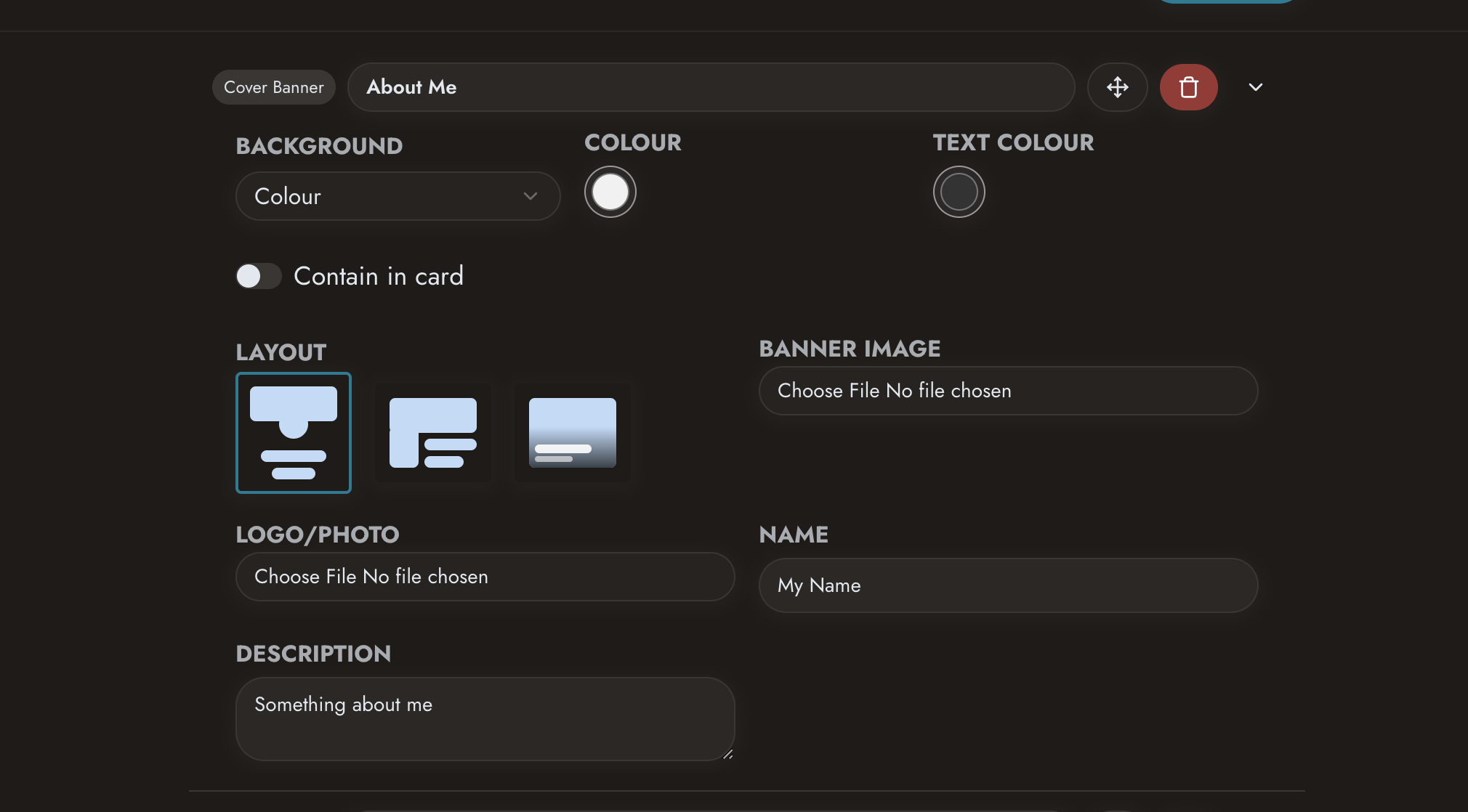 Create your profile
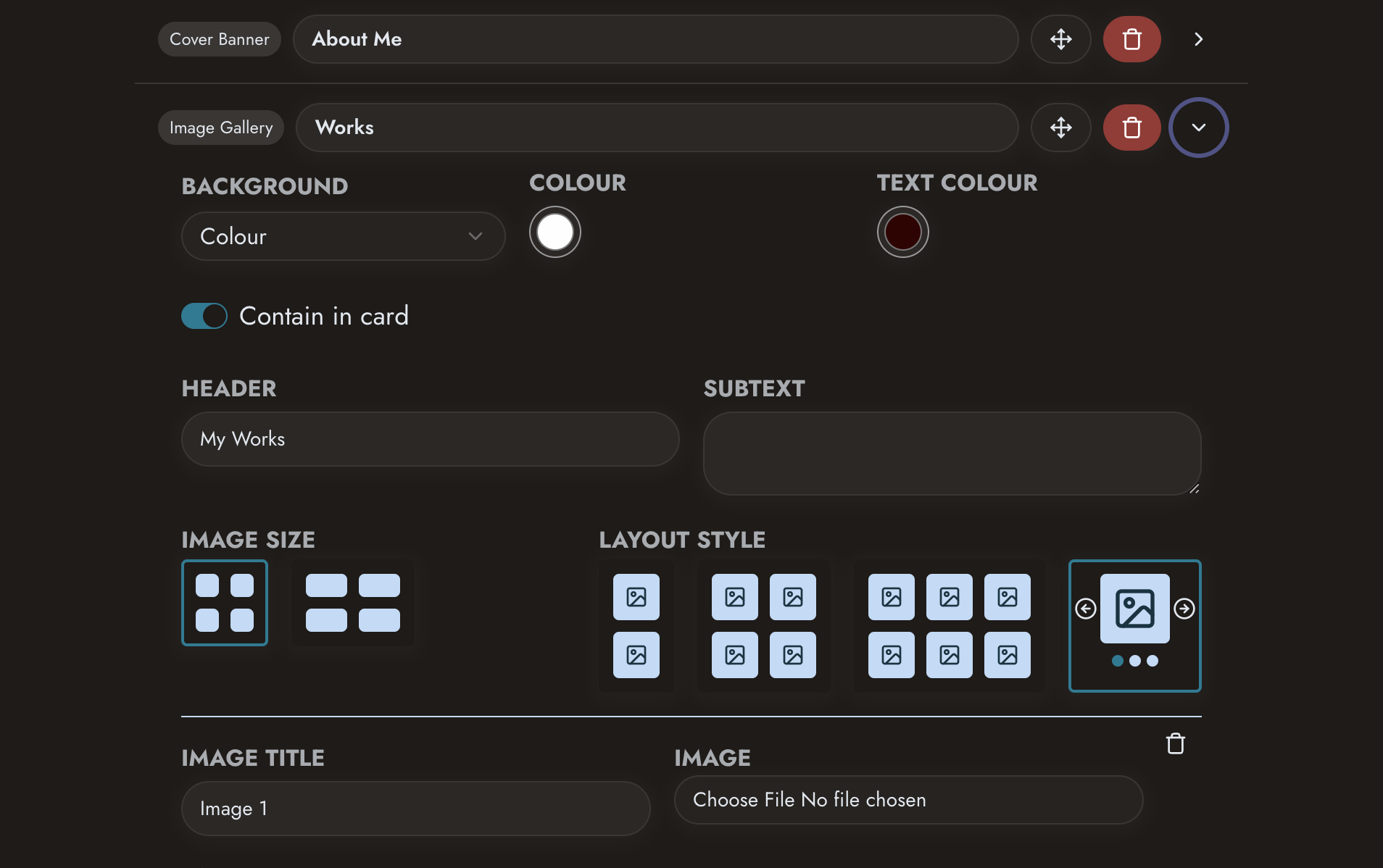 Add projects, images and content
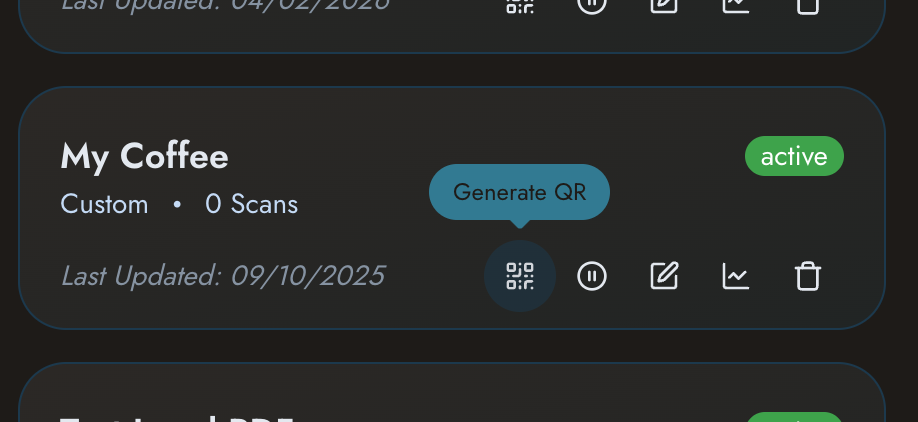 Generate your QR code
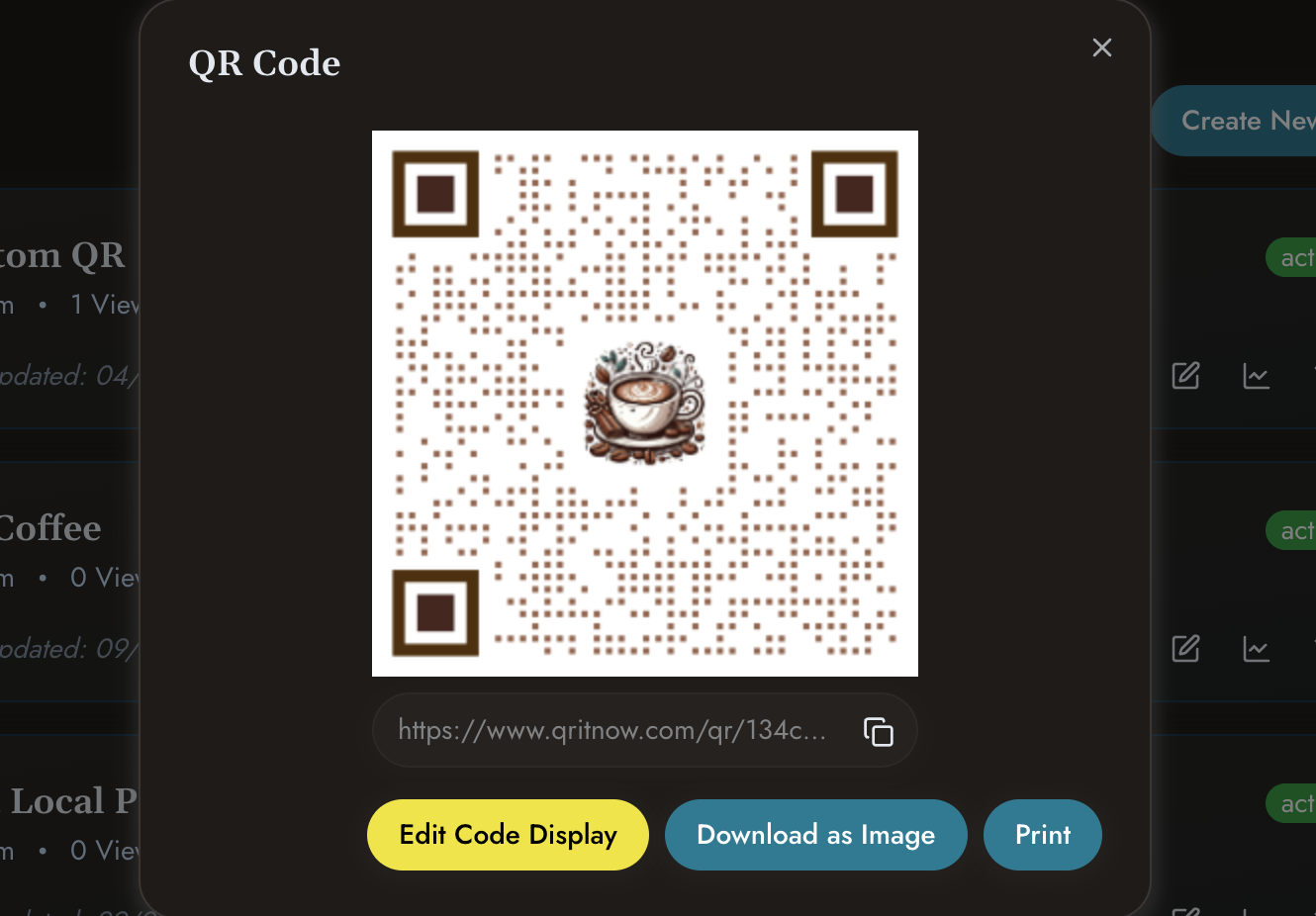 Share digitally or print on business materials
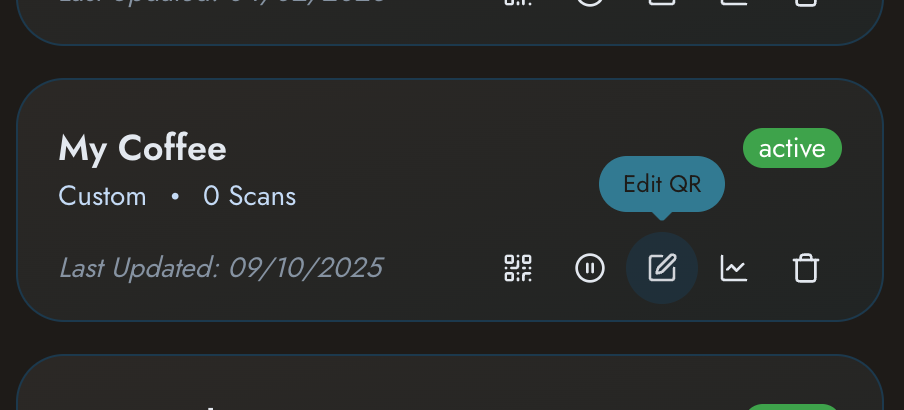 Update content whenever required
Other templates
Need other solutions?
Check out our other templates
- Need professional networking tools? View QR Business Cards.
- Building a business profile? Explore Business QR Codes.
- Showcasing products? See Product QR Codes.
- Creating customised customer experiences? View Custom QR Pages.
Share your work professionally with a smarter digital portfolio.
Give customers, employers and contacts instant access to your projects, experience and achievements.