
Menus, Products & Business Content
Turn a simple QR code into a fully customised digital experience. Instead of directing customers to a basic website or static document, QRitNow allows you to create dedicated landing pages tailored to your business, campaign or customer journey. Whether you're sharing restaurant menus, product information, promotions, event details, business information or customer resources, custom QR landing pages create a better and more engaging experience.
Create a QR experience designed specifically for your customers.Create Custom Page QR
A QR code that does more than redirect
Traditional QR codes often send users to a single webpage or file. Custom QR landing pages allow you to create richer experiences that can include:
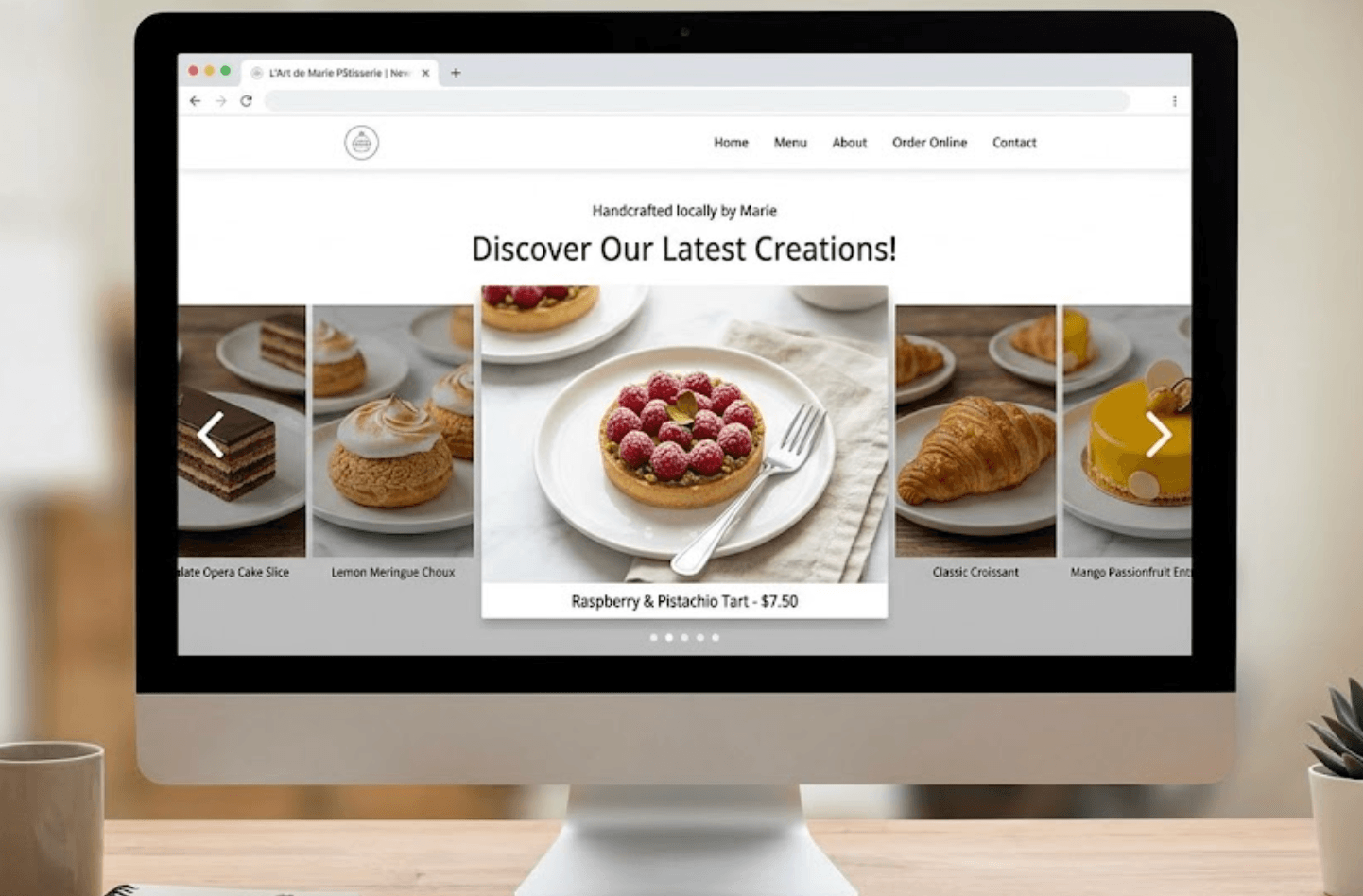
Images
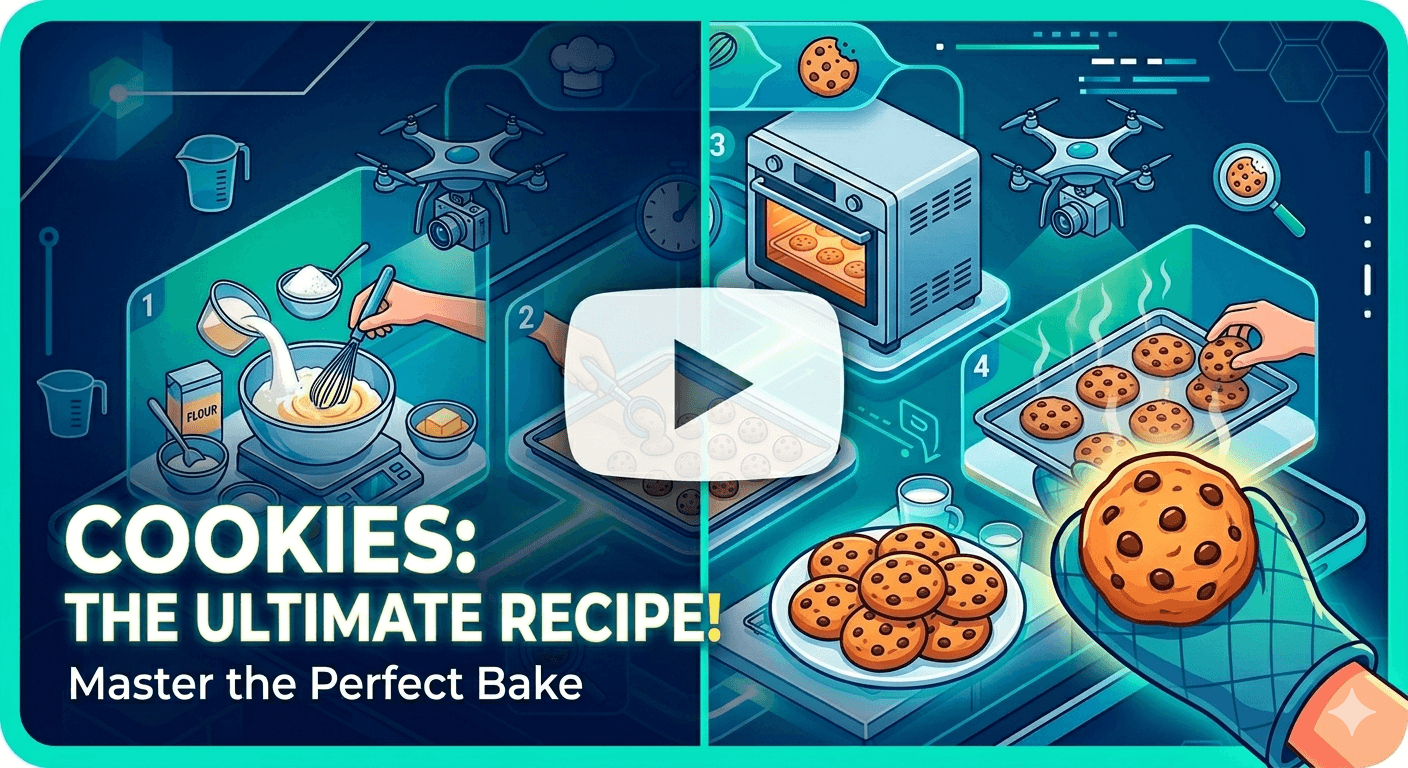
Videos
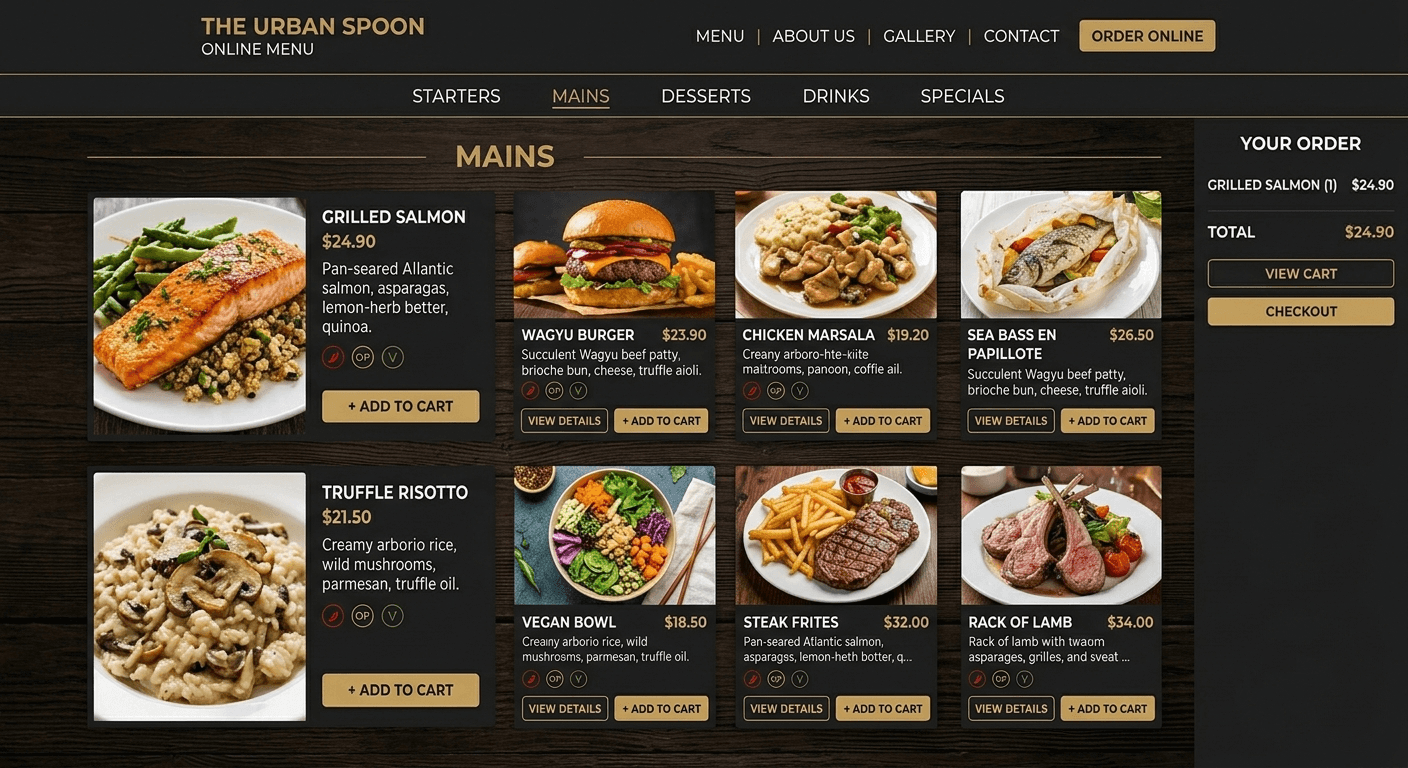
Menus
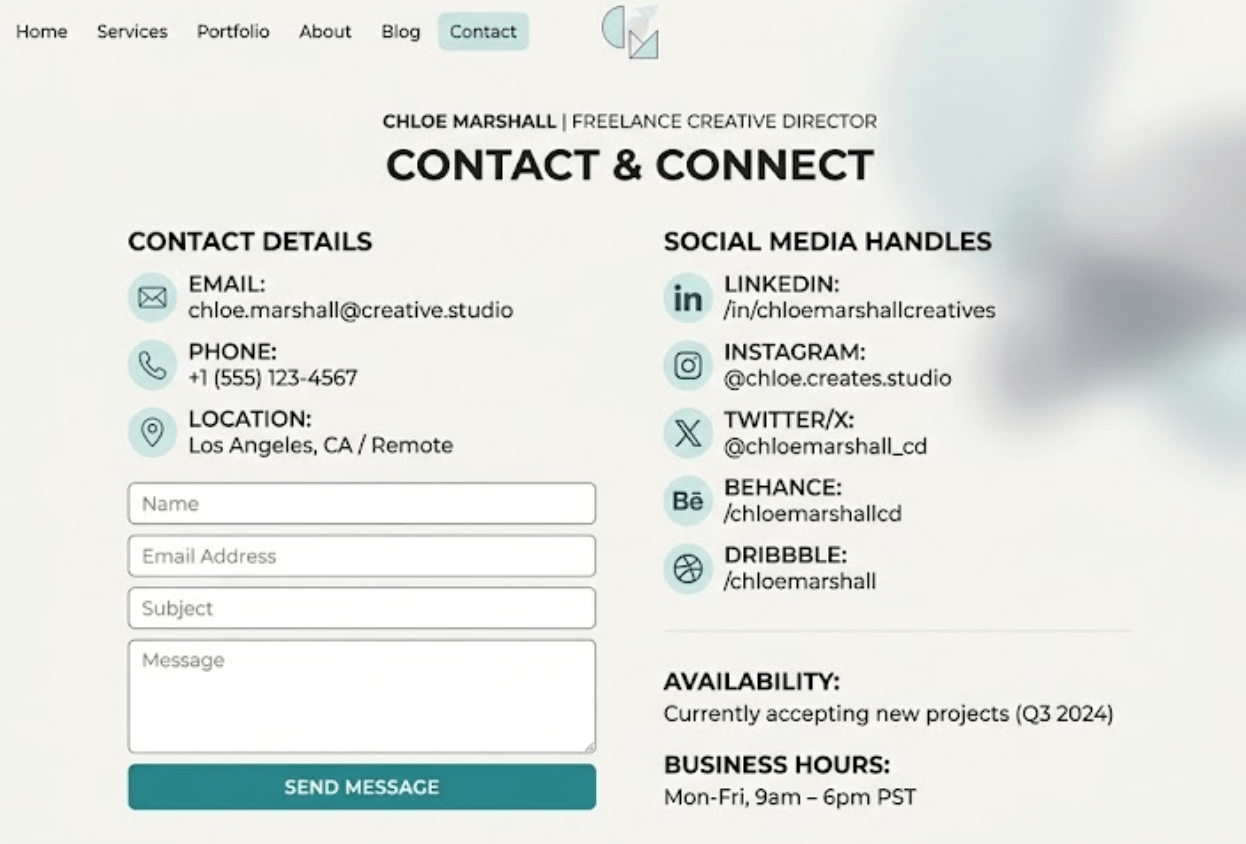
Contact details
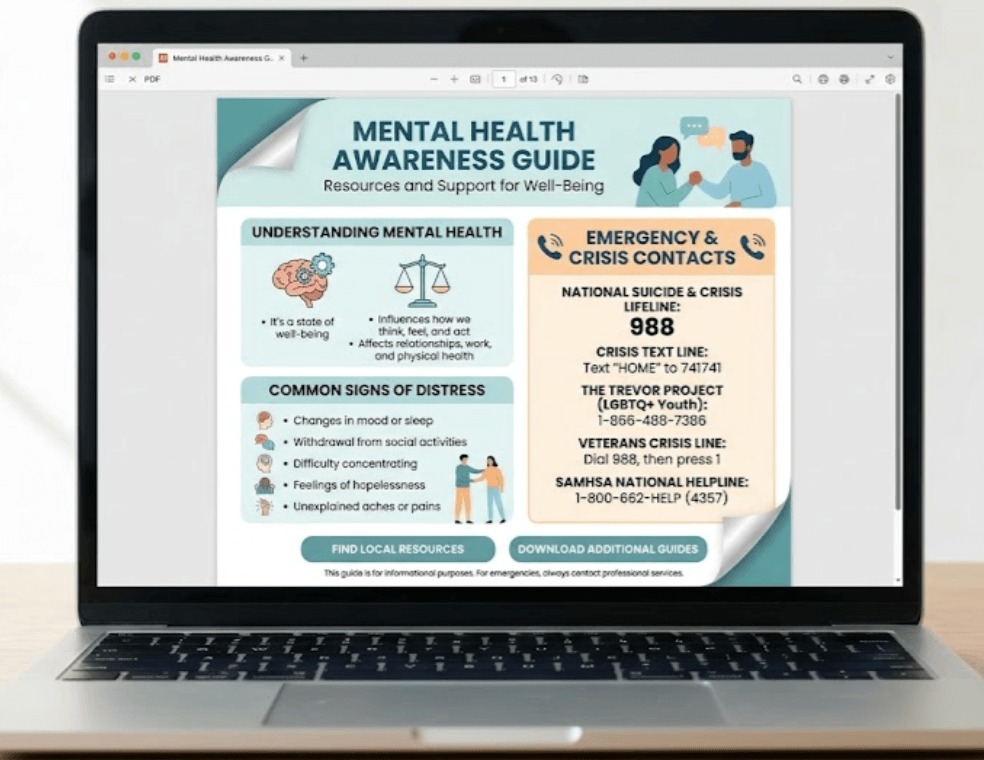
Documents
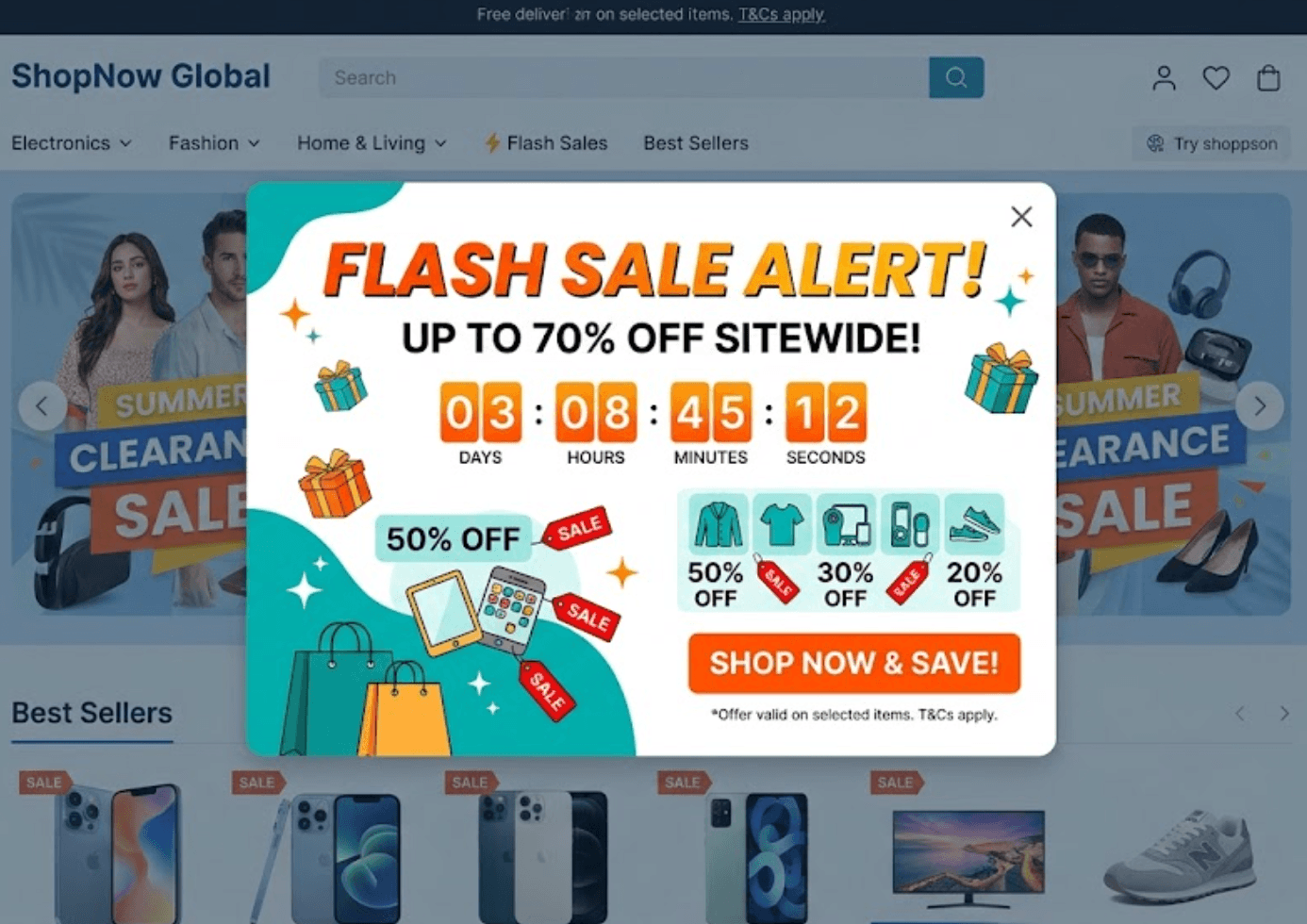
Promotions
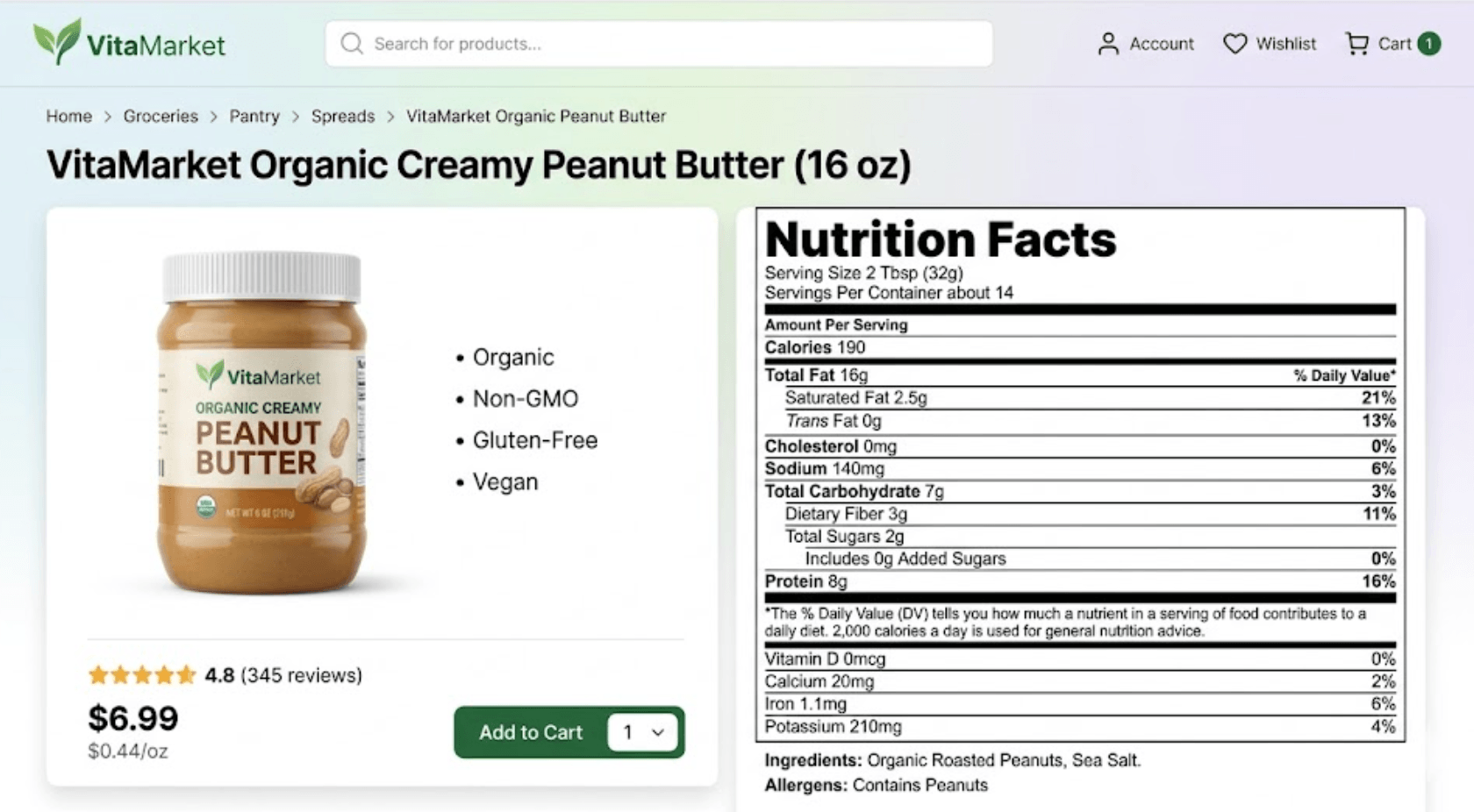
Product information
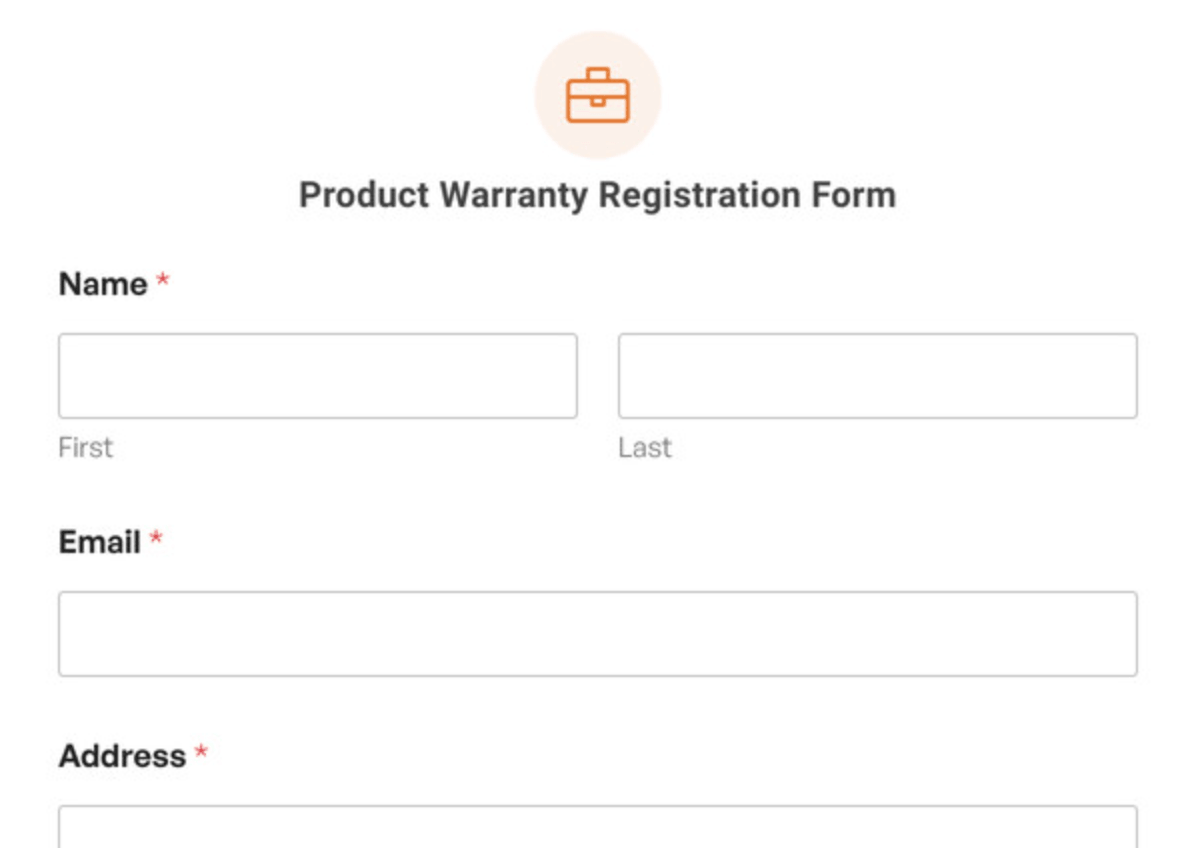
Forms
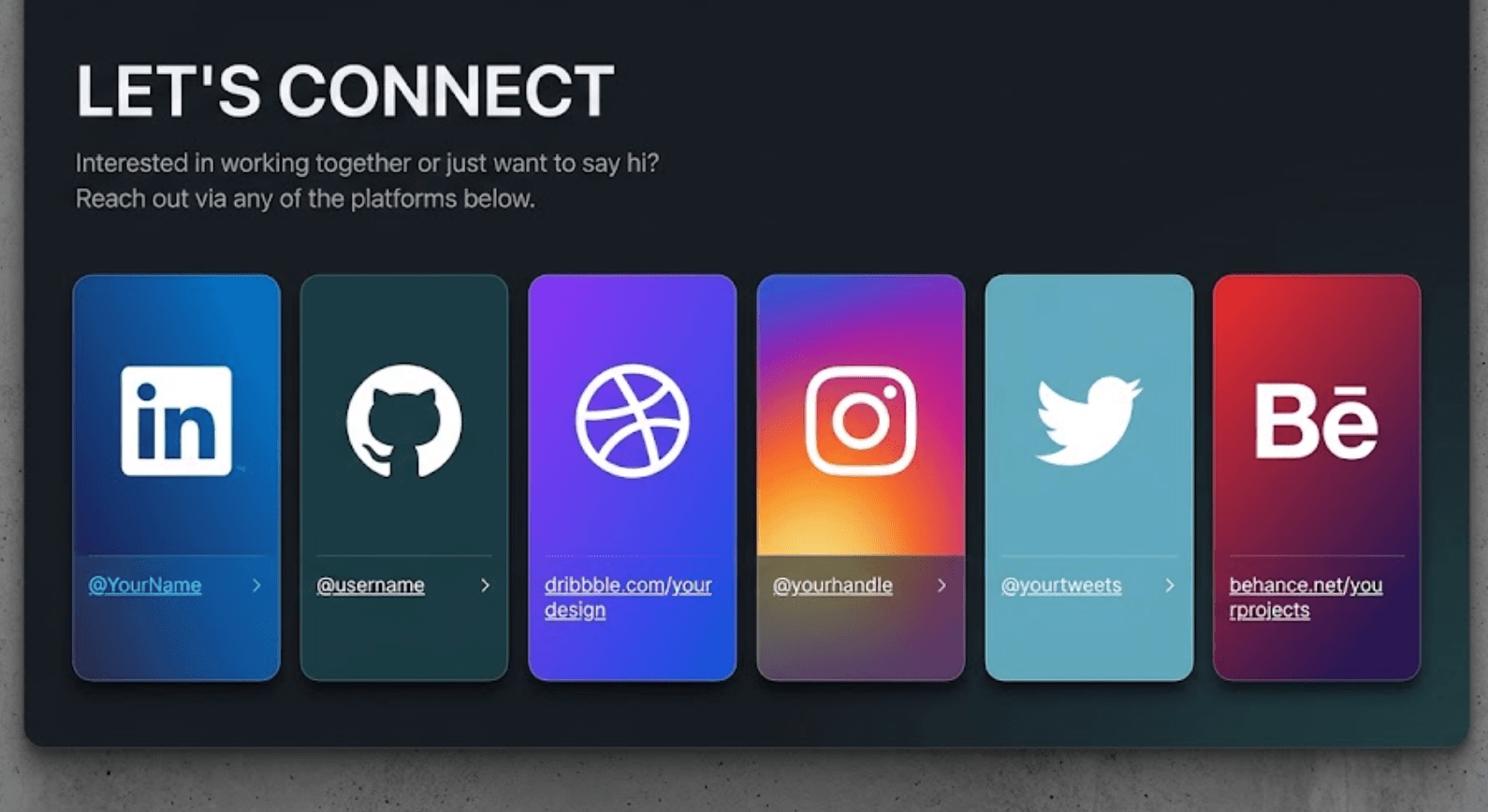
Social media links
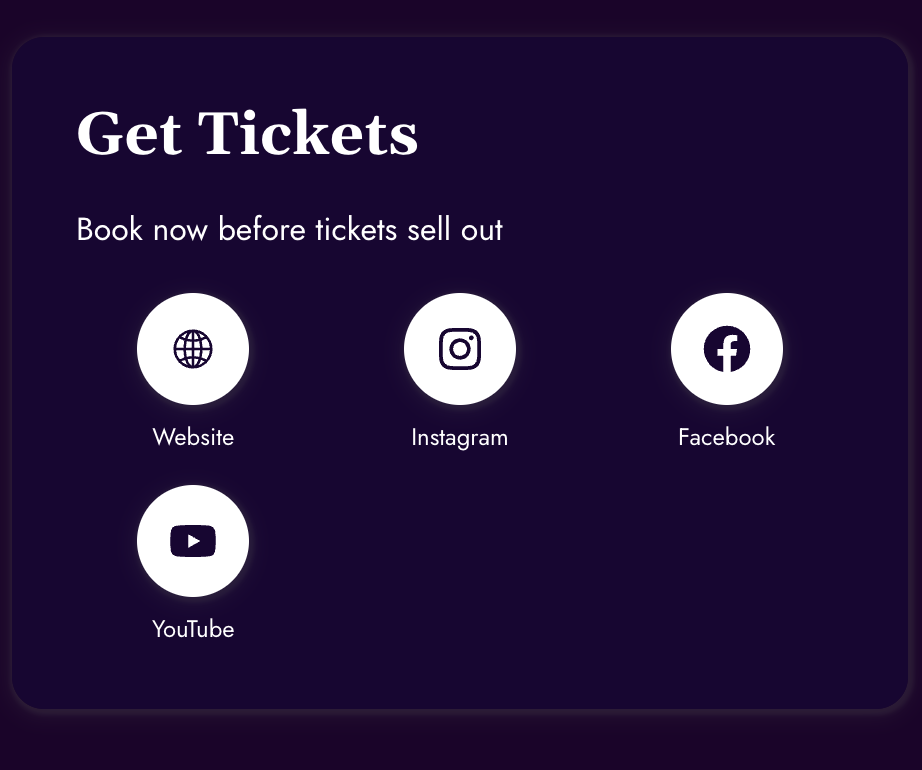
Booking links
Downloadable files
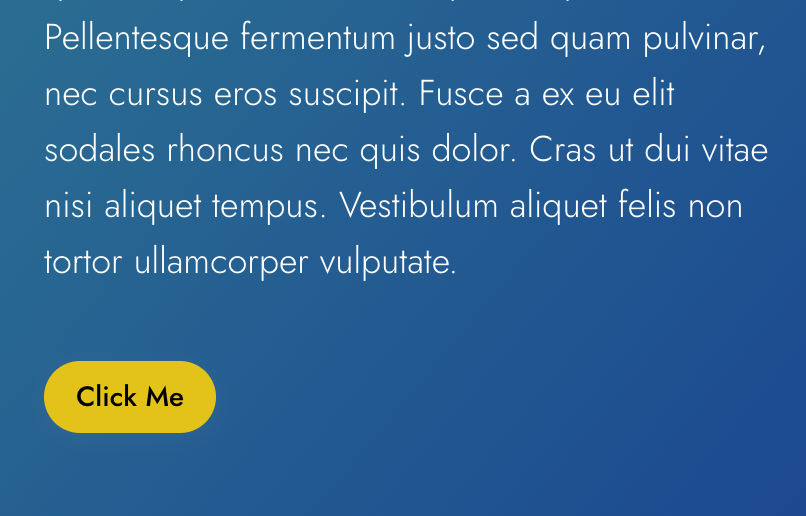
Calls to action
Everything is presented in a clean mobile-friendly format designed specifically for users scanning on their phone.
Benefits
Why use a custom page QR?

People scanning QR codes expect quick access to information. Instead of forcing customers to navigate multiple pages, provide exactly what they need immediately. Reduce clicks and improve engagement.

Information changes constantly. Update pricing, promotions, contact details, documents or content without needing to change the printed QR code. Dynamic QR technology allows updates behind the scenes while keeping the same QR code active.

Understand how customers interact with your QR content. View information such as:
- Scan activity
- Customer engagement
- Popular links
- Time-based trends
- Campaign performance
Gain insight into what customers are using most.
Custom landing pages can reflect your business identity. Include:
- Company logo
- Brand colours
- Images
- Messaging
- Calls to action
Create a consistent experience from the moment a QR code is scanned.
Example
Restaurant digital menu
One popular use case is replacing printed menus with QR-powered digital menus. Customers scan the QR code and instantly access:
- Food menus
- Drink menus
- Daily specials
- Promotions
- Dietary information
- Images
- Ordering links
- Contact information
Restaurants benefit from:
- Reduced printing costs
- Easier menu updates
- Faster rollout of specials
- Cleaner customer experience
- Better flexibility
Instead of reprinting menus whenever prices or items change, updates can be made instantly.
Use cases
Other common uses for custom QR pages
Provide customers with:
- Product specifications
- Instructions
- Warranty details
- Videos
- User guides
Share:
- Property information
- Photo galleries
- Virtual tours
- Agent contact details
- Inspection dates
Provide:
- Event schedules
- Ticket details
- Maps
- Speaker information
- Updates
Allow customers to:
- Submit reviews
- Complete surveys
- Provide ratings
- Contact support
Share:
- Company details
- Contact information
- Service information
- Social links
- Downloads
How it works
Creating a custom QR landing page is simple
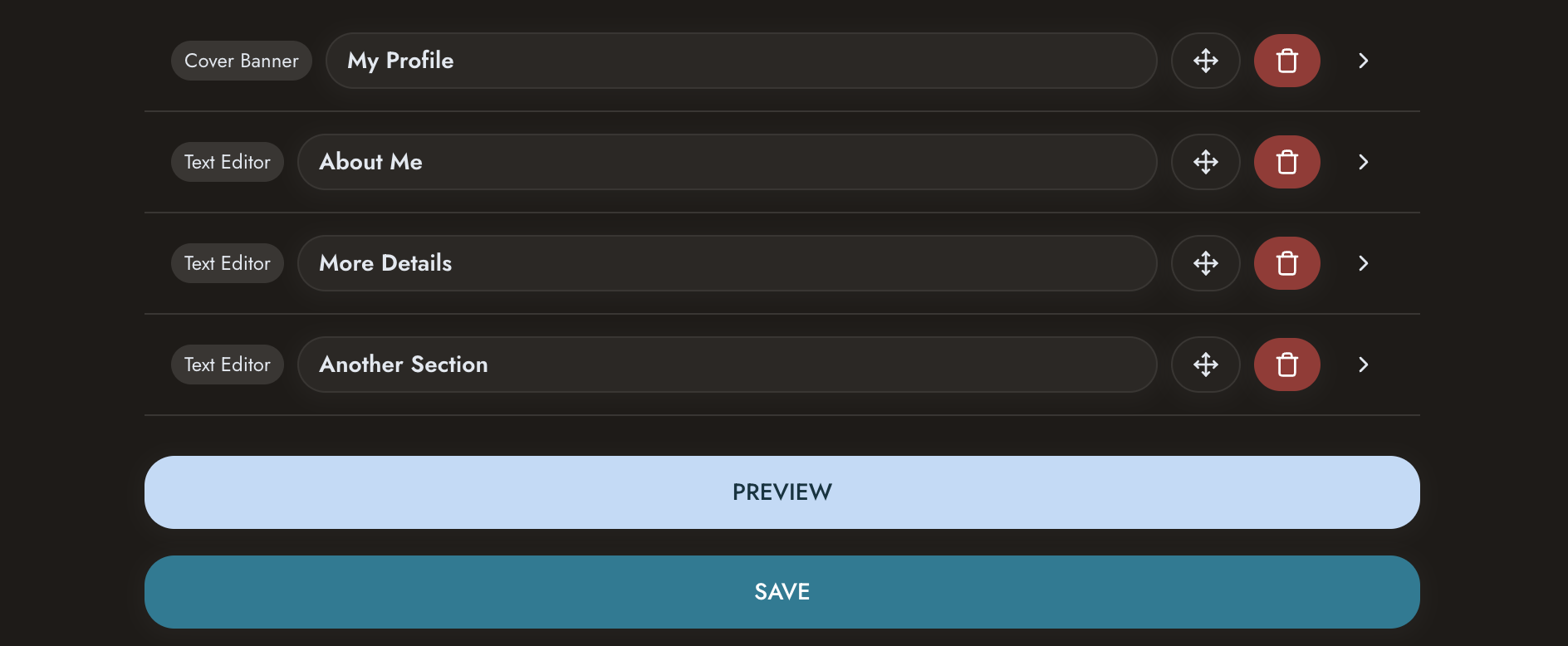 Create your page
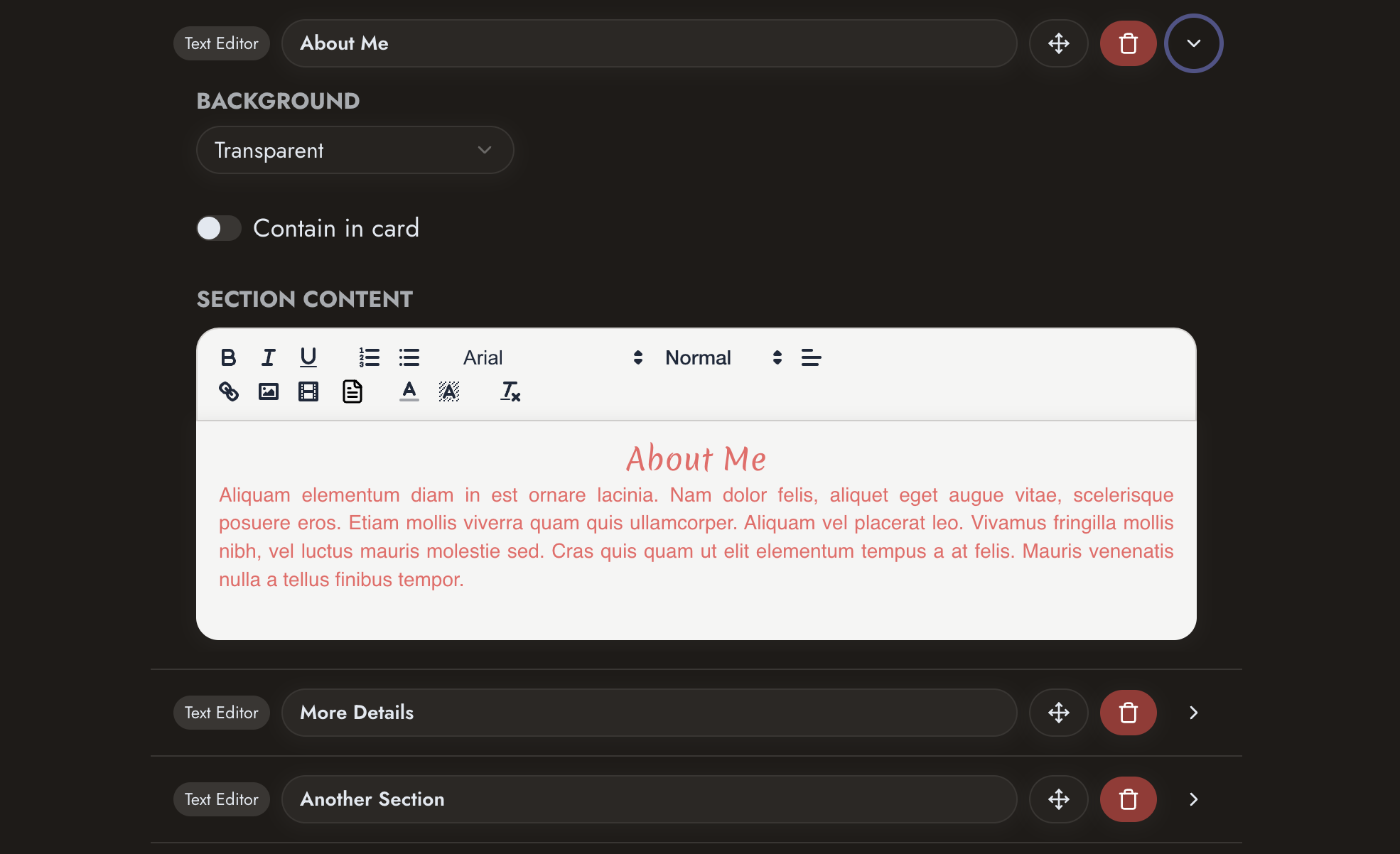 Add content and branding
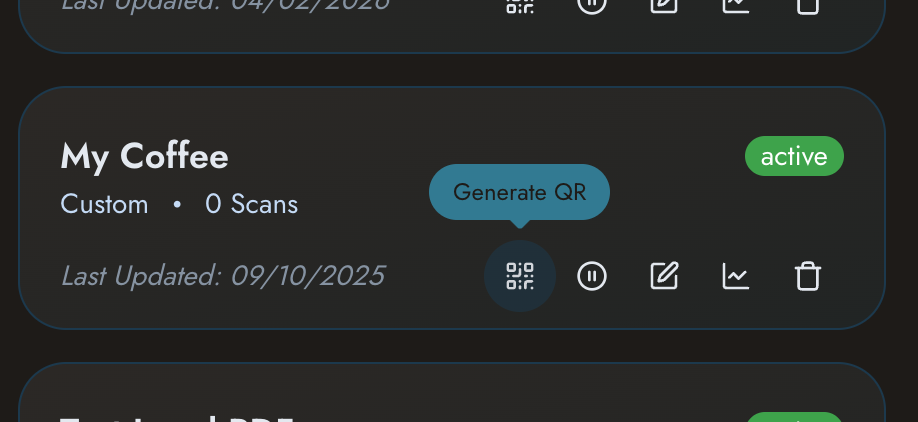 Generate your QR code
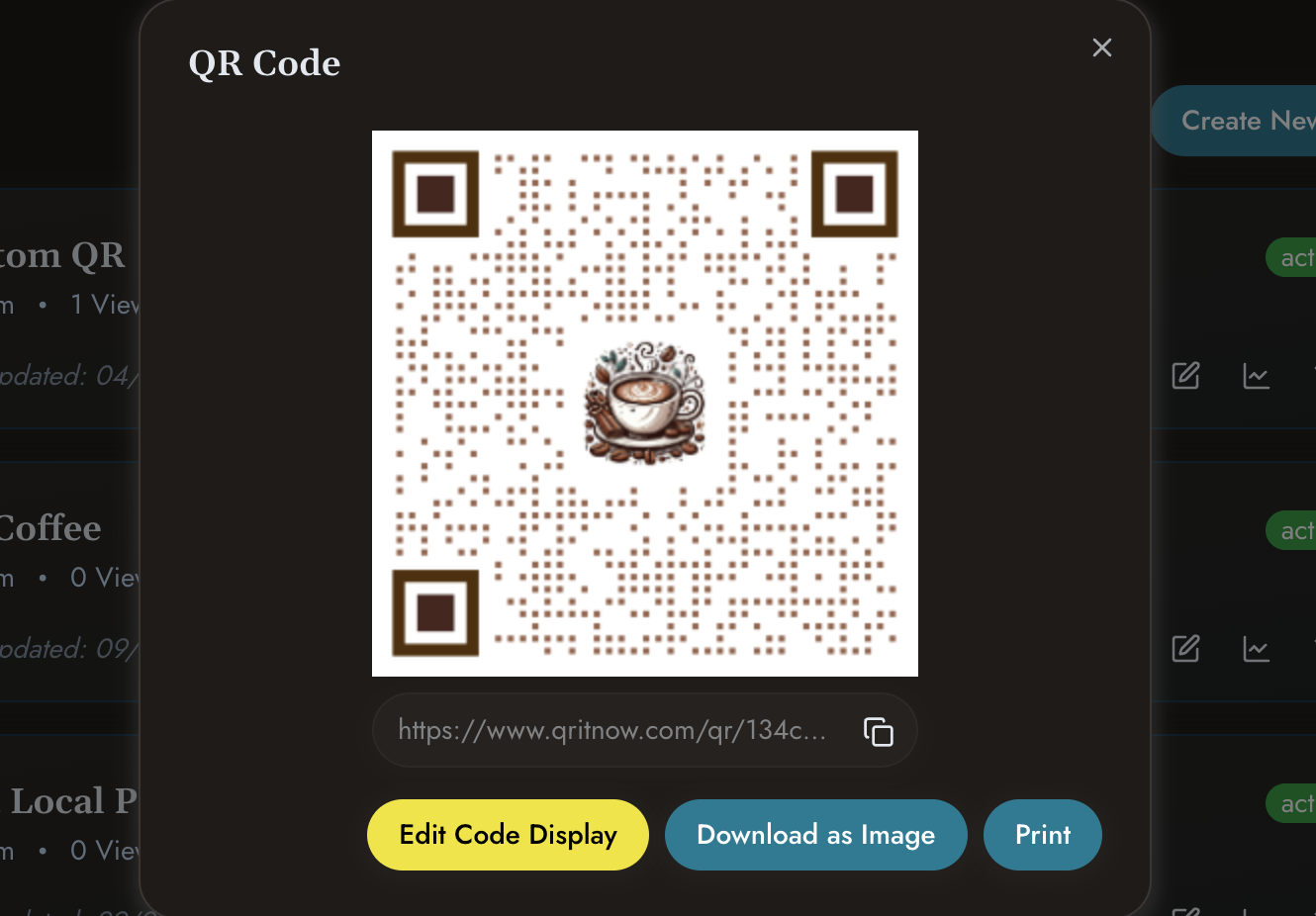 Download and publish
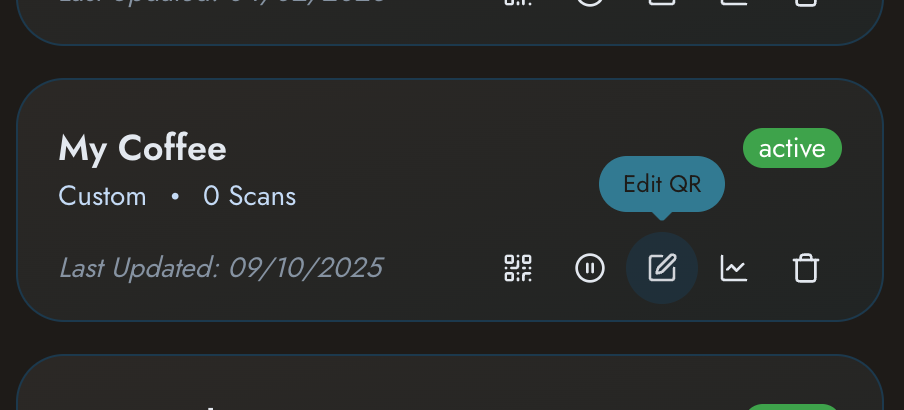 Update content whenever required
Other templates
Need other solutions?
Check out our other templates
- Need broader solutions? See Business QR Codes.
- Sharing professional details? View QR Business Cards.
- Setting up events? See Event Ticket QR.
- Promoting products? View Product QR Codes.
Create smarter QR experiences with custom landing pages.
Provide customers with the information they need, when they need it, through a flexible QR platform designed for modern businesses.